


Customise
1 optionSet your saved money balance.
View customise →Hold a flavour button to pour vanilla, strawberry or chocolate ice cream, then try to match the cone shown on screen. These controls let you top up resources or move on to the next cone.

Game Actions has one-press coin and Skip-It grants plus Finish Current Level. Customise lets you enter your saved money balance and reload the game.
Coins and Skip-Its have separate grant actions. Use Finish Current Level when you want to move to the next cone.
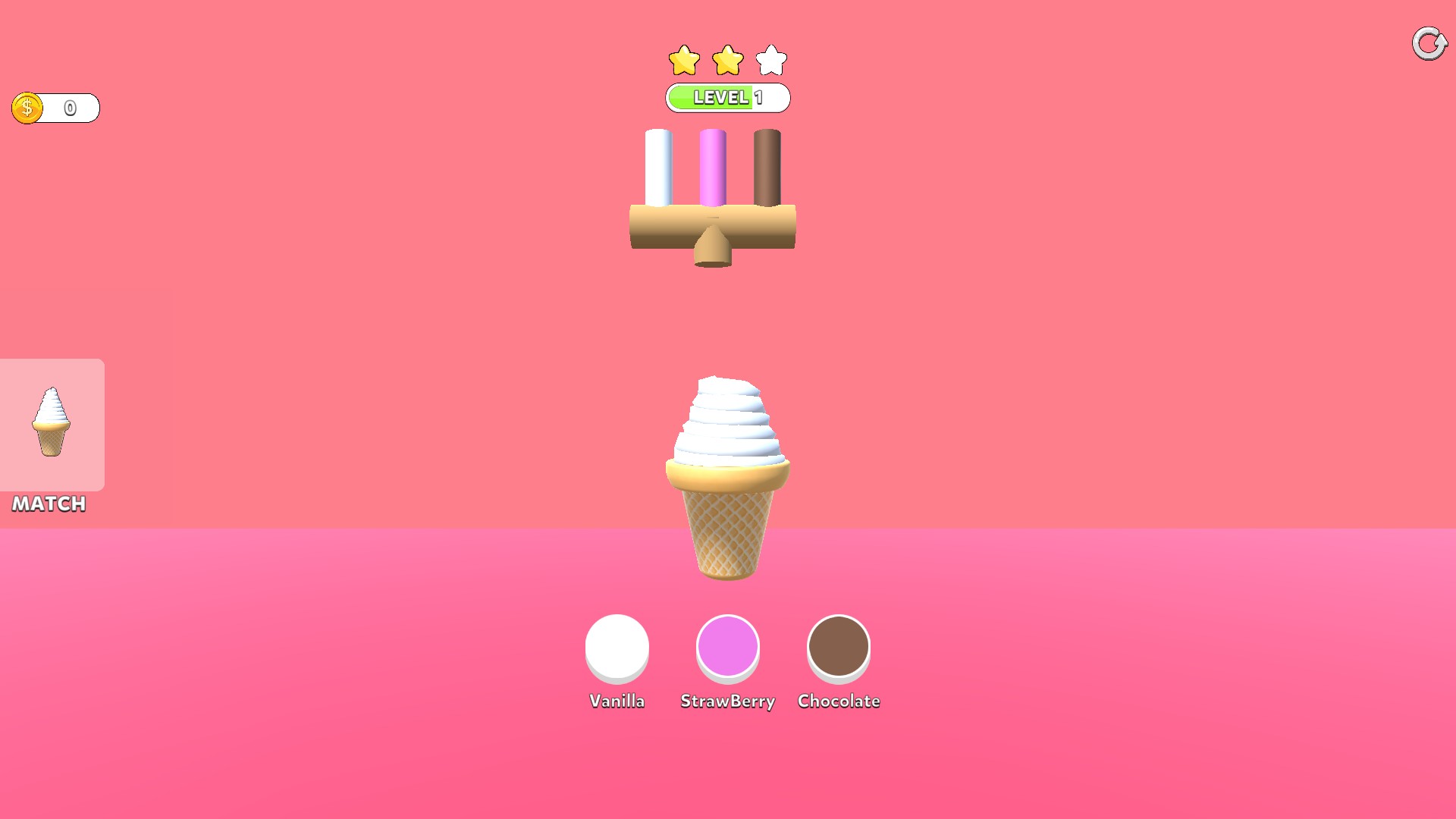
Swirl a vanilla cone
Hold the flavour button to build your ice cream and match the cone on the left.
Set your saved money balance.
View customise →One-press grants and level completion.
View game actions →Download the Windows app and follow the setup prompts.
Set up the browser extension in Chrome or Edge, then open the supported YouTube Playable. Follow the connection guide if the game is already running.
Review the available options in the app and choose the ones that suit how you play.