

Choose your next checkout challenge
Move on to the next level, revisit the previous one or step into your store-building area from the checkout.

Move forward or revisit a challenge
Use Skip level to move on, or Previous level to go back one level. Complete cashier setup if the game prompts you.
Step into your store
The Free store shortcut opens the shop-building area from the checkout. It gives you a quick way to switch to your store.
Available game actions
Open your storeFree
Open your store-building area from the checkout.
Press Open your store while at the checkout.
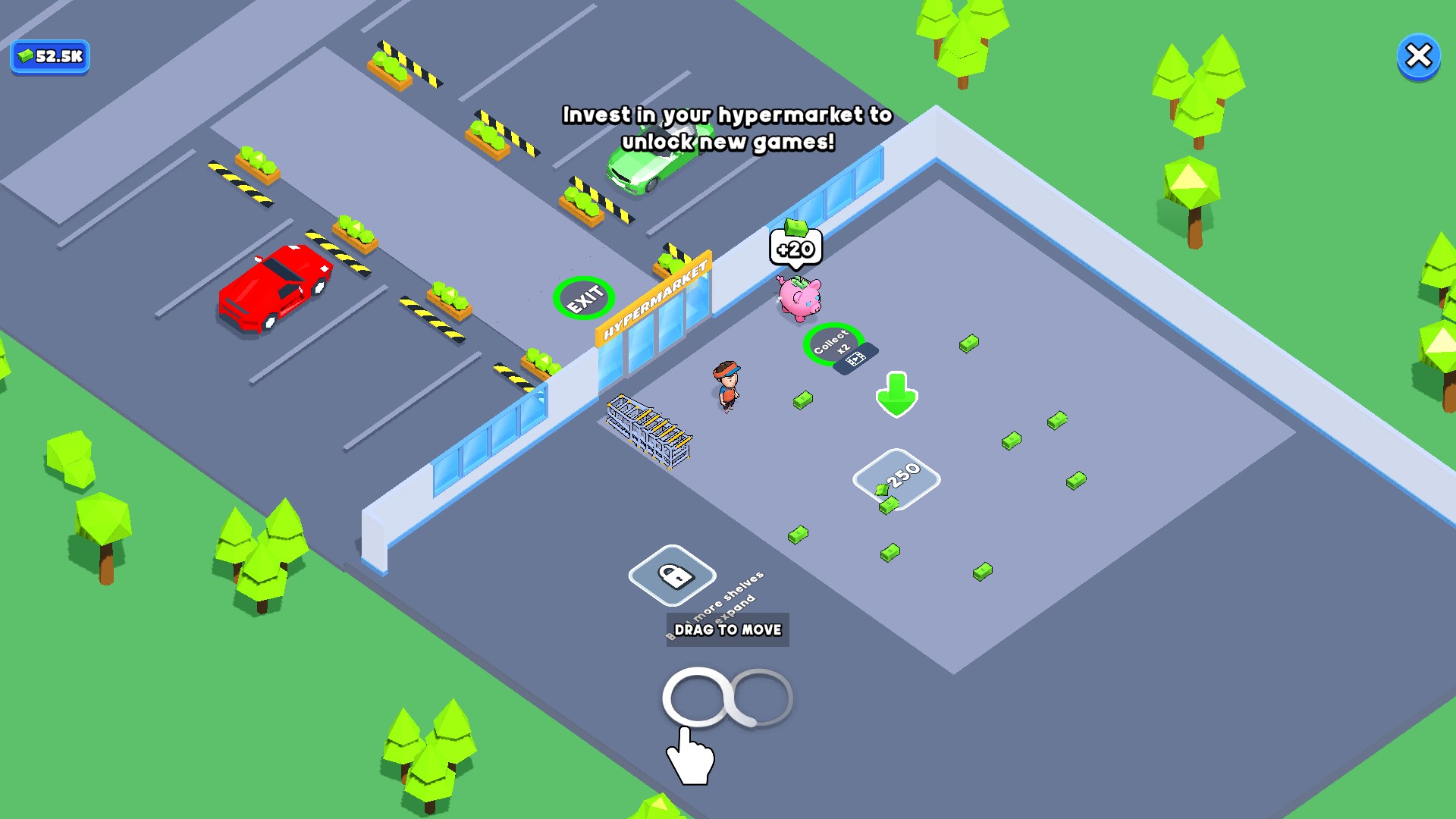
Step into your store
Open the shop-building area straight from the checkout.
Previous levelPremium
Return to the previous level.
Press Previous level to go back one level.
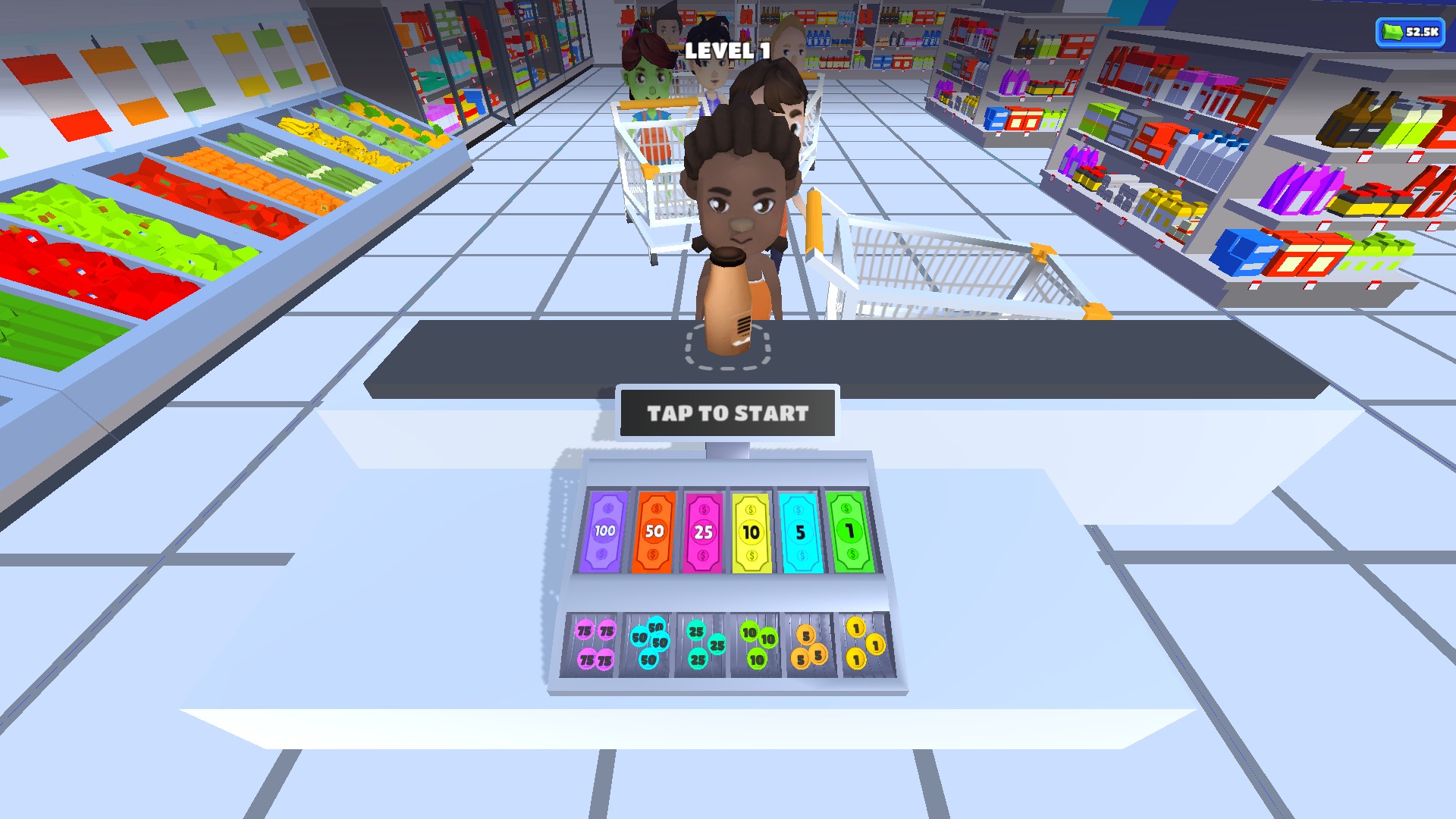
Return to the previous level
Head back to the previous checkout challenge and give it another go.
Skip levelPremium
Move on to the next level.
Press Skip level, then complete cashier setup if prompted.
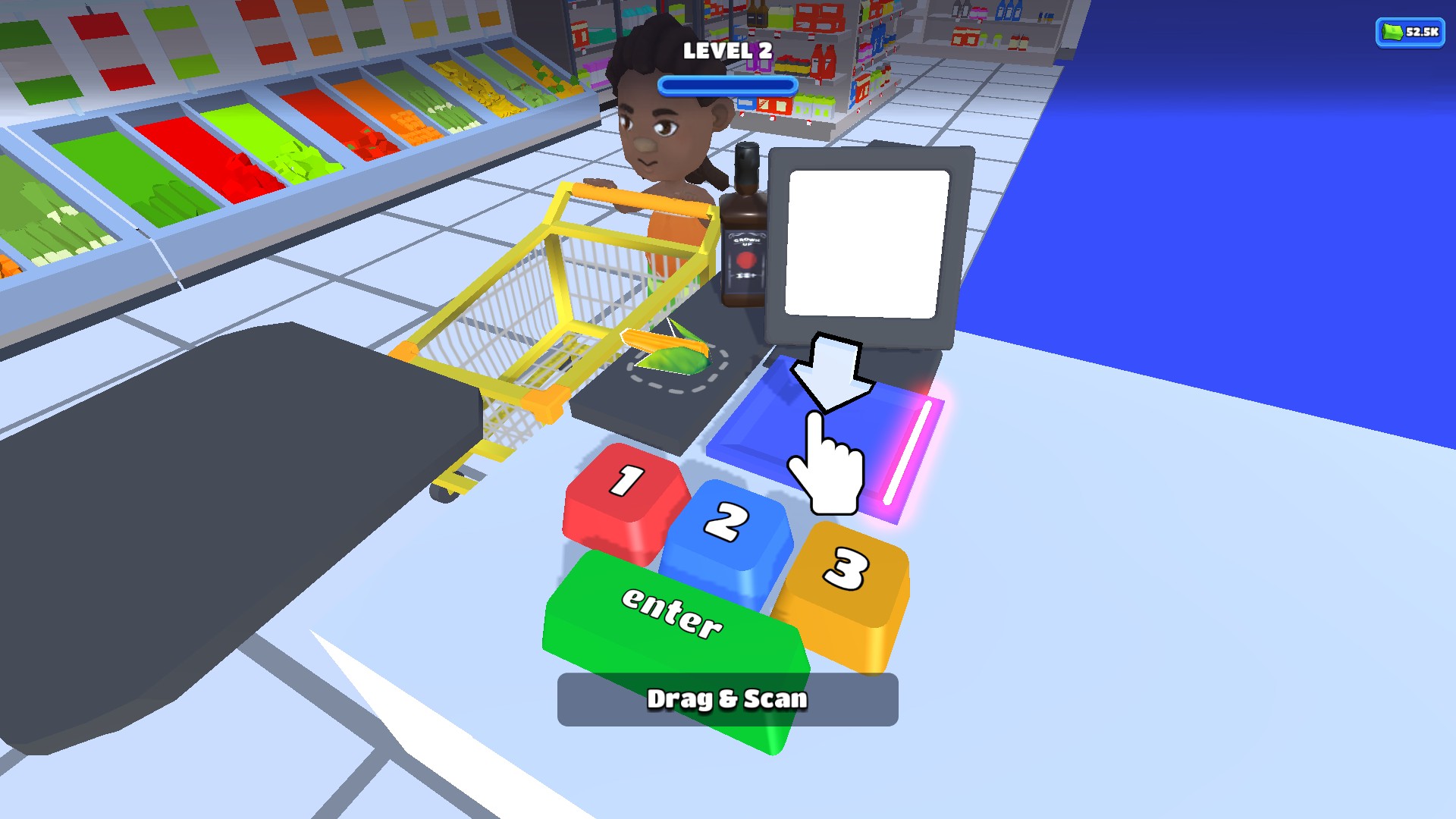
Move on to the next level
Skip a level and try the next checkout challenge. Complete cashier setup if prompted.
More ways to customise Hypermarket 3D: Store Cashier
- Hypermarket 3D: Store Cashier resources
Enter the cash balance you want and reopen the game to refresh its display.
Using these features
Choose the feature in the Windows app after connecting your game. Check its requirements before making a change.
Setup for Hypermarket 3D: Store Cashier →