

Stat Modifiers
2 optionsChoose a walking pace and jump strength with separate percentage controls.
View stat modifiers →Hyperbolica is an adventure through curved, non-Euclidean landscapes filled with puzzles and unusual characters. Adjust your walking pace and jump strength as you explore.

Start with free mods
Download Bytonian Mods for Windows and try these free features. Choose one to see how it works and any requirements.
Choose a walking pace that suits your exploration.
Turn on the card, then expand it to set walking speed from 50% to 300%. Switch it off to restore normal walking speed.
Pauses during menus and scripted interactions.
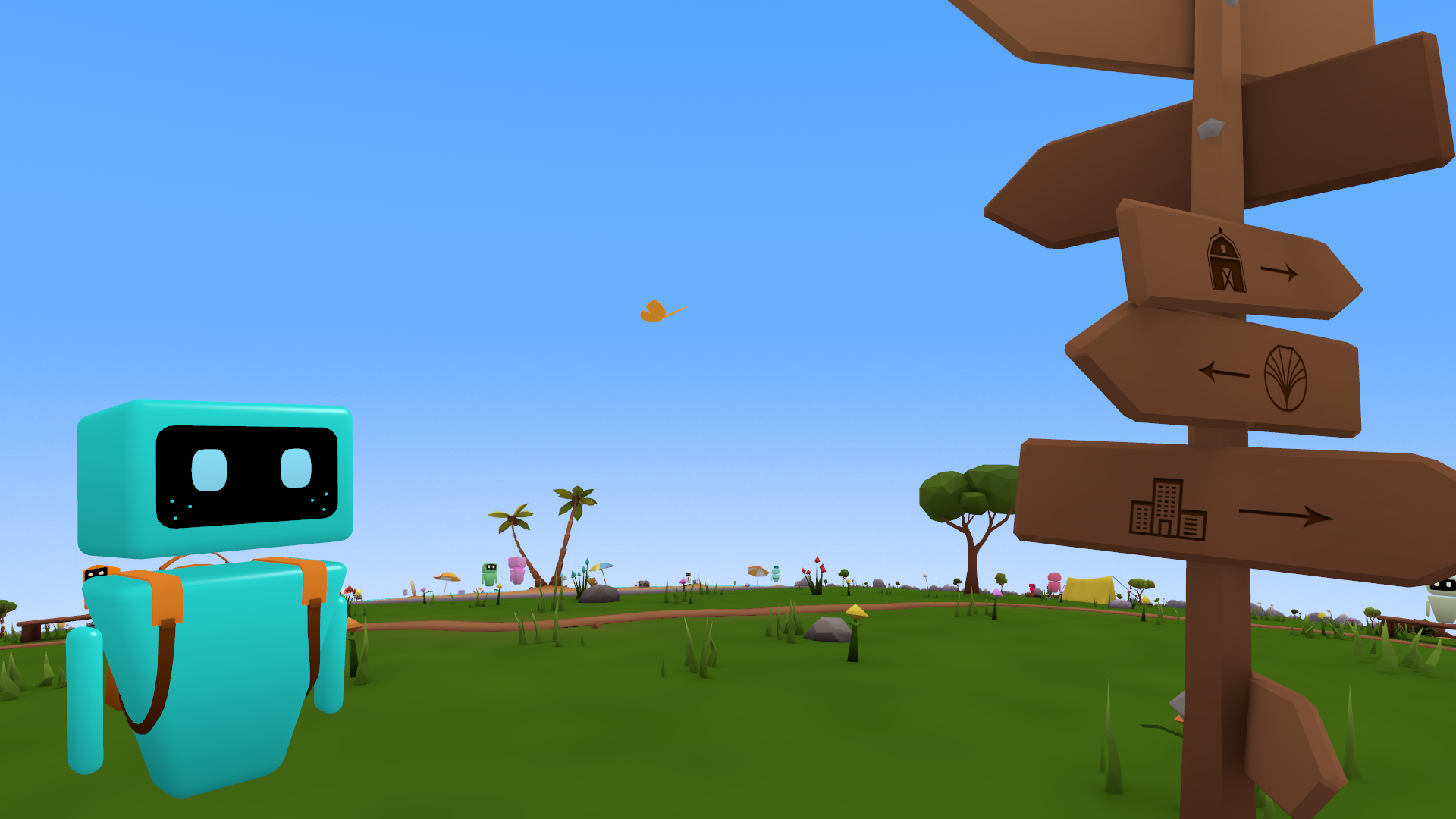
Explore Hyperbolica your way
Set your walking pace and jump strength as you explore Hyperbolica.
Use a gentler walking pace to take in the scenery, or increase it when you want to cover more ground. Set jump strength separately to suit how you move around.
Install Bytonian Mods for Windows, open Hyperbolica and choose the movement controls you want to use. Expand each card to adjust its percentage, and switch it off to return to the normal setting.
Choose a walking pace and jump strength with separate percentage controls.
View stat modifiers →Browse the Steam achievement names and descriptions for Hyperbolica. Choose and unlock achievements for free with Bytonian Mods in the Windows app.
View all achievements →Download the Windows app and follow the setup prompts.
Open Hyperbolica and select it in Bytonian Mods. Follow the app’s connection prompts.
Review the available options in the app and choose the ones that suit how you play.