


Make room for bigger bites
Skip the small bites when you want to tackle the larger objects sooner. Choose a round level and use Grow Your Hole to make your current hole larger, then move it around the city as usual.

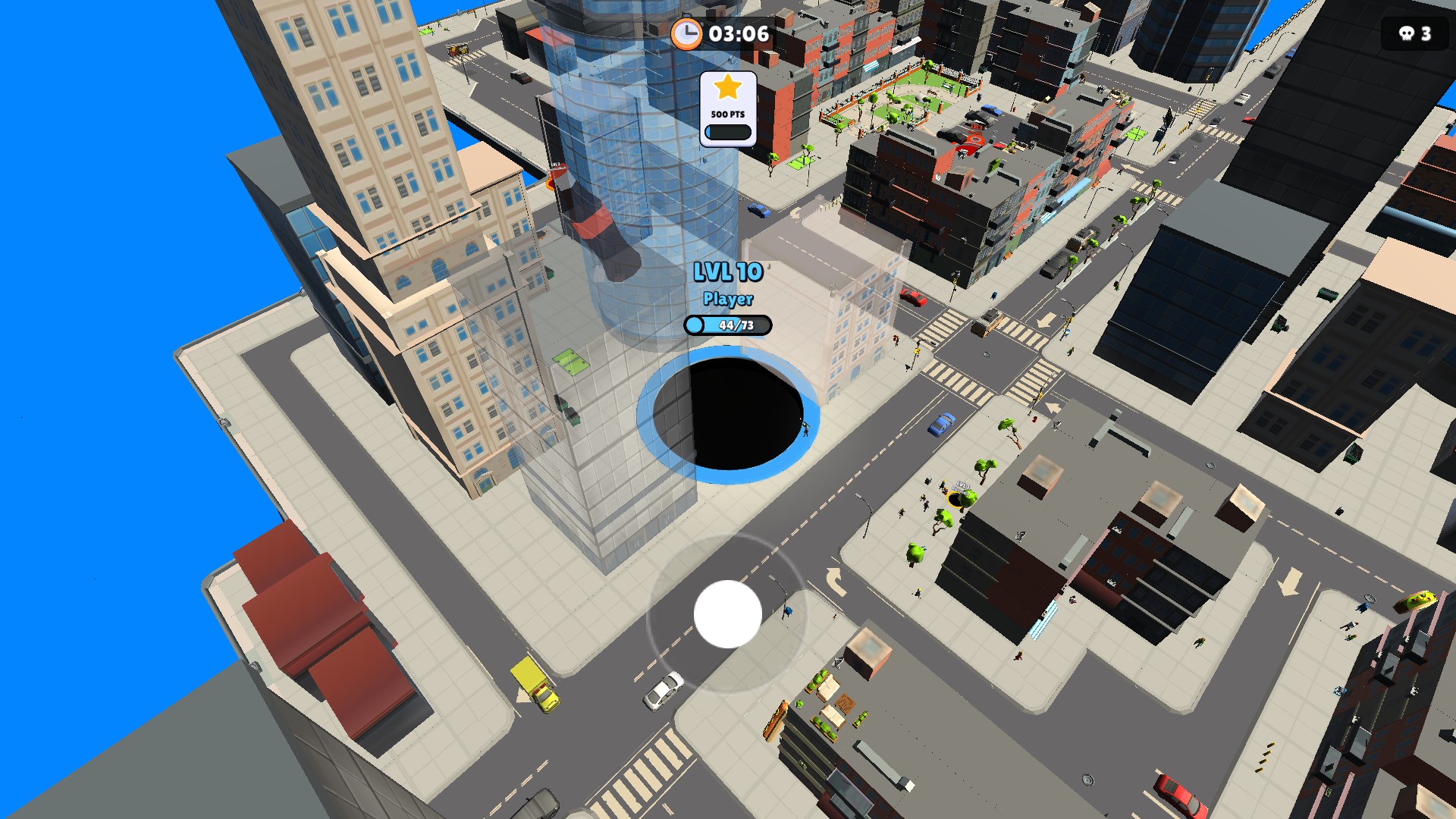
Bigger bites at level 10
Grow your hole to level 10 to take on larger objects around the city.
Grow during the round
Choose a target from level 1 to 12. The action increases your hole to that level if it is currently smaller; choosing a lower level will not shrink it. You can continue growing normally by swallowing objects afterward.
This changes the hole you are playing with, rather than your saved stage. Use the action again in a new round when you want another size jump. The screenshot shows our level-10 hole during city gameplay.
Available game actions
Grow your holePremium
Increase your current hole to a round level from 1 to 12 so you can take on larger objects.
Start a round, choose a larger target level, then use Grow Your Hole.
Before you use it: Lower targets never shrink your hole. This does not set your saved stage or change the round timer.
More ways to customise Hole.io
- Hole.io stat modifiers
Choose 100% to 200% movement speed for the current round.
Questions about game actions
- Does this guarantee a win?
- No. You still need to move through the city and meet the round’s objective. This control gives you a larger hole; it does not change the timer or make you invincible.
Using these features
Choose the feature in the Windows app after connecting your game. Check its requirements before making a change.
Setup for Hole.io →