

Hill Climber garage customization
Give yourself a budget for vehicle purchases or open the complete ten-vehicle selection. The two controls let you choose how to build your garage.
Requires the Windows app and the Bytonian Mods browser extension for Chrome or Edge. Browser setup guide

Set a coin budget
Coin Balance lets you enter a whole amount from 0 to 999,999. Apply the amount, open vehicle selection and buy the vehicle you want at its displayed price.
Open all ten vehicles
Unlock All Cars makes the full garage lineup available. Open selection, use the arrows to browse and confirm the vehicle you want to drive.
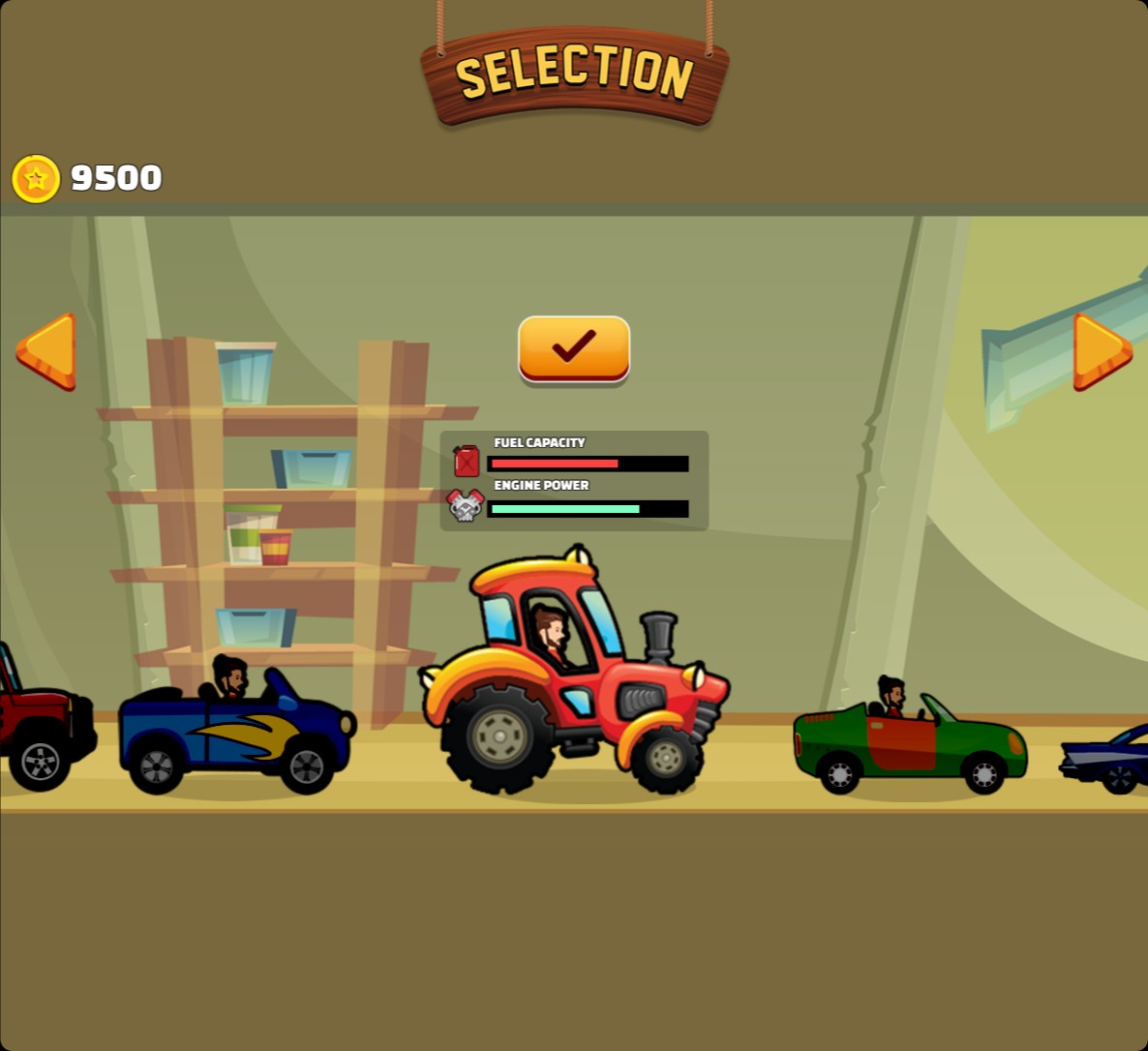
Buy a new garage vehicle
Choose a coin balance and buy vehicles through the garage. The tractor is unlocked here, with 9,500 coins left after its 500-coin purchase.
Available customisation options
Coin BalanceFree
Set the coins available for vehicle purchases in the garage.
Choose a whole coin amount, apply it, then open vehicle selection and buy the vehicle you want.
Normal vehicle purchases spend their displayed coin prices.
Unlock All CarsPremium
Unlock all ten garage vehicles so you can choose their different fuel capacity and engine power.
Apply the unlock, open vehicle selection, browse with the arrows and confirm a vehicle with its checkmark button.
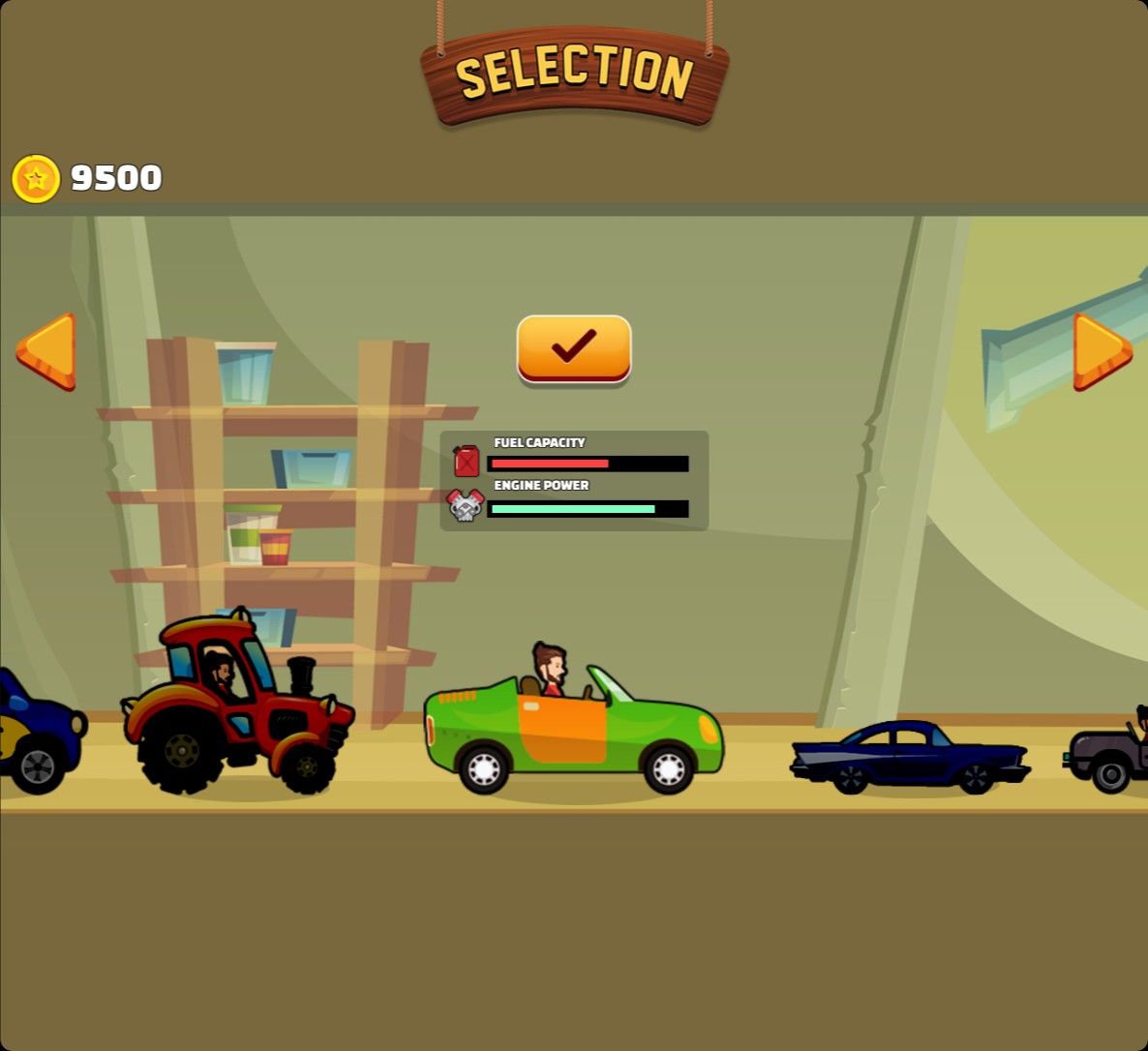
Choose an unlocked vehicle
Open the vehicle lineup and choose your next drive after unlocking the garage. The green convertible is available here, with 9,500 coins still on hand.
Questions about customisation options
- Do vehicles keep their coin prices?
- Normal vehicle purchases spend the displayed coin price. Use Coin Balance to choose the amount available for those purchases.
- How do I use an unlocked vehicle?
- Open vehicle selection after applying the unlock, browse to a vehicle and press its checkmark button to choose it.
Using these features
Connect your game, then open Customise in the Windows app. Choose an option, check its available values and follow its instructions. Each option lists its own requirements and limits.
Setup for Hill Climber →