

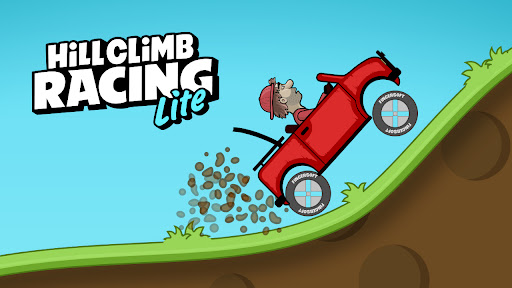
Customise
4 optionsSeparate controls for coins, engine level, suspension level and tire level.
View all customise →Get your red Hill Climber ready for a drive through the hills. Visit the garage, choose a stage and set up your ride before heading out.

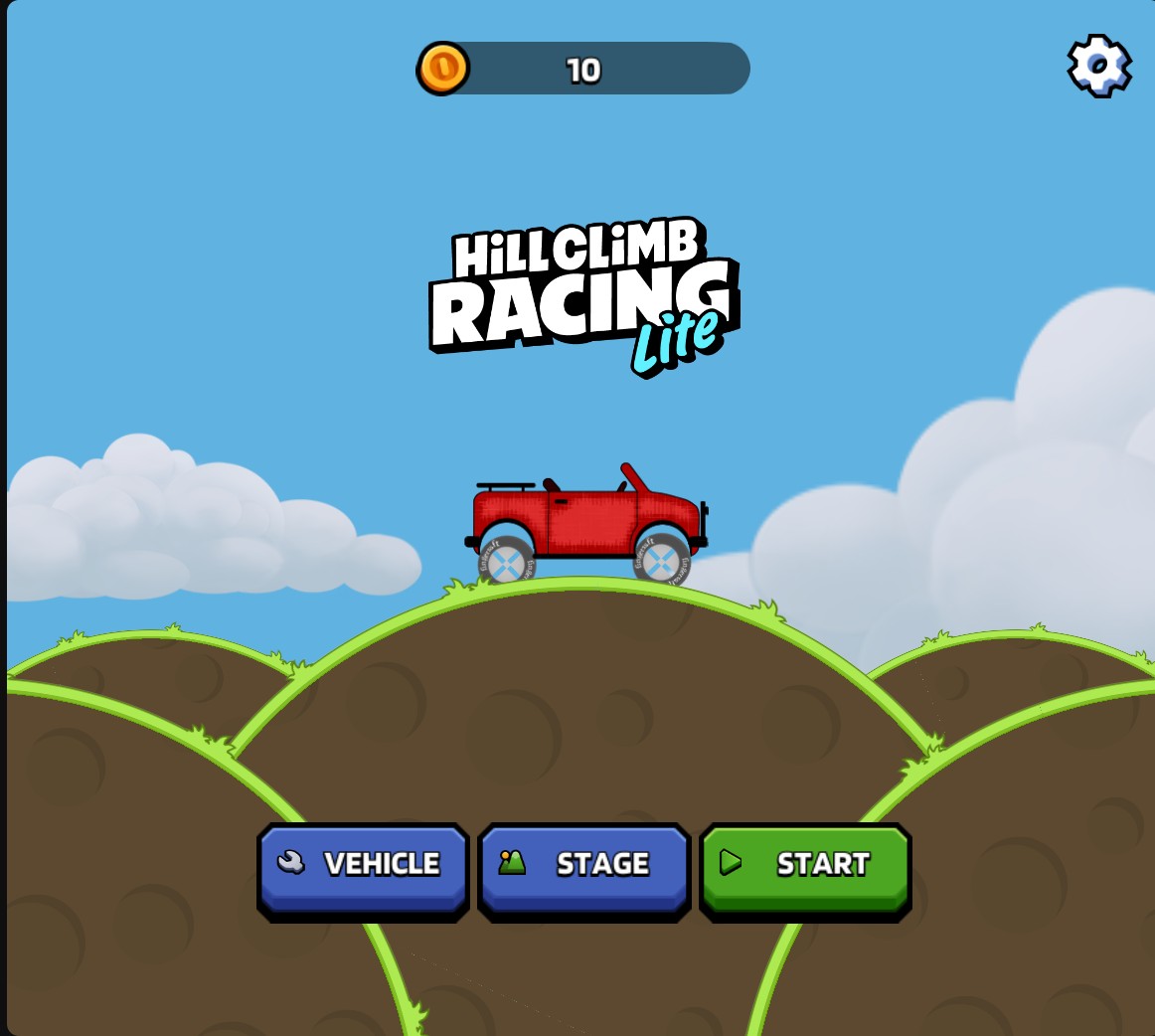
Hill Climb Racing Lite
Get ready for your next hill-climbing drive with the red Hill Climber.
Customization gives you control over your coin balance and the Hill Climber's engine, suspension and tire upgrade levels. Choose each setting separately to suit the ride you want.
Open Hill Climb Racing Lite through Bytonian Mods and choose your values in Customise. Apply your changes, then wait for the game menu to load. Open Vehicle to see the Hill Climber's upgrade levels in the garage.
Separate controls for coins, engine level, suspension level and tire level.
View all customise →Download the Windows app and follow the setup prompts.
Set up the browser extension in Chrome or Edge, then open the supported YouTube Playable. Follow the connection guide if the game is already running.
Review the available options in the app and choose the ones that suit how you play.