
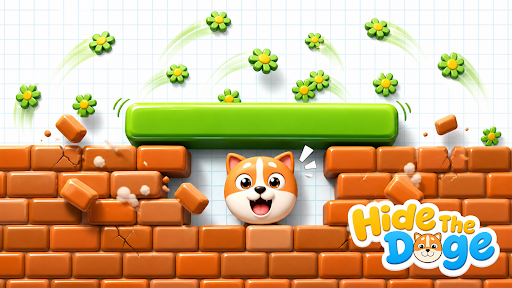
Customise
1 optionSelect a level from 1 to 50.
View customisation options →Choose any shelter puzzle from 1 to 50. Revisit an arrangement you liked, or try moving the dogs and loose pieces into a new shelter before the hazards fall.
Requires the Windows app and the Bytonian Mods browser extension for Chrome or Edge. Browser setup guide

Start with free mods
Download Bytonian Mods for Windows and try these free features. Choose one to see how it works and any requirements.
Choose a puzzle from 1 to 50. Revisit a favorite arrangement or tackle a different shelter challenge.
Enter a whole number and apply your choice. The game reloads into the selected puzzle.
The free Level control lets you choose which puzzle to tackle. Revisit a familiar arrangement or jump to a different shelter challenge.
Open Hide the Doge in YouTube Playables and connect it to Bytonian Mods. In Customization, enter a Level from 1 to 50 and apply it. The game reloads into your chosen puzzle.
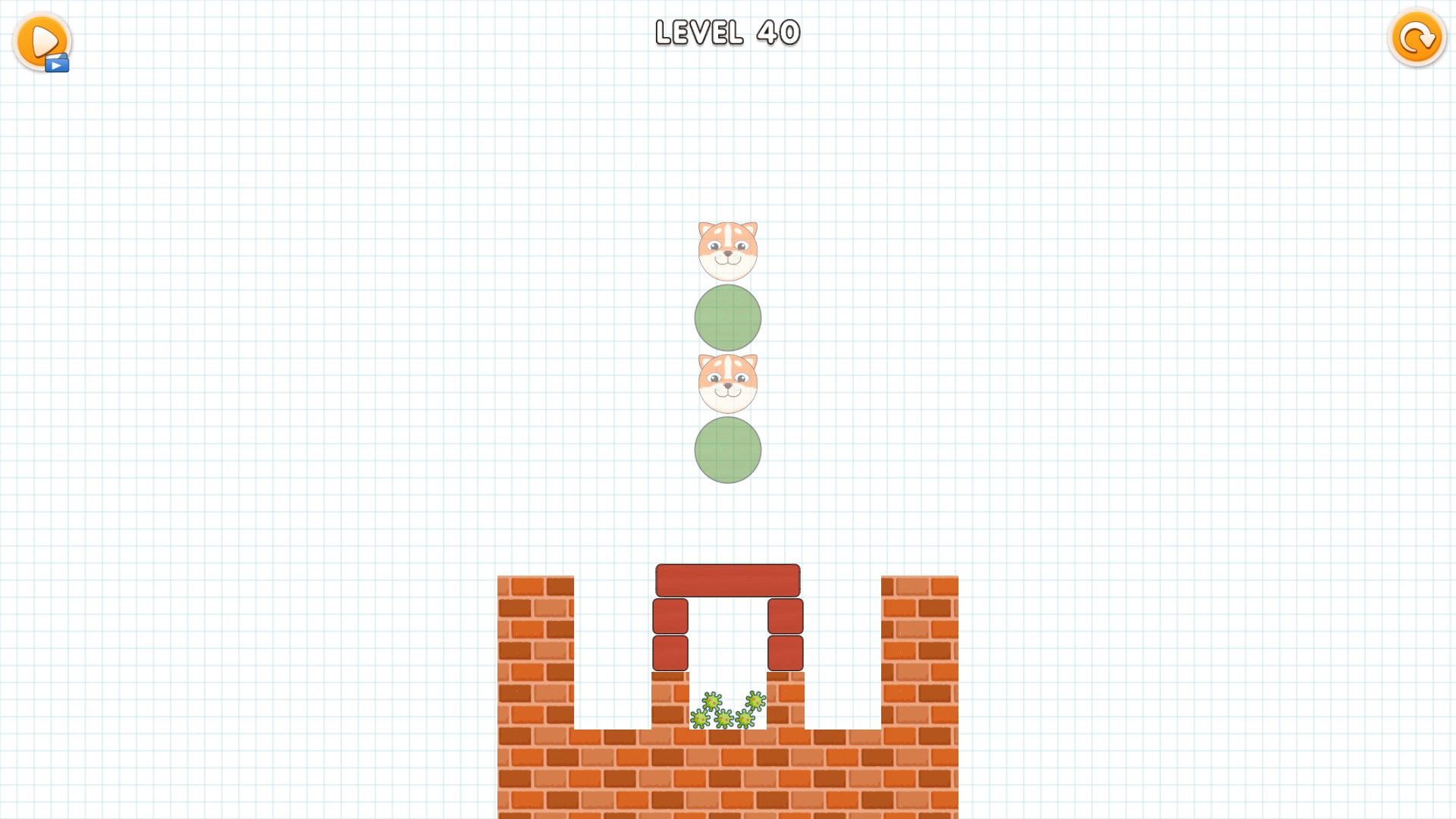
Shelter Doge in a new puzzle
Arrange the dogs and loose shapes to shield them from the falling hazards. Pick a puzzle and try a different shelter.
Select a level from 1 to 50.
View customisation options →Download the Windows app and follow the setup prompts.
Set up the browser extension in Chrome or Edge, then open the supported YouTube Playable. Follow the connection guide if the game is already running.
Open Customise in Bytonian Mods, choose an option and follow its instructions. Check the available values and any limits before making your change.