
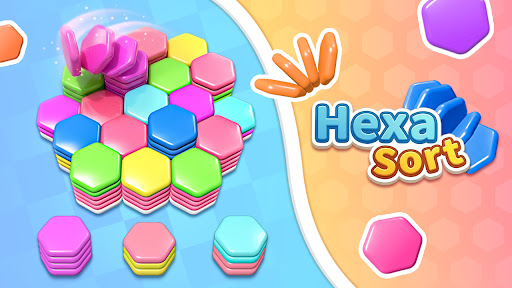
Customise
3 optionsSet Hammer, Swap and Refresh stock independently, with normal consumable tool behavior.
View customisation options →Stock Hammer, Swap and Refresh to clear a stack, swap two stacks or change the next set. Bring matching colours together and keep room for your next placement.
Requires the Windows app and the Bytonian Mods browser extension for Chrome or Edge. Browser setup guide

Start with free mods
Download Bytonian Mods for Windows and try these free features. Choose one to see how it works and any requirements.
Set your Hammer supply so you can clear an unwanted stack when the board gets crowded.
Choose a whole number from 0 to 99. In the puzzle, choose Hammer and select a stack to clear.
Each Hammer use spends one stock.
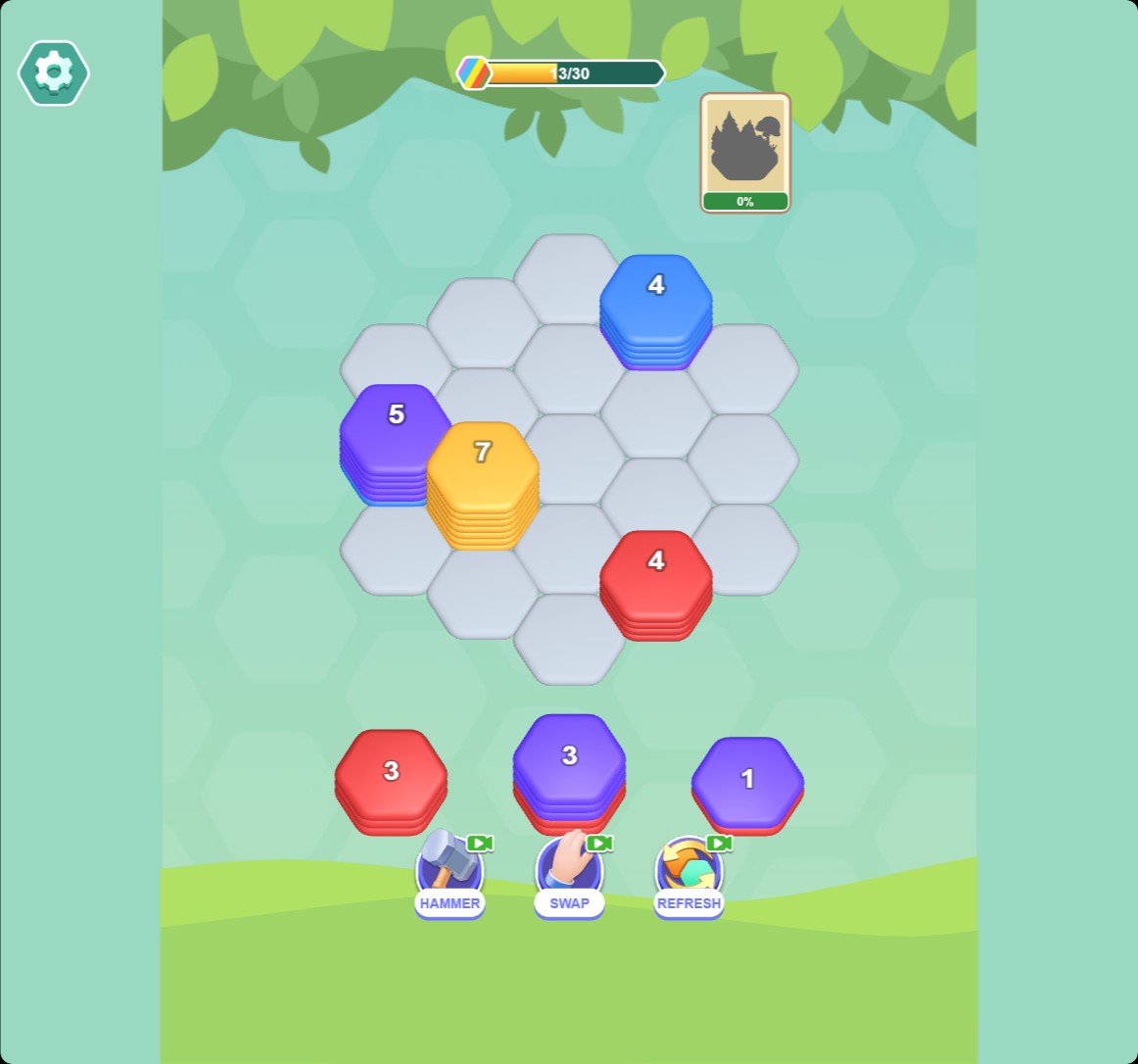
Plan your next stack placement in Hexa Sort
Place stacks on the hexagonal board and bring matching colors together as you work toward the level target.
A Hammer removes an unwanted stack. Swap exchanges two stacks already on the board. Refresh replaces the stacks waiting below the board, giving you a different tray to place.
Open the customization page to choose the supplies you want. Hammer stock is Free; Swap and Refresh stock are Premium.
Set Hammer, Swap and Refresh stock independently, with normal consumable tool behavior.
View customisation options →Download the Windows app and follow the setup prompts.
Set up the browser extension in Chrome or Edge, then open the supported YouTube Playable. Follow the connection guide if the game is already running.
Open Customise in Bytonian Mods, choose an option and follow its instructions. Check the available values and any limits before making your change.