

Customise
3 optionsSet up your boosters and select a skin.
View customisation options →Unlock the 27 current skins and choose arrow and shield booster stock in Helix Jump. Pick a look in the skin shop, then rotate the tower to guide your ball through its gaps.
Requires the Windows app and the Bytonian Mods browser extension for Chrome or Edge. Browser setup guide

Start with free mods
Download Bytonian Mods for Windows and try these free features. Choose one to see how it works and any requirements.
Open all 27 current skins for normal shop selection.
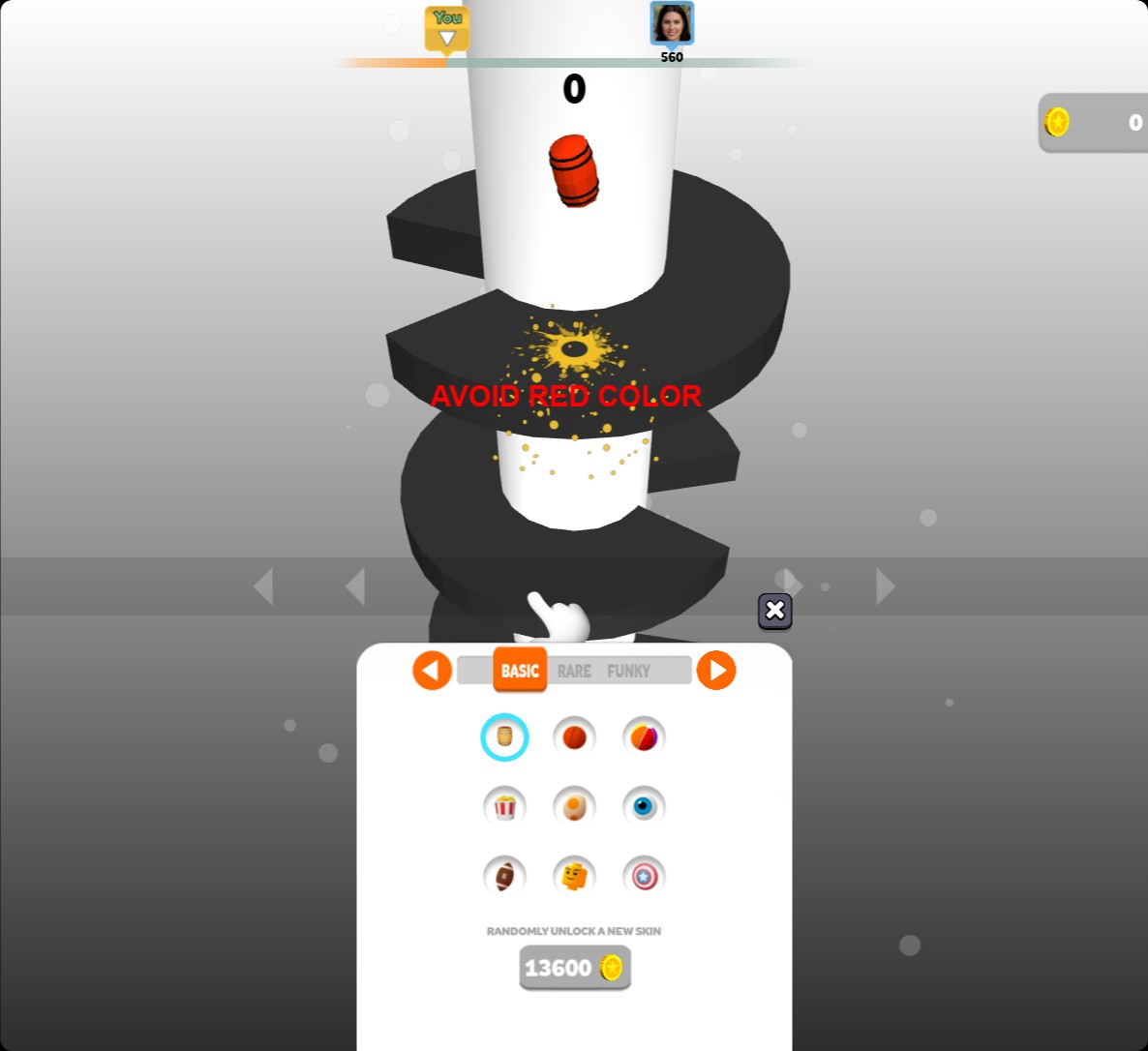
Apply to reload, open the skin shop and select a skin from Basic, Rare or Funky.
Choose your stock of arrow boosters.
Enter a whole number from 0 to 999 and apply. After reload, start a run and use the green arrow button. Check stock when reopening and reapply if it resets.
Choose how many shields you have ready.
Enter a whole number from 0 to 999 and apply. After reload, start a run and use the blue shield button. Check stock when reopening and reapply if it resets.
Unlock all 27 current skins, then pick one through the normal skin shop. Try a barrel, a basketball or another look from the Basic, Rare and Funky choices.
Set how many arrow boosters or shields you have ready, then activate them with the normal buttons during play. Both stock controls and the skin unlock are free.
Applying a control reloads Helix Jump. Check your booster stock when reopening the game and apply again if it has reset.
Give your next run a new look
Choose from 27 unlocked skins and set your arrow or shield booster stock with free controls for Helix Jump.
Set up your boosters and select a skin.
View customisation options →Download the Windows app and follow the setup prompts.
Set up the browser extension in Chrome or Edge, then open the supported YouTube Playable. Follow the connection guide if the game is already running.
Open Customise in Bytonian Mods, choose an option and follow its instructions. Check the available values and any limits before making your change.