

Resources
1 optionSet your coin balance to the amount you choose.
View resources →Set your coin balance or unlock more characters to choose from before kickoff. Time your jumps and kicks as you defend your goal in one-on-one matches.
Requires the Windows app and the Bytonian Mods browser extension for Chrome or Edge. Browser setup guide

Start with free mods
Download Bytonian Mods for Windows and try these free features. Choose one to see how it works and any requirements.
Set your coin balance to an amount you choose.
Enter your preferred balance in Coins and apply the change.
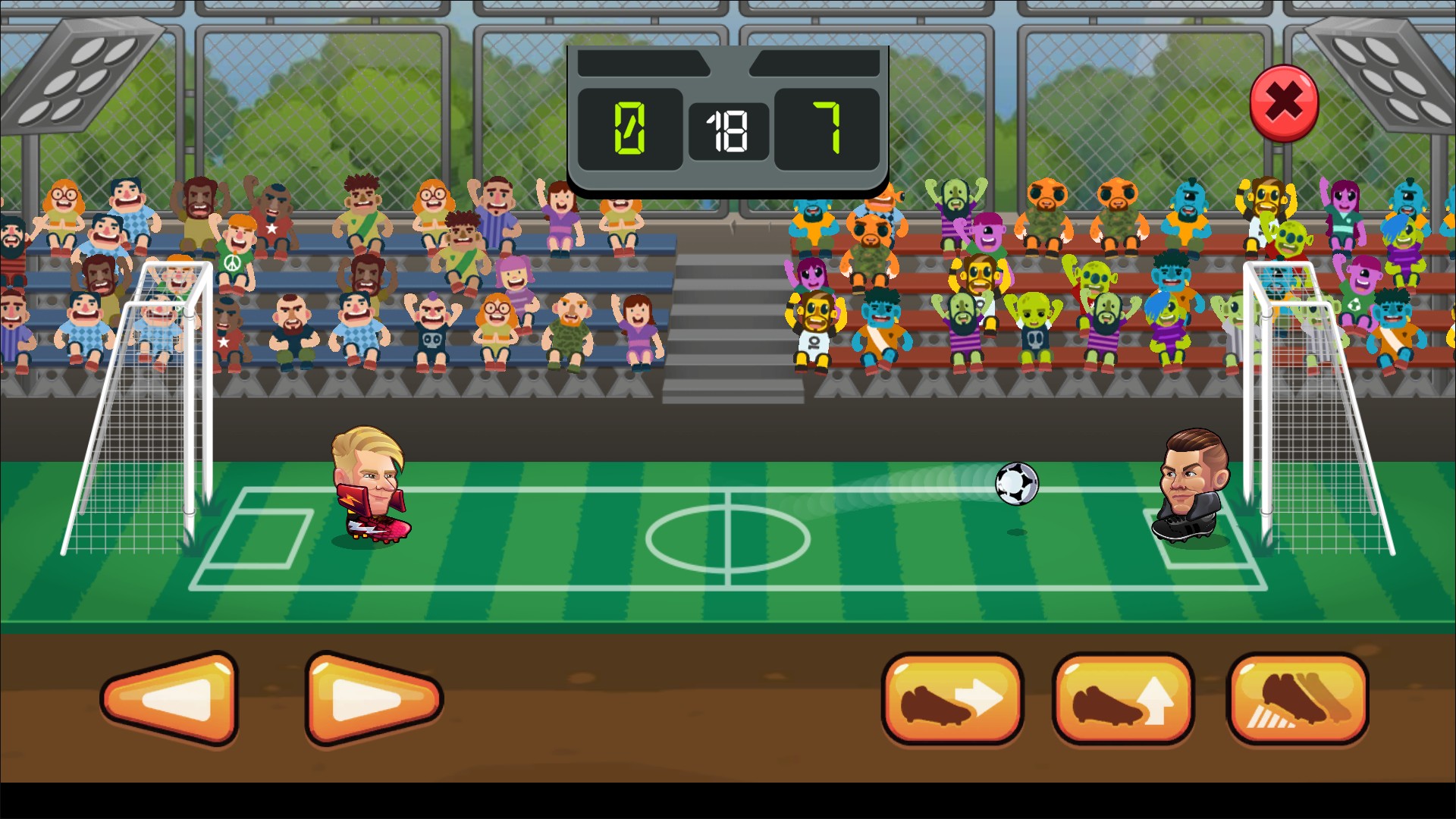
Head Ball 2 on the pitch
Chase the ball, time your jumps and line up your next shot in a one-on-one football match.
Start with Coins when you want to choose your balance. Head to Character Unlocks when you want more players to choose from. Each control has its own page with the steps you need.
Open the game's character menu to browse the roster. Once the collection is unlocked, pick a new look and head back to the pitch.
Set your coin balance to the amount you choose.
View resources →Unlock more character choices and choose who takes the pitch.
View unlocks →Download the Windows app and follow the setup prompts.
Set up the browser extension in Chrome or Edge, then open the supported YouTube Playable. Follow the connection guide if the game is already running.
Review the available options in the app and choose the ones that suit how you play.