
Choose Stars and your challenge level
Give yourself more choices for the next drop, or choose the size of your next weight goal. Stars and challenge level are separate controls.
Requires the Windows app and the Bytonian Mods browser extension for Chrome or Edge. Browser setup guide
Stars for incoming-plate discards
Enter a Stars amount and press Apply. Once the game reloads, use the bin to discard the incoming plate normally. Each discard still raises the price of the next one.
A goal that suits your run
Choose a challenge level from 1 to 10 and press Apply. Your board remains in place, and the progress bar keeps the same share filled as the weight goal changes. Continue merging plates to earn the remaining weight.
Available customisation options
StarsFree
Choose Stars to pay for discarding an incoming plate.
Enter the balance you want and press Apply. After the game reloads, use the bin normally.
Each discard still increases the price of the next one.
Challenge levelPremium
Choose a level from 1 to 10 to change your weight goal while keeping your board and earned progress fraction.
Choose the level and press Apply. Continue merging plates after the game reloads.
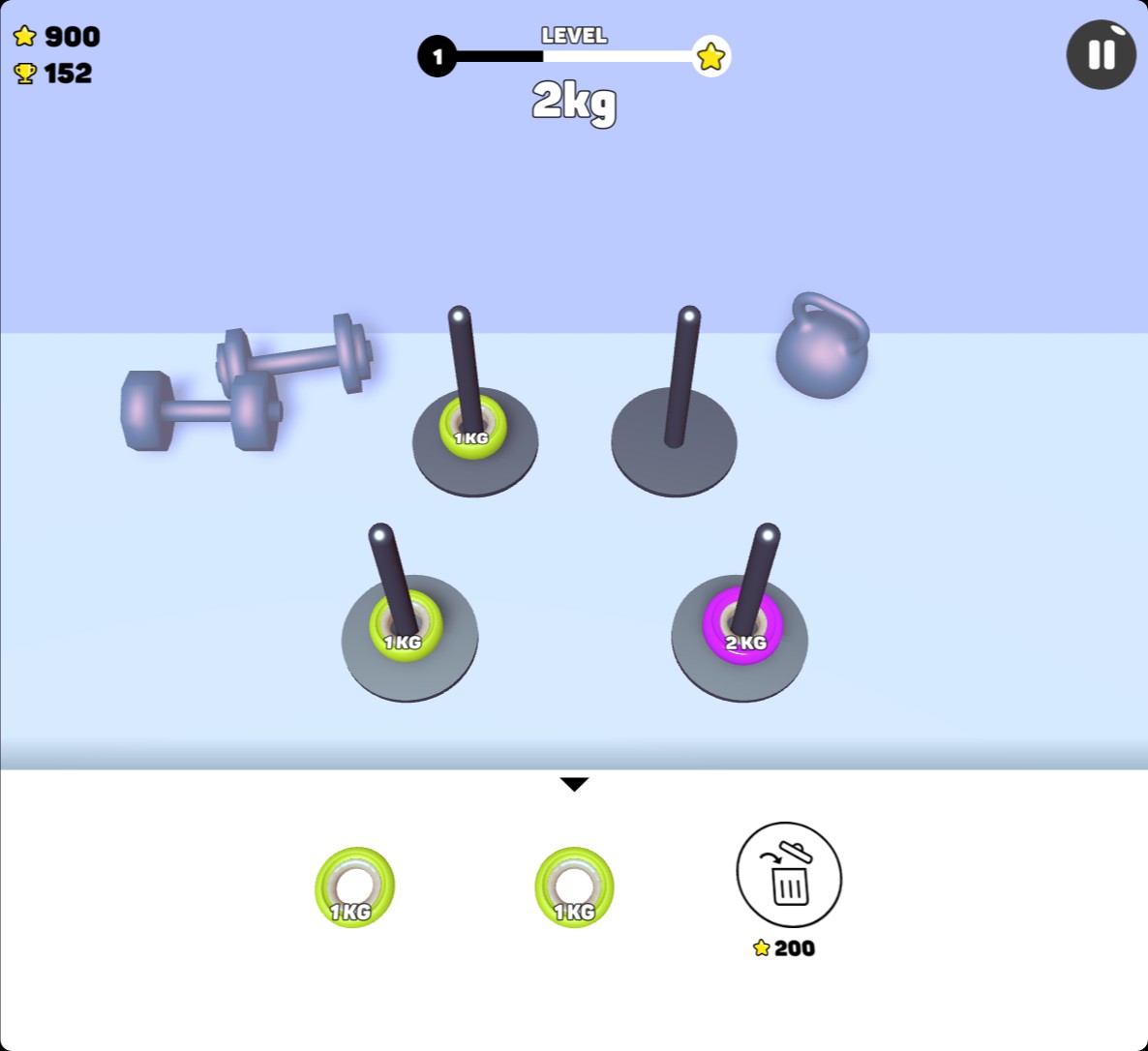
More Stars for plate discards
Choose your Stars balance to pay for discarding an incoming plate. The next discard price still rises as you play.
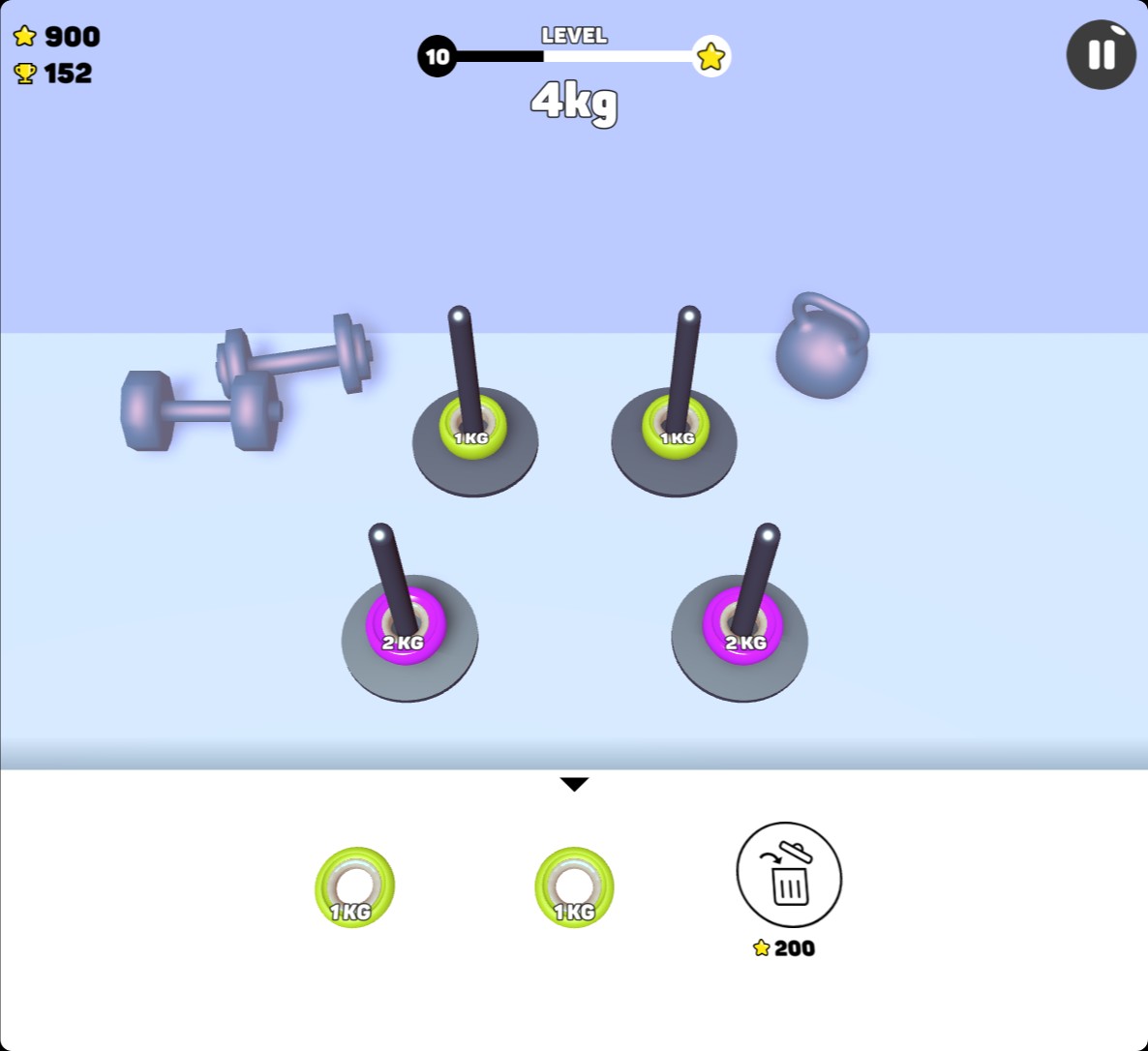
Choose your challenge level
Set the challenge level from 1 to 10 while keeping your placed plates and the share of the weight goal already earned.
Questions about customisation options
- Are Stars Free?
- Yes. The Stars control is Free. Challenge level is a Premium control.
- Does more Stars make the bin free to use?
- The bin still charges its displayed price, and that price increases after use.
Using these features
Connect your game, then open Customise in the Windows app. Choose an option, check its available values and follow its instructions. Each option lists its own requirements and limits.
Setup for Gym Stack →