

Wardrobe cash and the Beach scene
Choose a new character look or change the setting around the audience.

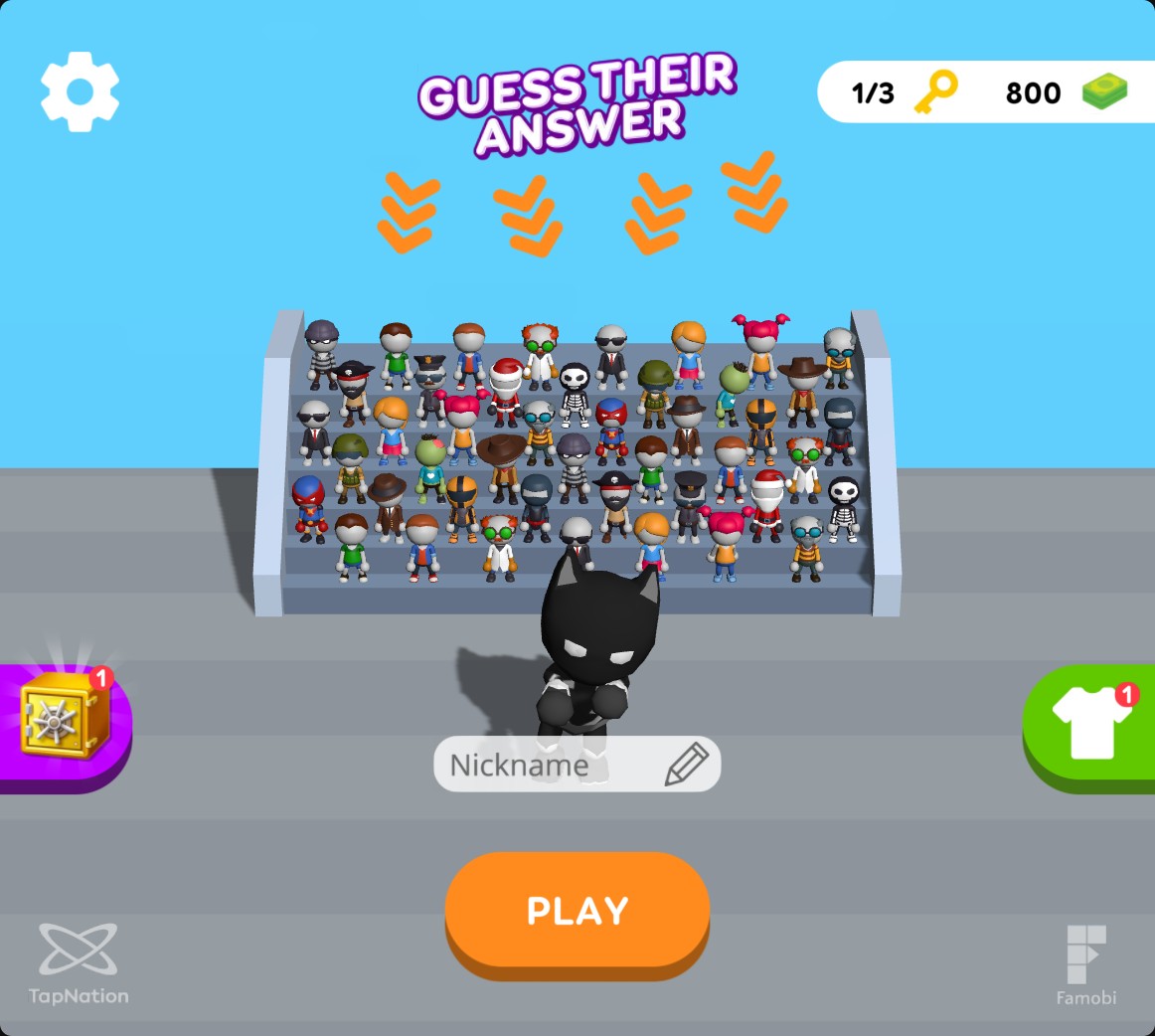
Cash for a new wardrobe look
Set cash, then use the wardrobe's normal random-skin purchase to change your character's appearance.
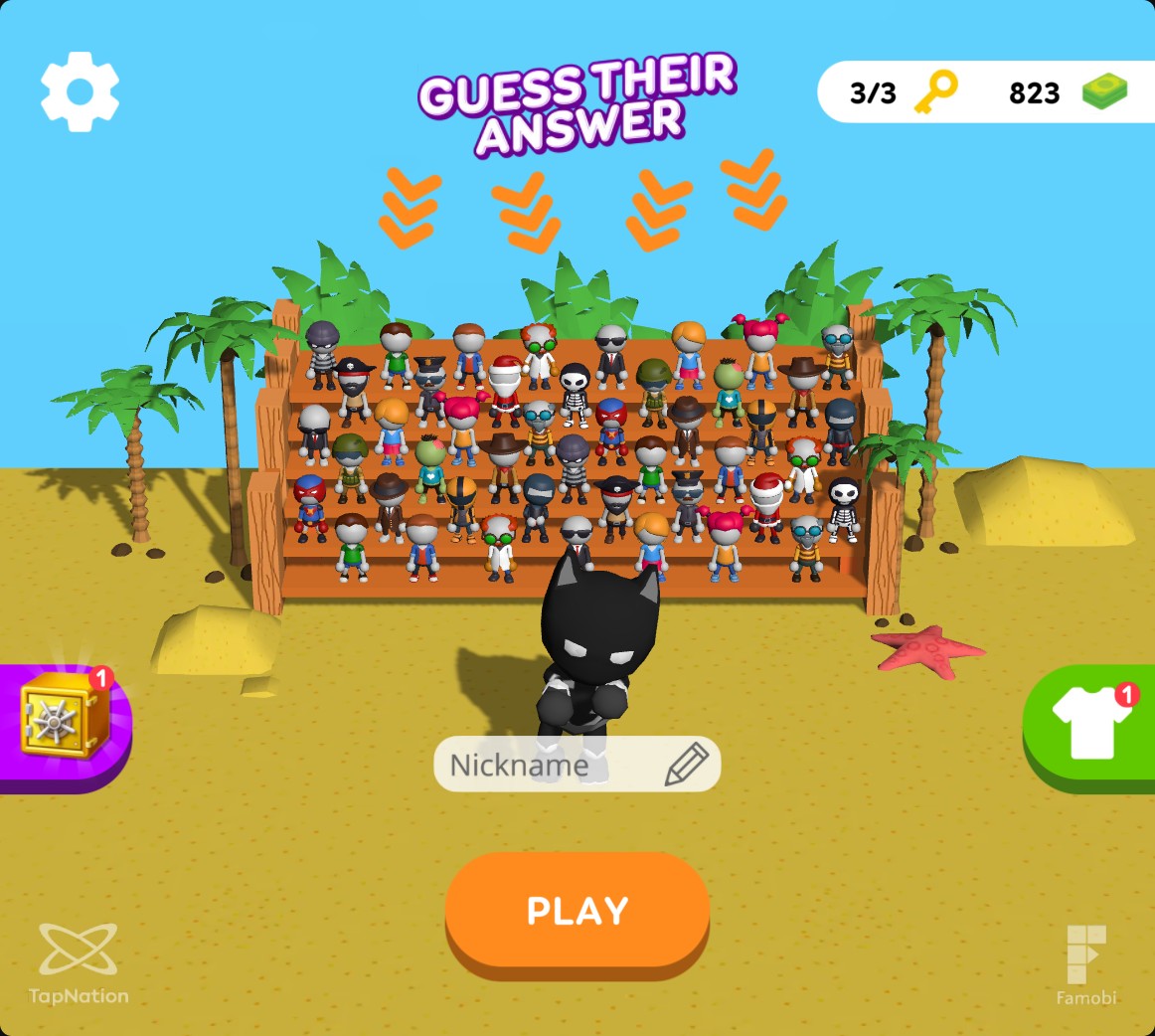
Choose the Beach setting
Unlock Beach, then select it from the scene tab for a sandy arena with palms and a wooden audience stand.
Buy a random wardrobe skin
Set your cash balance, open the wardrobe and use the normal random-skin purchase. Purchases still spend cash and choose a random skin.
Select the Beach setting
Apply the Beach unlock, open the wardrobe's scene tab and choose Beach using the second page dot. Press Select to use its sand, palms and wooden audience stand.
Available customise
CashFree
Set cash for normal random-skin purchases in the wardrobe.
Apply your cash balance, open the wardrobe and use its random-skin purchase.
Before you use it: Purchases spend cash normally and choose a random skin.
Beach scenePremium
Unlock the Beach setting with its two required pieces.
Apply the unlock, open the scene tab, choose Beach and press Select.
Questions about customise
- Can I pick the skin a purchase gives me?
- The wardrobe purchase chooses a random skin.
- How do I use Beach after unlocking it?
- Open the scene tab, go to Beach and press Select.
Using these features
Choose the feature in the Windows app after connecting your game. Check its requirements before making a change.
Setup for Guess Their Answer →