
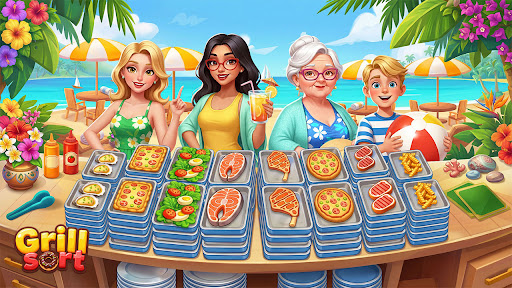
Customise
2 optionsAdjust Coins or refill lives with two free controls.
View customisation options →Refill your lives before another try or choose coins for the shop. Match three of the same food across the trays and clear the target before time runs out.
Requires the Windows app and the Bytonian Mods browser extension for Chrome or Edge. Browser setup guide
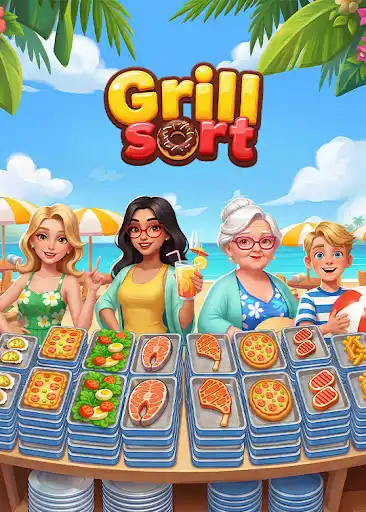
Start with free mods
Download Bytonian Mods for Windows and try these free features. Choose one to see how it works and any requirements.
Choose your Coins balance for normal purchases, including life refills.
Set a whole-number balance from 0 to 1,000,000, then use the game's normal purchase controls.
Refill your lives to five while keeping any higher total.
Use Refill Lives before another attempt. Normal life costs still apply.
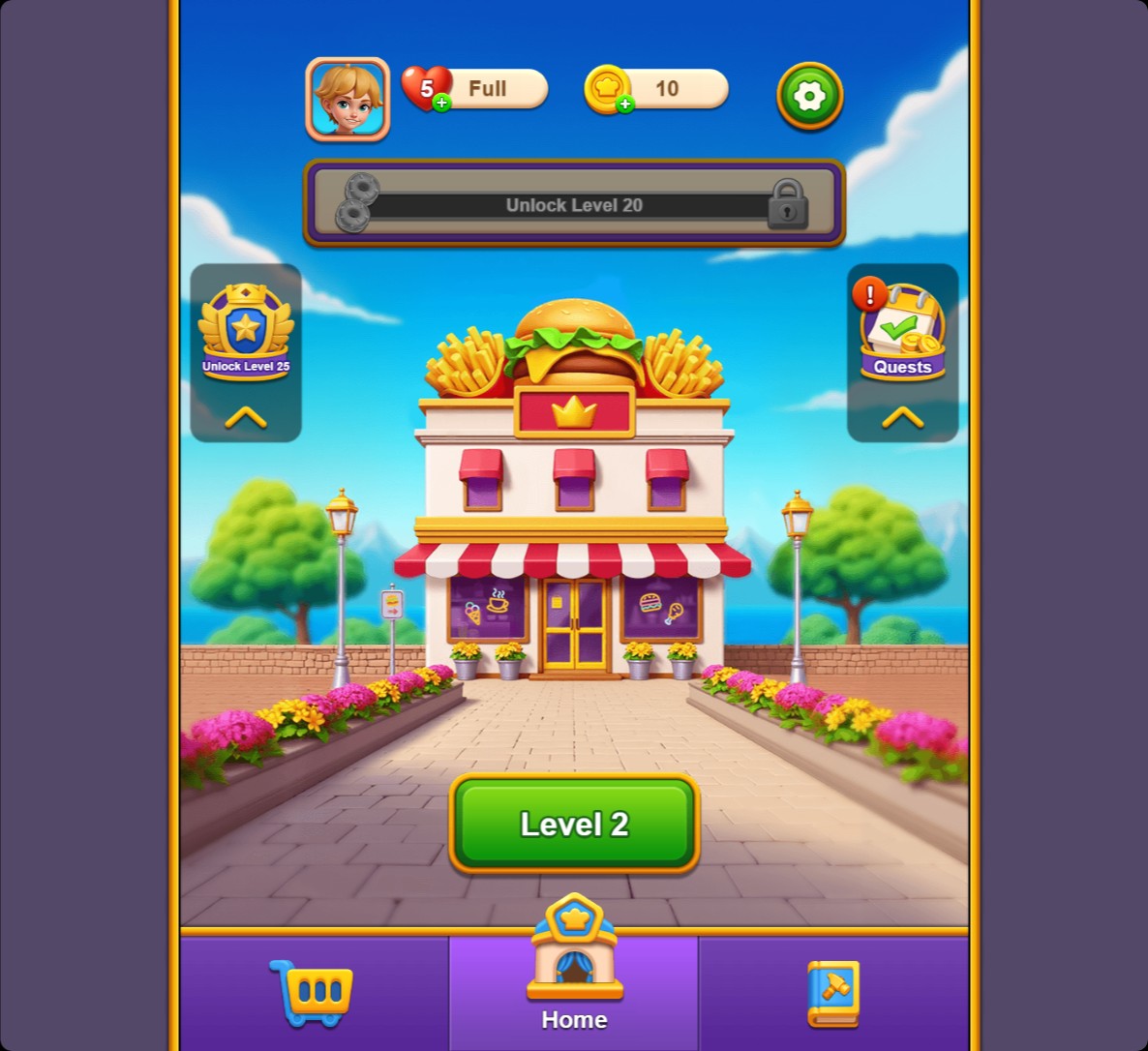
Ready for another sorting challenge
Refill Lives restores the normal five-life supply so you can return to the food-matching puzzle.
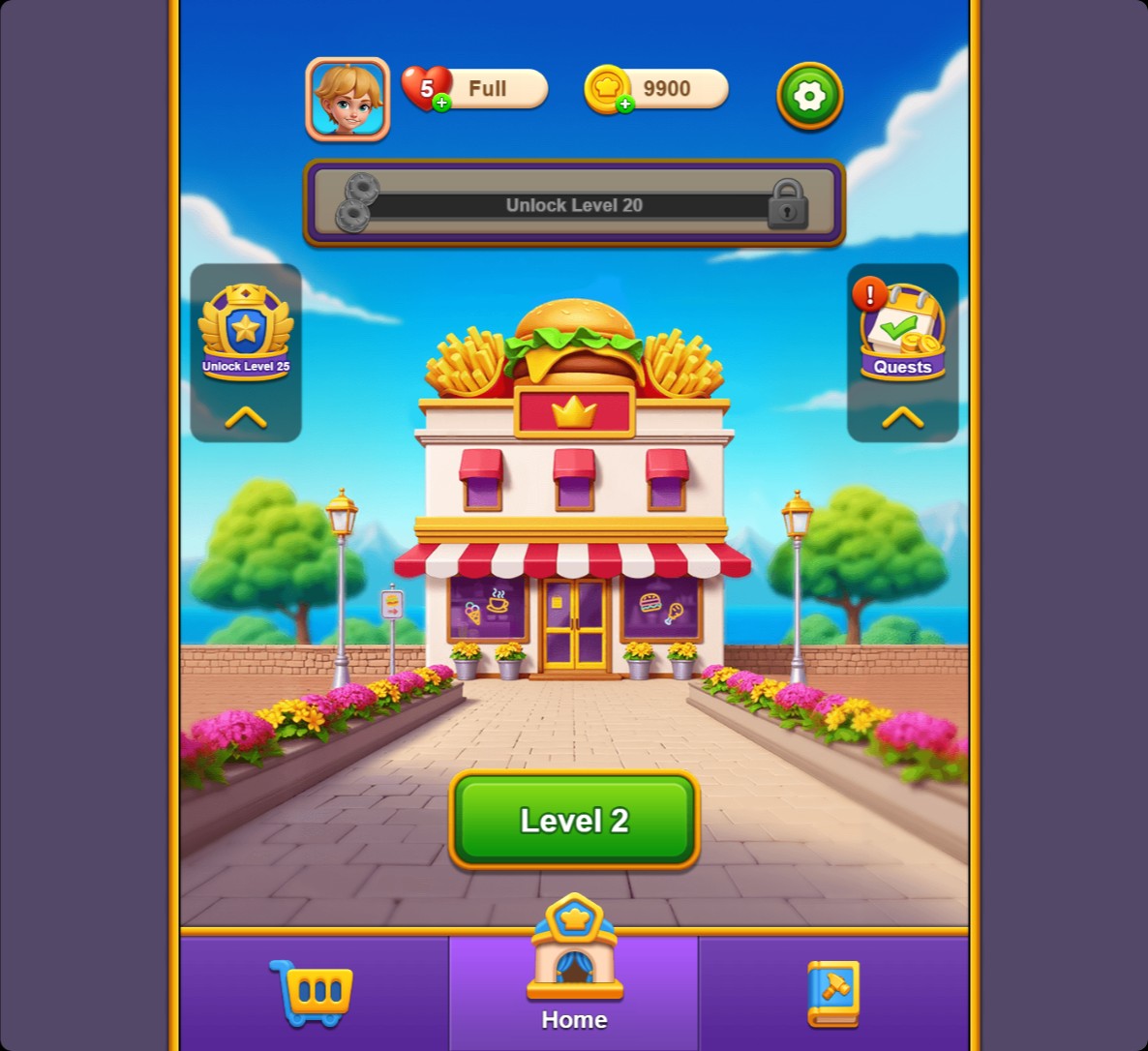
Stock up for the next puzzle
Choose your Coins balance or refill your lives before returning to the food-sorting challenge.
Refill Lives brings your supply back to five. If you already have more than five lives, your higher total is kept.
Set your Coins balance and use the game's normal purchase controls. A life refill costs 100 Coins and adds one life when you are below full.
Adjust Coins or refill lives with two free controls.
View customisation options →Download the Windows app and follow the setup prompts.
Set up the browser extension in Chrome or Edge, then open the supported YouTube Playable. Follow the connection guide if the game is already running.
Open Customise in Bytonian Mods, choose an option and follow its instructions. Check the available values and any limits before making your change.