

Stat Modifiers
1 optionChoose the percentage of normal energy cost to spend.
View stat modifiers →Take a more direct route around the countryside and choose how much energy your keeper spends. Adjust travel and energy use while you build up your medieval graveyard.
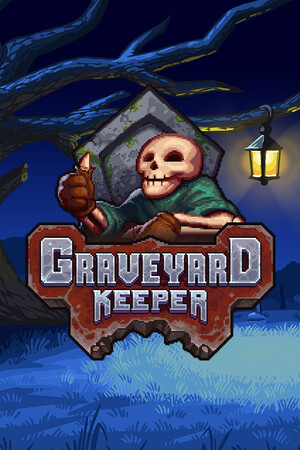
Start with free mods
Download Bytonian Mods for Windows and try these free features. Choose one to see how it works and any requirements.
Move freely around the landscape with adjustable Fly movement.
Enable Movement, choose Fly and use your left, right, rise and descend controls. Adjust Normal flight speed in the expanded settings, then turn Movement off to return control to the game.
Fly movement gives you directional control around the landscape. Adjust its speed for small movements or quicker travel, then turn it off to return to the game's movement.
Set the energy cost percentage for supported actions. Fifty percent uses half the normal cost, while zero removes that cost. Actions can still require their usual minimum energy or other conditions before they begin.
Launch Graveyard Keeper through Bytonian Mods for Windows and open its controls. Enable Movement, select Fly and choose your direction keys, or turn on Energy cost and set a percentage.
Choose the percentage of normal energy cost to spend.
View stat modifiers →Control your route and speed with Fly movement.
View ability modifiers →Browse the Steam achievement names and descriptions for Graveyard Keeper. Choose and unlock achievements for free with Bytonian Mods in the Windows app.
View all achievements →Download the Windows app and follow the setup prompts.
Open Graveyard Keeper and select it in Bytonian Mods. Follow the app’s connection prompts.
Review the available options in the app and choose the ones that suit how you play.