

Character settings
Keep the game's normal movement while choosing a different walking pace or jump strength. Damage protection and field of view have separate controls for exploring on foot.
Choose a comfortable pace and view
Pace and jump strength use percentages, with 100% representing the normal setting. Field of View uses degrees: a higher value shows more of the surroundings.
Available stat modifiers
Damage ProtectionPremium
Prevent damage to your character while exploring the town on foot.
Field of ViewFree
Adjust your field of view to see more of the room or street around you.
Choose a comfortable angle in degrees. Turn the control off to restore the previous view.
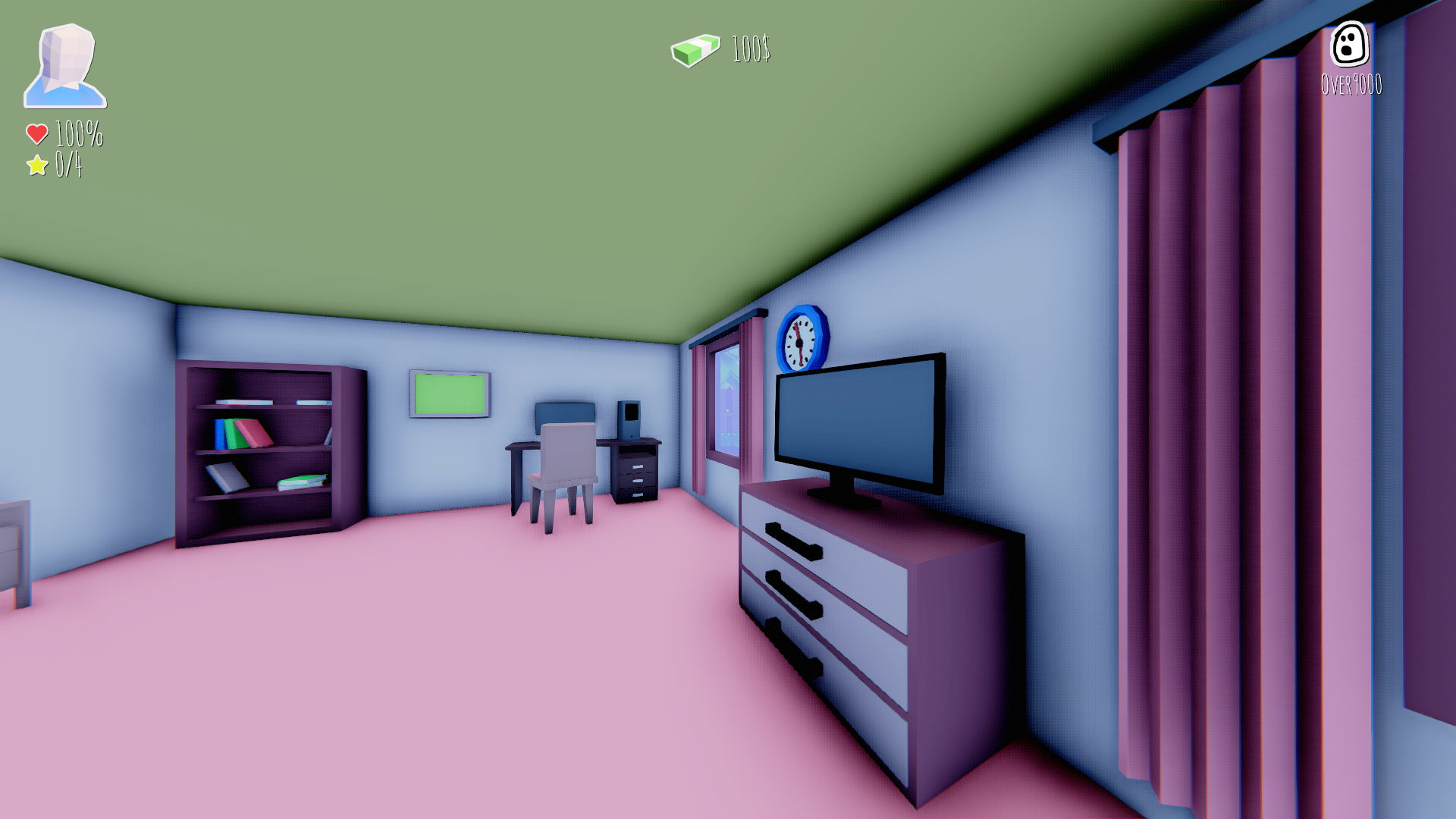
See more of your surroundings
Widen your field of view to keep more of the room in sight while exploring on foot. Adjust the view to suit your screen.
Jump StrengthPremium
Make normal jumps softer or stronger without changing your travel style.
Use 100% for normal jump strength. Board has its own jump setting on the Movement card.
Native PacePremium
Adjust your normal walking pace for a slower stroll or faster travel.
Use 100% for the normal pace. Use Movement's own speed controls when a Movement style is active.
More ways to customise Grand Dude Simulator
- Grand Dude Simulator ability modifiers
Switch between three ways to travel around the town.
- Grand Dude Simulator game actions
Browse five character previews and add people nearby.
Questions about stat modifiers
- Do pace and jump settings change Fly or Board?
- No. Those settings apply to normal character movement. Use the Movement card's own settings when a Movement style is active.
Using these features
Choose the feature in the Windows app after connecting your game. Check its requirements before making a change.
Setup for Grand Dude Simulator →