
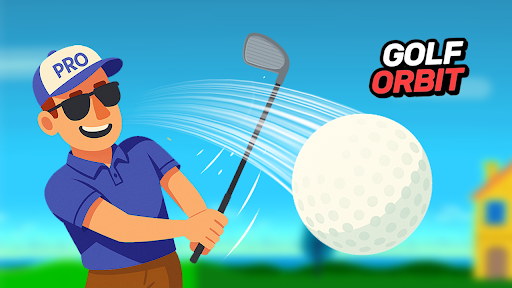
Build your first-world upgrade setup
Choose a coin balance for normal purchases, or set Strength, Speed and Bounce upgrade levels directly. These controls work with the first world's upgrade setup and let you choose each part separately.
Requires the Windows app and the Bytonian Mods browser extension for Chrome or Edge. Browser setup guide

Coins for normal purchases
Set the coin amount you want, apply your changes and return to the game. Spend those coins through the normal Strength, Speed and Bounce upgrade buttons.
Choose each upgrade level
Strength, ball Speed and Bounce have separate controls. Pick the levels you want and apply your changes, then return to the tee for your next shot. You can build up one upgrade without changing the others.
Available customisation options
CoinsFree
Choose your first-world coin balance and spend it on normal golf upgrades.
Set the coin amount you want, apply your changes and use the game's upgrade buttons.
Strength upgradesPremium
Choose the Strength upgrade level for your first-world golfer.
Set your desired level and apply your changes before returning to the tee.
Ball speed upgradesPremium
Choose the ball Speed upgrade level in the first world.
Set your desired level, apply your changes and take your next shot.
Bounce upgradesPremium
Choose the Bounce upgrade level for your first-world setup.
Set your desired level and apply your changes before playing your next shot.
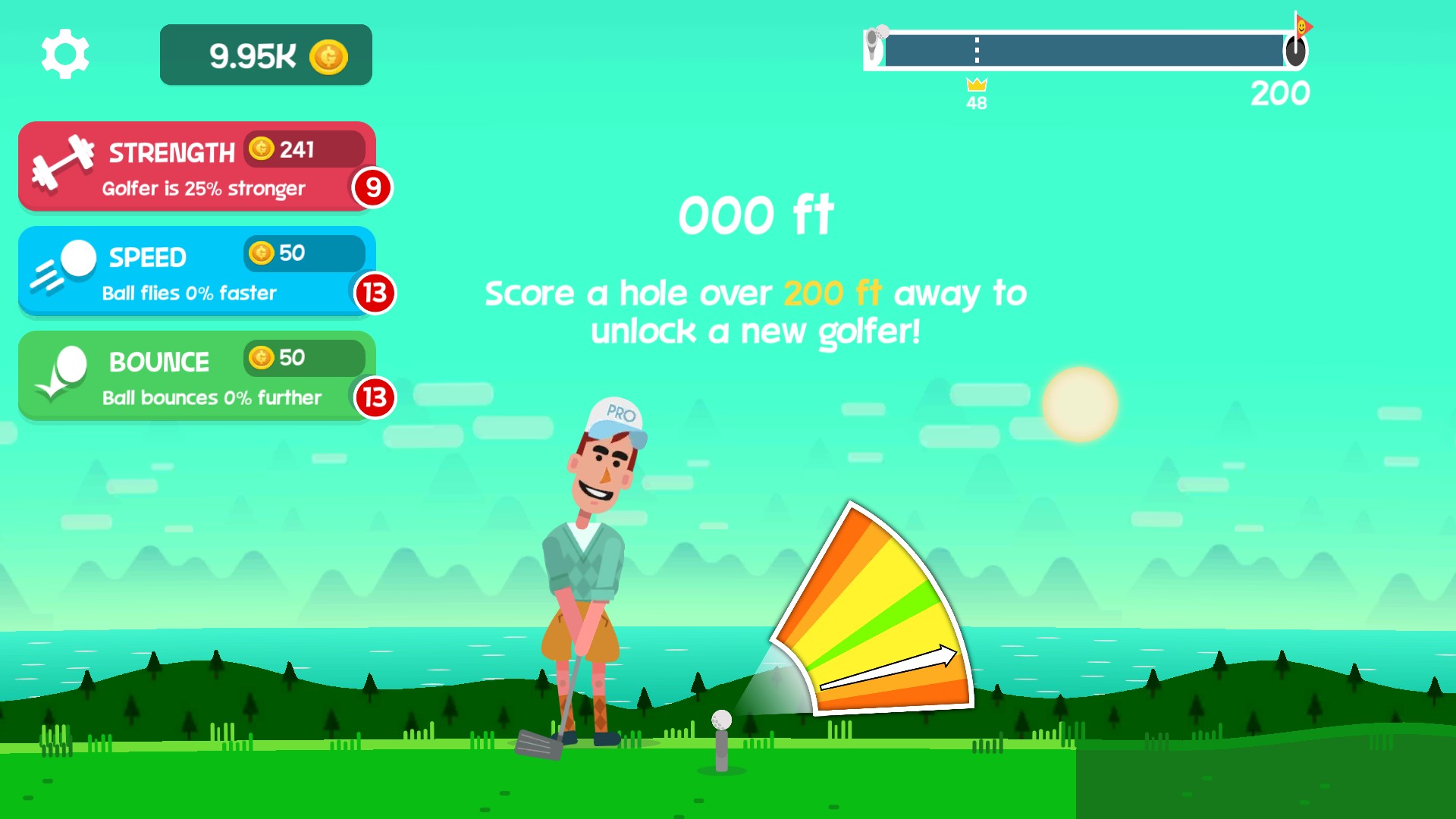
Build up your golfer's Strength
Choose your Strength upgrade level for the first world, then time your swing and take your next shot.
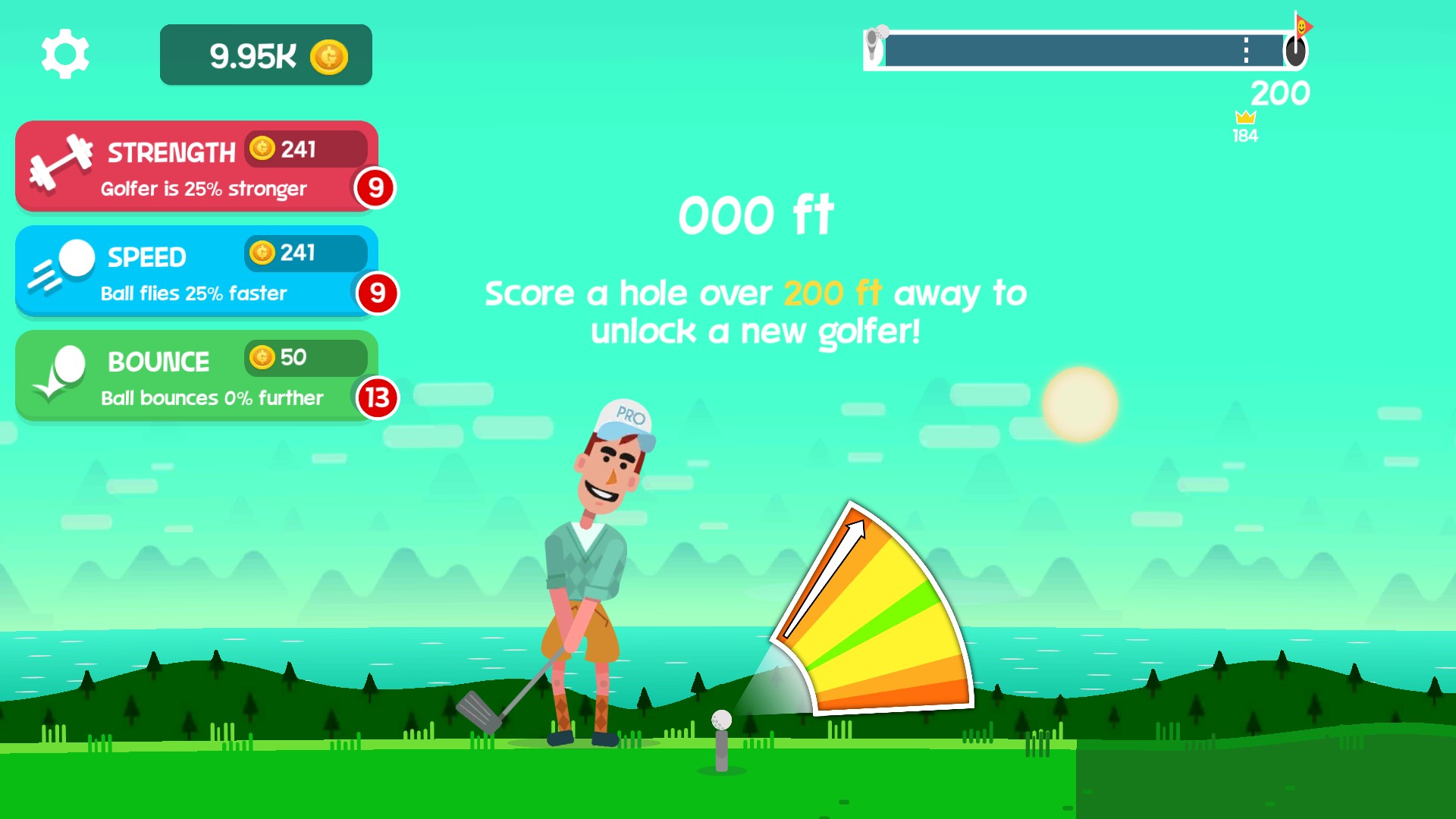
Choose your ball Speed upgrades
Set your Speed upgrade level in the first world and get back to chasing your next distance record.
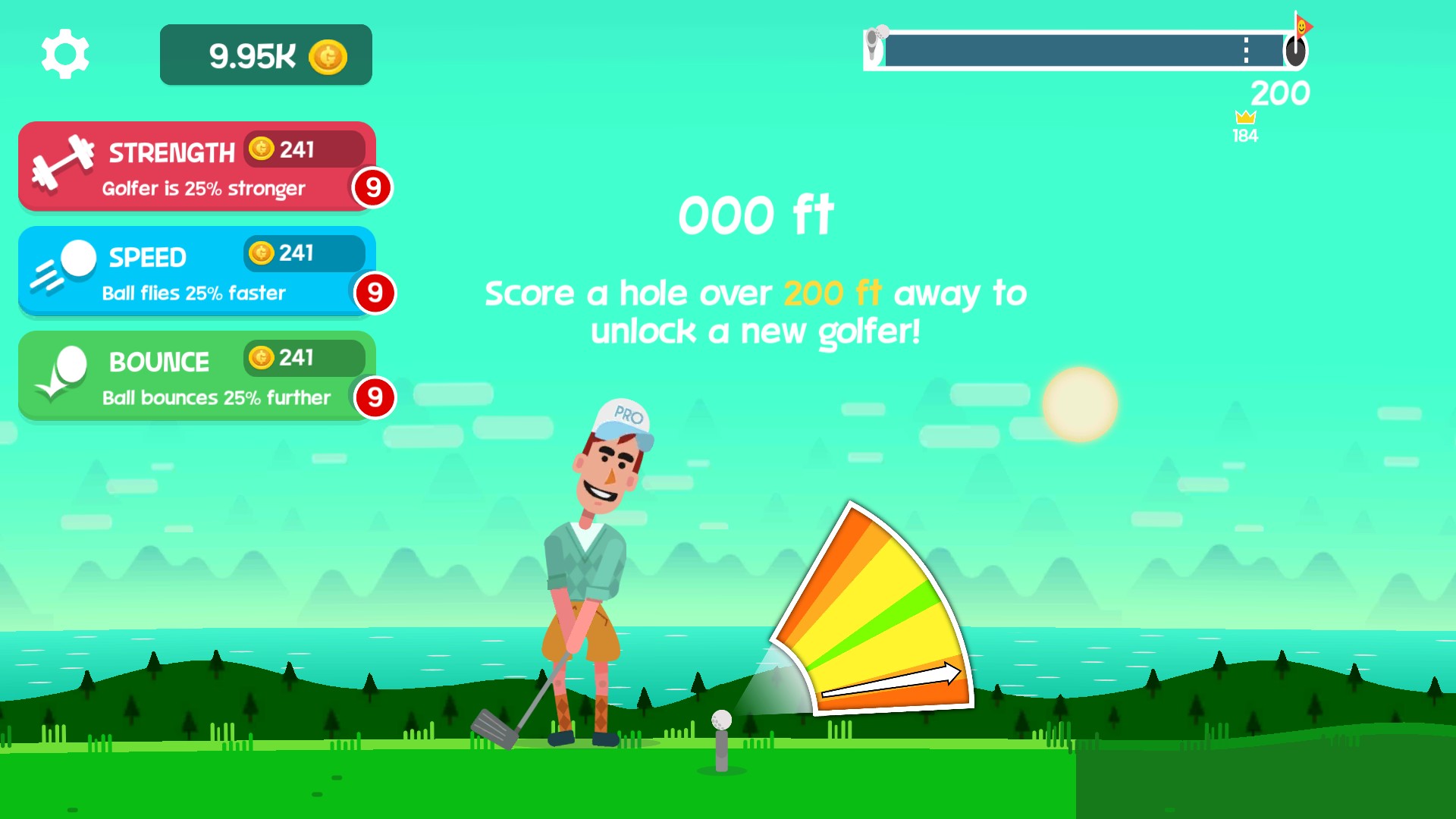
Choose your Bounce upgrades
Set the first world's Bounce upgrade level to suit the way you want to play.
Questions about customisation options
- Are the upgrade controls percentages?
- You choose upgrade levels. The game shows the corresponding Strength, Speed and Bounce bonuses beside its normal upgrade buttons.
- Can I change one upgrade at a time?
- Yes. Strength, ball Speed and Bounce are separate choices, so you can adjust one part of your first-world setup at a time.
Using these features
Connect your game, then open Customise in the Windows app. Choose an option, check its available values and follow its instructions. Each option lists its own requirements and limits.
Setup for Golf Orbit - Oneshot →