

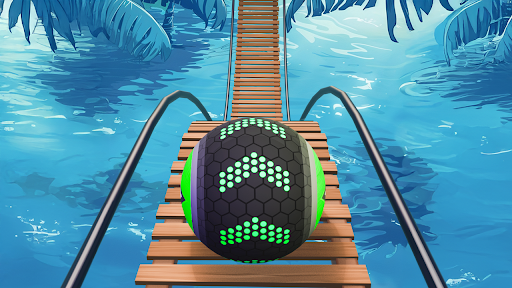
Resources
2 optionsCompare free Lives and Premium Coins, including the five-life cap and display refresh requirements.
View resources →Keep your ball on the track and work toward the finish in Going Balls. For the YouTube Playables version, Bytonian Mods offers two resource controls: free Lives and Premium Coins.
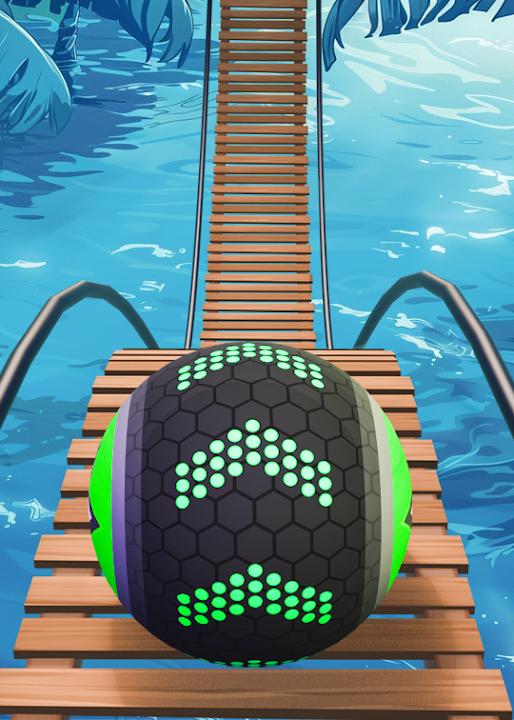
Open Resources to compare Lives and Coins, their access requirements and the steps needed to refresh the numbers shown in the game. Lives has a maximum of five; Coins is a separate balance control.
Install the Bytonian Mods Windows app and connect its browser extension in Chrome or Edge. Open Going Balls on YouTube Playables, then choose the resource option in the app. The browser extension setup guide below explains the connection steps.
Compare free Lives and Premium Coins, including the five-life cap and display refresh requirements.
View resources →Download the Windows app and follow the setup prompts.
Set up the browser extension in Chrome or Edge, then open the supported YouTube Playable. Follow the connection guide if the game is already running.
Review the available options in the app and choose the ones that suit how you play.