

Stat Modifiers
3 optionsChoose slower or faster travel and a comfortable dialogue reveal speed.
View stat modifiers →Choose your pace through the Park and Terminal in Glitchhikers: The Spaces Between. Adjust walking or existing flight speed, and set how quickly new conversation lines appear while you meet fellow travellers.

Start with free mods
Download Bytonian Mods for Windows and try these free features. Choose one to see how it works and any requirements.
Walk the Park's paths at a pace that suits you, from a slower stroll to quicker travel between turns.
Enable during a Park journey and choose a Speed percentage.
Follow the usual paths and face the direction you want to walk.
Choose free Park Walking Speed for trips along the Path, or use Airport Movement Speed to adjust walking and the game's existing flight in the Terminal. Each control has its own pace setting.
Slow new lines down for a more measured read, or speed them up while keeping normal page breaks and reply choices. Dialogue Reveal Speed works independently of the movement controls.
Open Glitchhikers: The Spaces Between in the launcher, choose the control you want, and enable it. Use 100% for normal speed. Each movement control applies in its own journey.
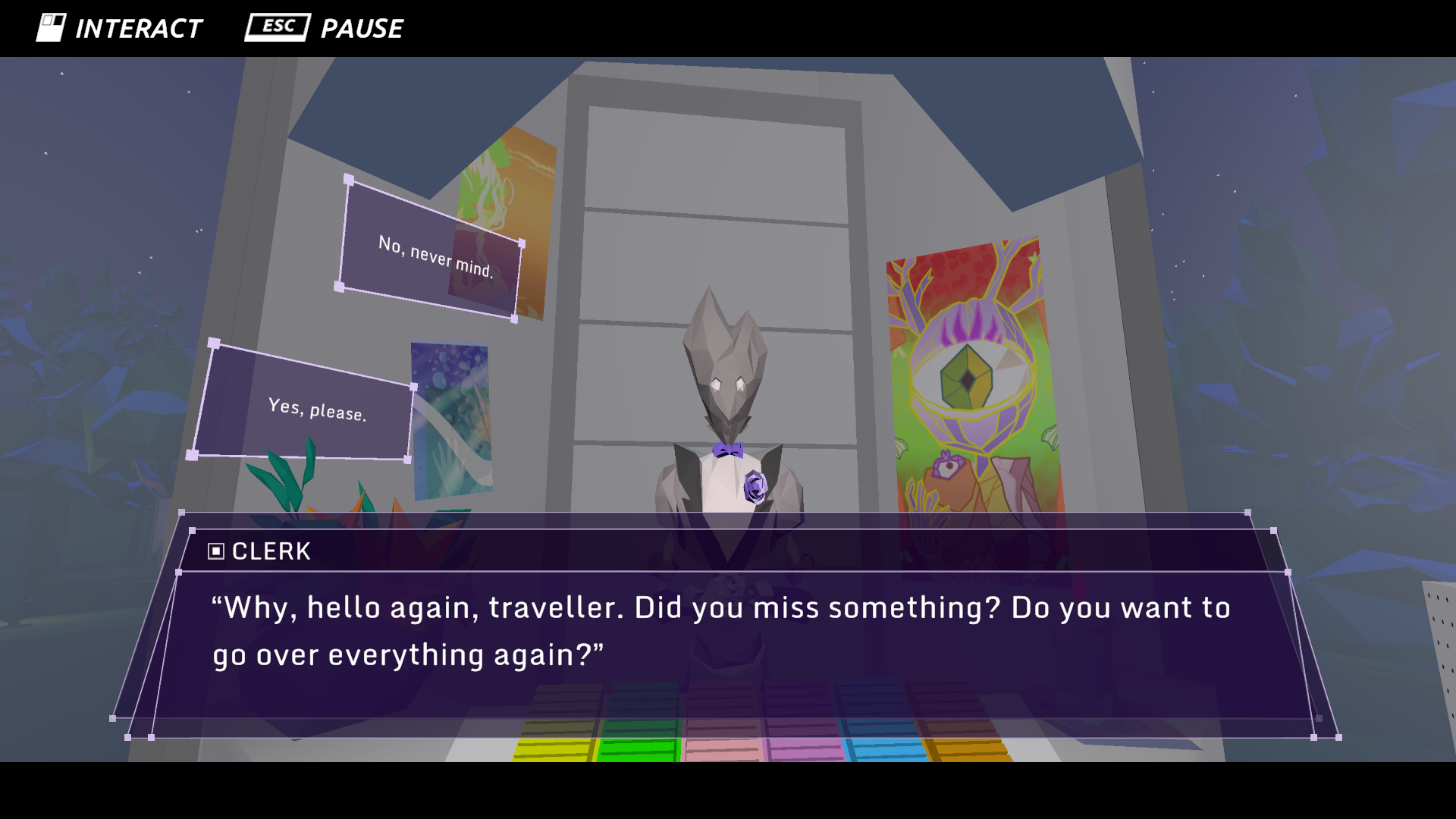
A conversation at The Stop
Meet the clerk between journeys and choose how to respond.
Choose slower or faster travel and a comfortable dialogue reveal speed.
View stat modifiers →Browse the Steam achievement names and descriptions for Glitchhikers: The Spaces Between. Choose and unlock achievements for free with Bytonian Mods in the Windows app.
View all achievements →Download the Windows app and follow the setup prompts.
Open Glitchhikers: The Spaces Between and select it in Bytonian Mods. Follow the app’s connection prompts.
Review the available options in the app and choose the ones that suit how you play.