
Customise
1 optionAdjust chest key quantity within the game's three-key capacity.
View customisation options →Choose how many chest keys to carry into your next Giant Rush - Fighting Game run. Gather matching-color runners, dodge obstacles and face the giant at the end of the track.
Requires the Windows app and the Bytonian Mods browser extension for Chrome or Edge. Browser setup guide
Start with free mods
Download Bytonian Mods for Windows and try these free features. Choose one to see how it works and any requirements.
Choose your chest key count from zero to three.
Apply your chosen count, then continue your run.
Chest access and reward rules still follow the game.
Carry three chest keys
Choose your chest key count up to the game's three-key limit.
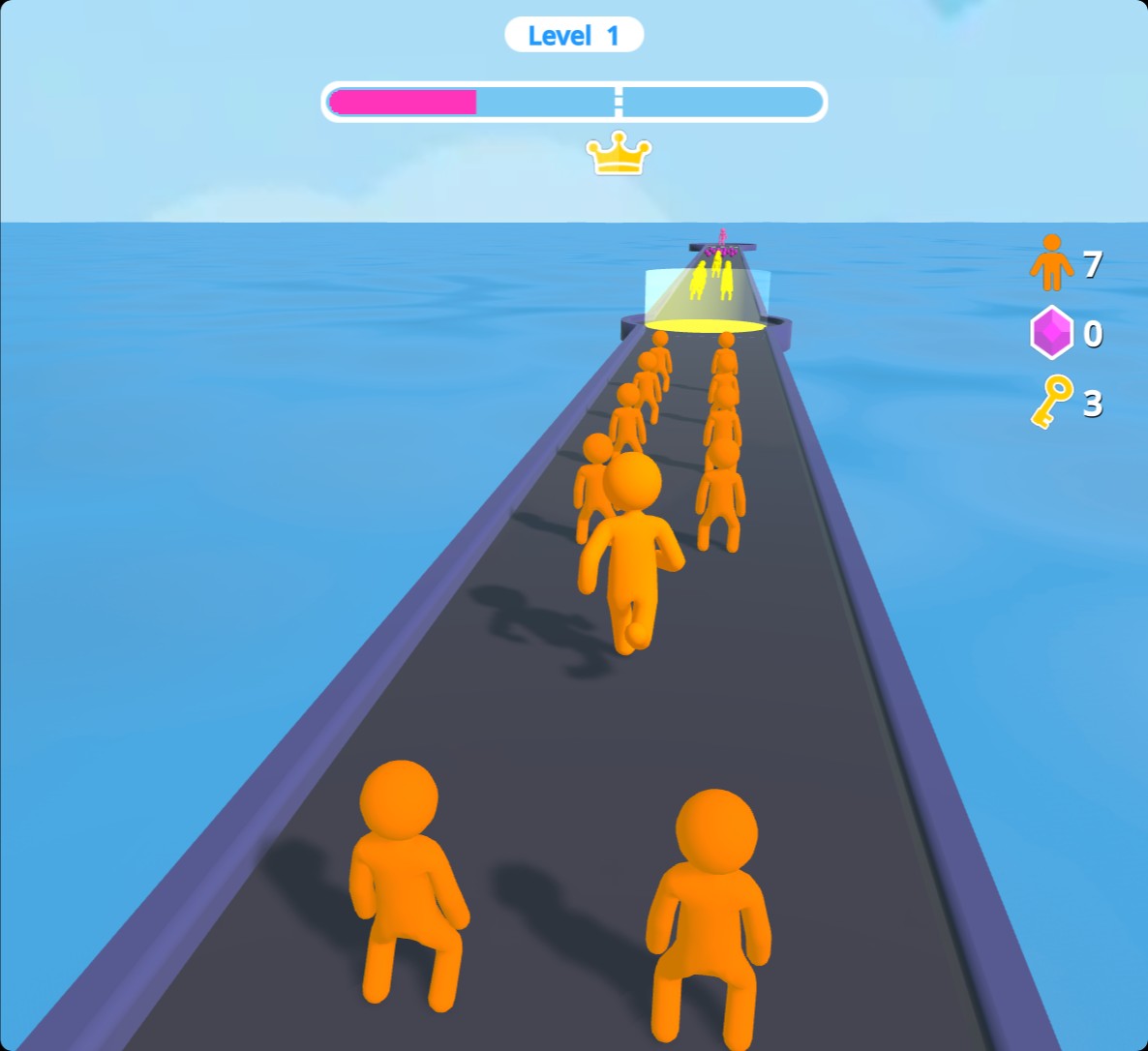
Open Giant Rush - Fighting Game with Bytonian Mods, choose Chest Keys and apply a value from zero to three. Continue into your run to see your key count on the right side of the screen.
Adjust chest key quantity within the game's three-key capacity.
View customisation options →Download the Windows app and follow the setup prompts.
Set up the browser extension in Chrome or Edge, then open the supported YouTube Playable. Follow the connection guide if the game is already running.
Open Customise in Bytonian Mods, choose an option and follow its instructions. Check the available values and any limits before making your change.