

Slow Motion for Get To Work
Slow time while you hold a key, then release it to return to normal speed.
Use the control
Enable Slow-motion control and hold the configured key while playing the normal game. The default is F8, and you can change the binding to suit your setup.
Use this control for personal play, not timed competitions or leaderboard runs.
Available ability modifiers
Slow-motion controlFree
Slow the action while you hold a key, giving you more time to navigate a tricky section.
Enable the control and hold F8, or choose another key in the binding settings. Release the key to return to normal speed.
For normal personal play. Do not use it in timed competitions or leaderboard runs.
Starting room
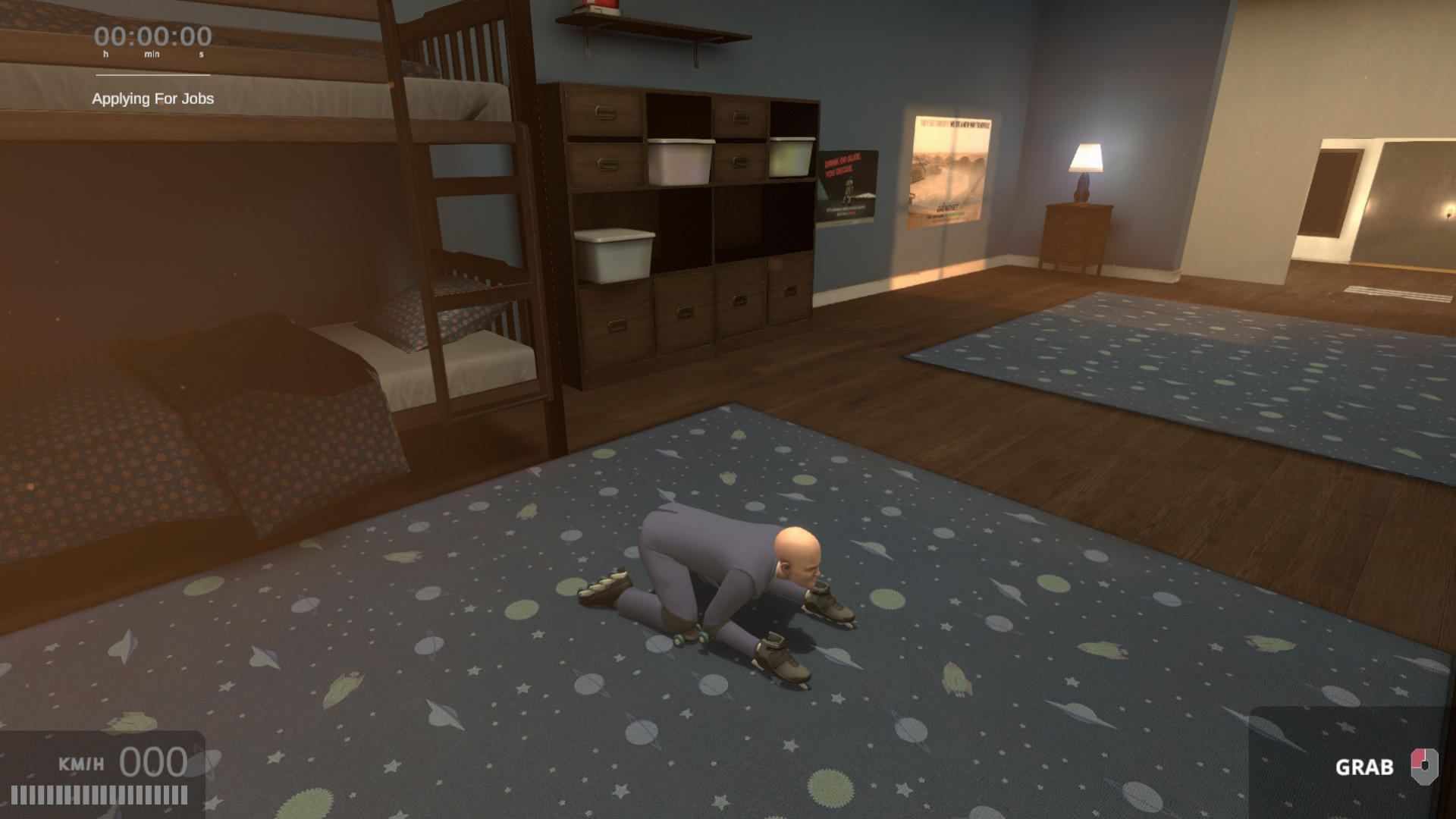
The skater in the starting room during personal play.
Using these features
Choose the feature in the Windows app after connecting your game. Check its requirements before making a change.
Setup for Get To Work →