
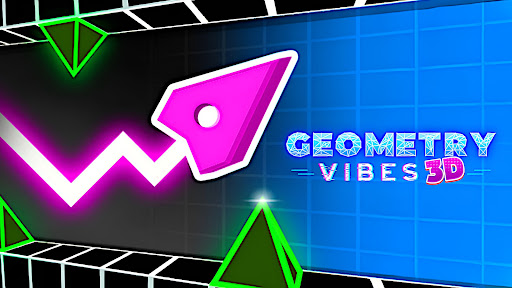
Set your coins and open more style choices
Prepare your next look with three simple controls: Coins, Unlock Ship Styles and Unlock Trail Styles. Once your changes are applied, visit the shop to choose the ship and trail you want to use.
Requires the Windows app and the Bytonian Mods browser extension for Chrome or Edge. Browser setup guide
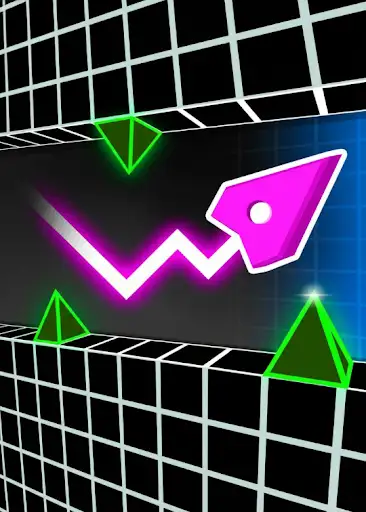
Choose coins for a shop purchase
Set the balance you want, then use the shop as usual. Coins can pay for a style while the ship and trail unlock buttons open their collections directly.
Pick the combination you like
Open the ship or trail tab, select a design and check the preview. Unlocking a collection gives you the choices; you still pick your favorite in the shop.
Available customisation options
CoinsPremium
Set your shop coin balance and spend it on the styles you want.
Choose your balance, apply the change and visit the shop to make a purchase.
Unlock Ship StylesFree
Unlock the ship collection and choose a new silhouette for your next flight.
Apply Unlock Ship Styles, then open the ship tab in the shop and select your favorite.
Unlock Trail StylesPremium
Unlock the trail collection and give your ship a new flight effect.
Apply Unlock Trail Styles, then open the trail tab in the shop to choose and preview an effect.
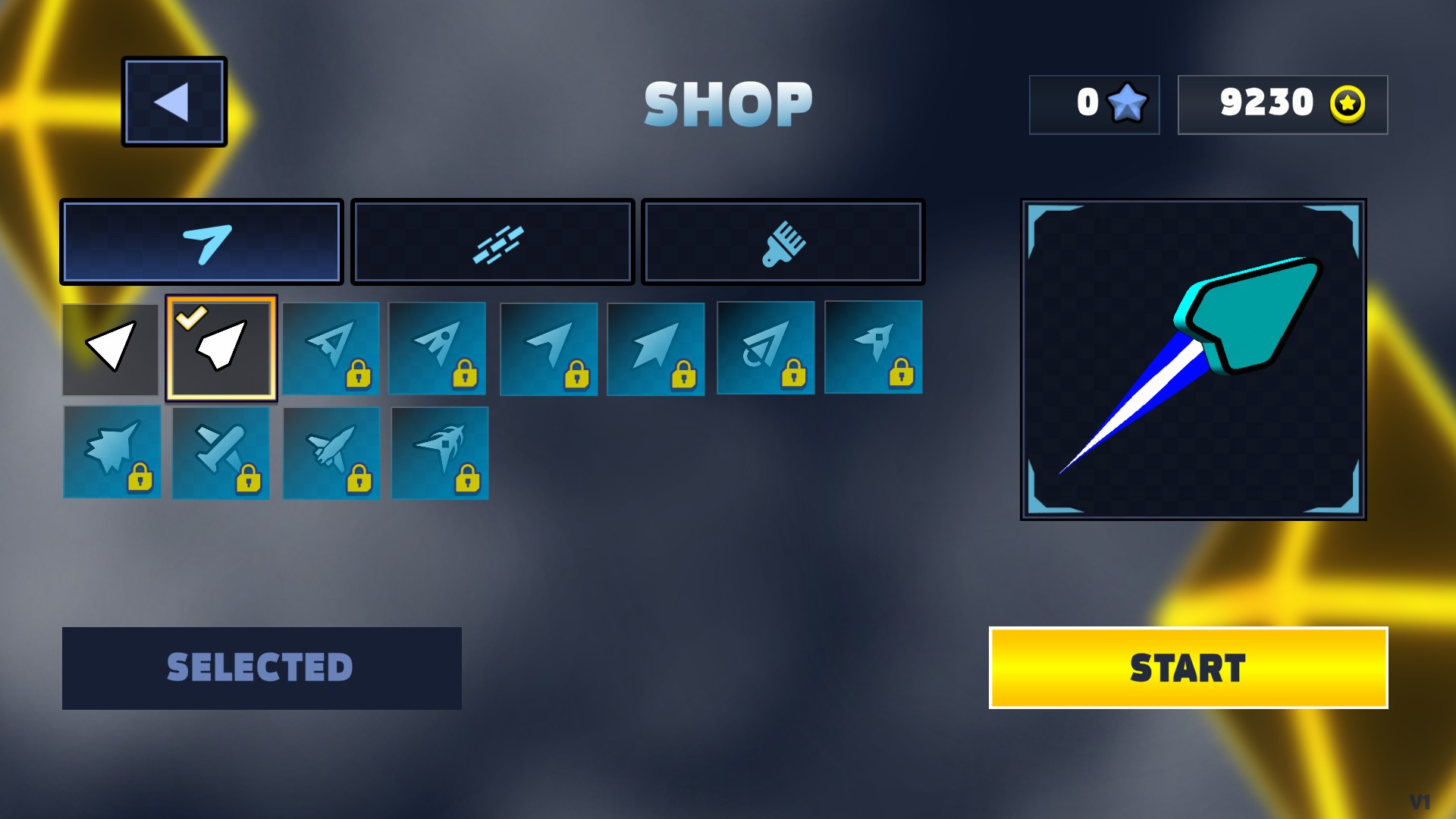
Spend your coins on a fresh ship
Set your coin balance, then pick up a new ship from the shop. This ship is selected with 9,230 coins left to spend.
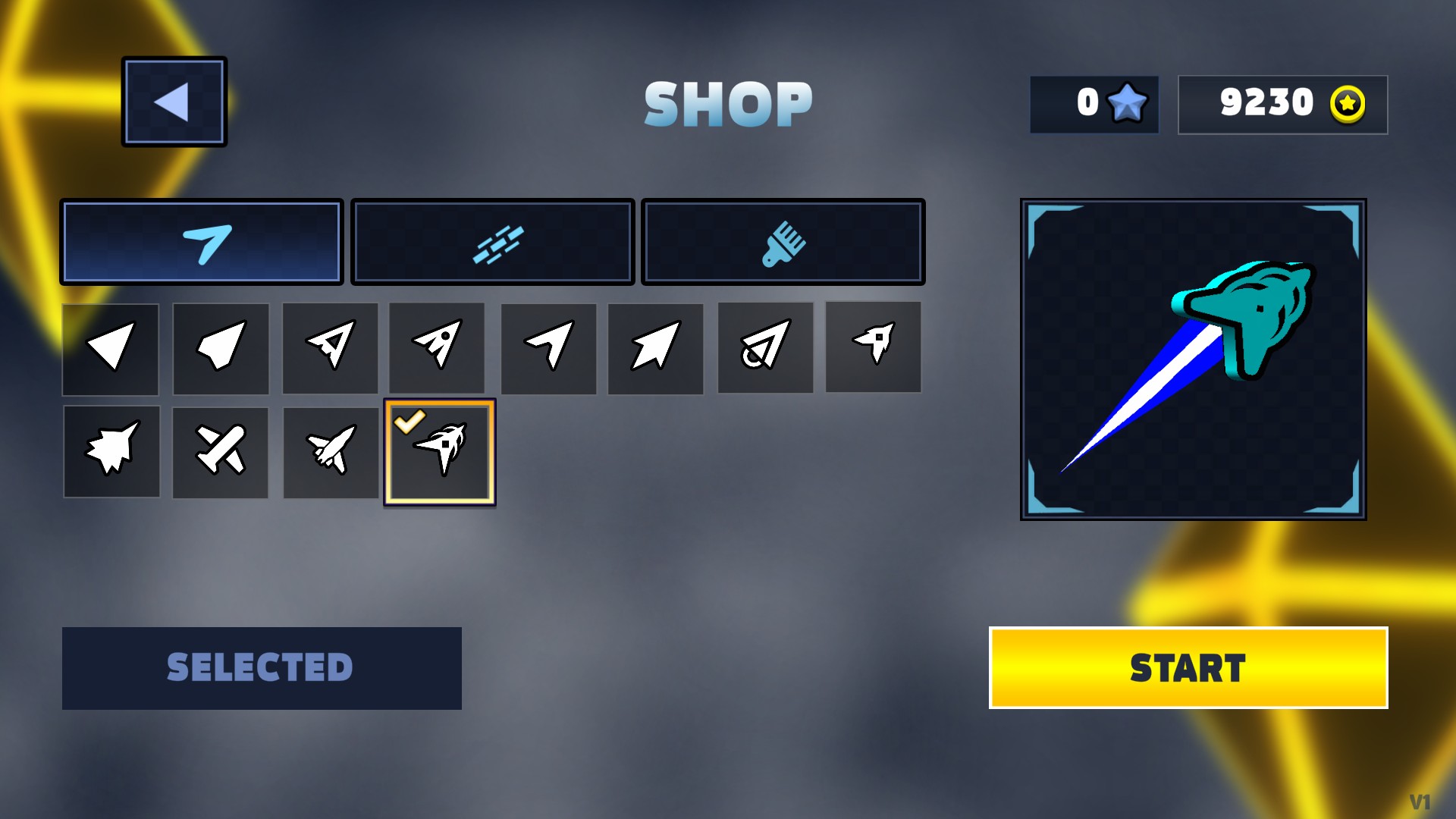
Find your favorite ship
Unlock the ship collection and choose a look that suits your next flight.
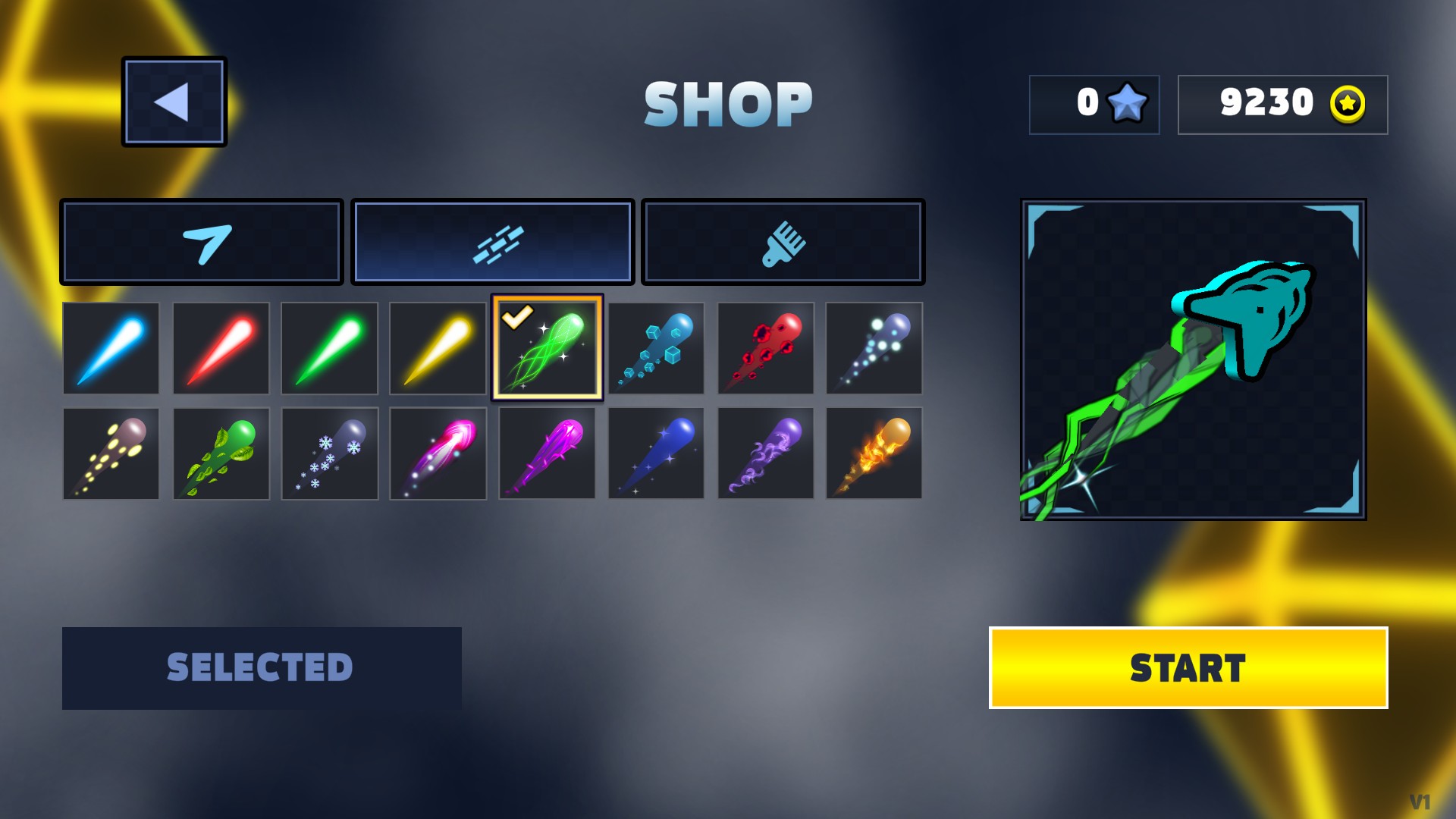
Give your ship a brilliant trail
Unlock the trail collection and choose an effect to match your ship, from bright streaks to sparkling designs.
Questions about customisation options
- Does unlocking a collection choose a style for me?
- You choose the style yourself. Open the matching shop tab, select a ship or trail and check its preview before starting.
Using these features
Connect your game, then open Customise in the Windows app. Choose an option, check its available values and follow its instructions. Each option lists its own requirements and limits.
Setup for Geometry Vibes 3D →