

Resources
2 optionsManage Brains and Gold for your defence and progression.
View resources →Set Brains for placing defenders or Gold for progression upgrades in Garden of the Dead. Get your defense ready before the next wave of plants.
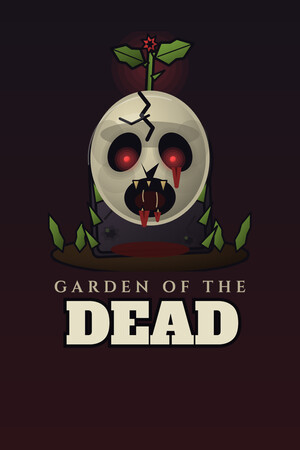
Start with free mods
Download Bytonian Mods for Windows and try these free features. Choose one to see how it works and any requirements.
Set or add Brains to help place defenders during a level.
Refresh the current balance, then enter an amount to set or add.
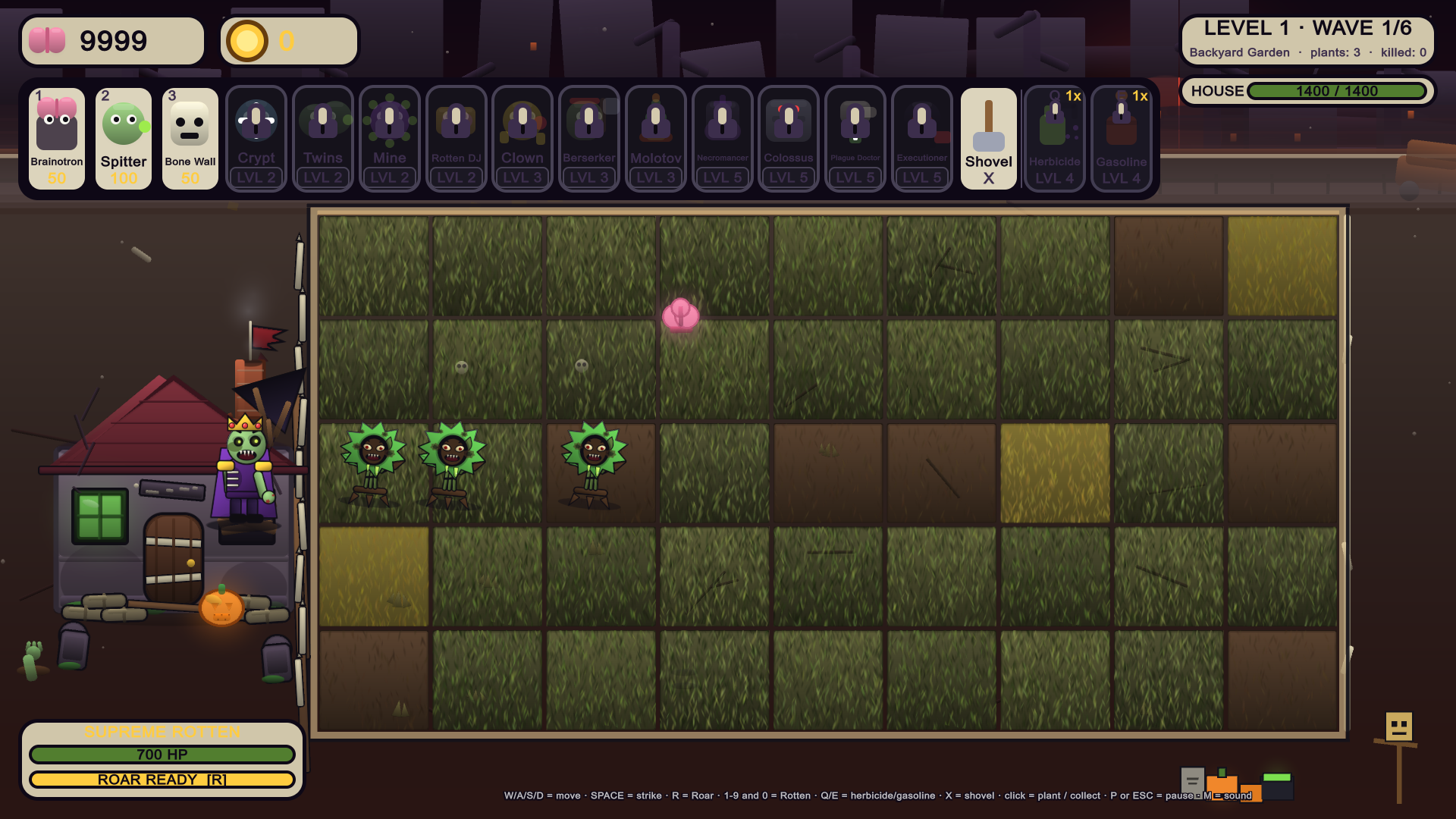
Defend the garden
Adjust your resources while defending the house from waves of plants.
Set or add Brains during a level to give yourself more room to place defenders. Adjust Gold for the upgrades you want to pursue between battles.
Manage Brains and Gold for your defence and progression.
View resources →Download the Windows app and follow the setup prompts.
Open Garden of the Dead and select it in Bytonian Mods. Follow the app’s connection prompts.
Review the available options in the app and choose the ones that suit how you play.