
Galactic Delivery instant dialogue
Skip the letter-by-letter reveal and read dialogue lines in full. Instant dialogue text gives you the words immediately while you keep control of when to continue.

Show the whole line
Enable Instant Dialogue and switch on Instant dialogue text. The toggle can also finish revealing a line that is already appearing.
Keep control of the conversation
Continue conversations and choose responses as usual. Turn the toggle off to bring back the normal typing effect for new lines.
Available presentation modifiers
Instant dialogue textFree
Show dialogue lines in full without waiting for the letters to appear.
Switch on Instant dialogue text while Instant Dialogue is enabled. Turn it off to restore the typing effect for new lines.
You continue conversations and choose responses as usual.
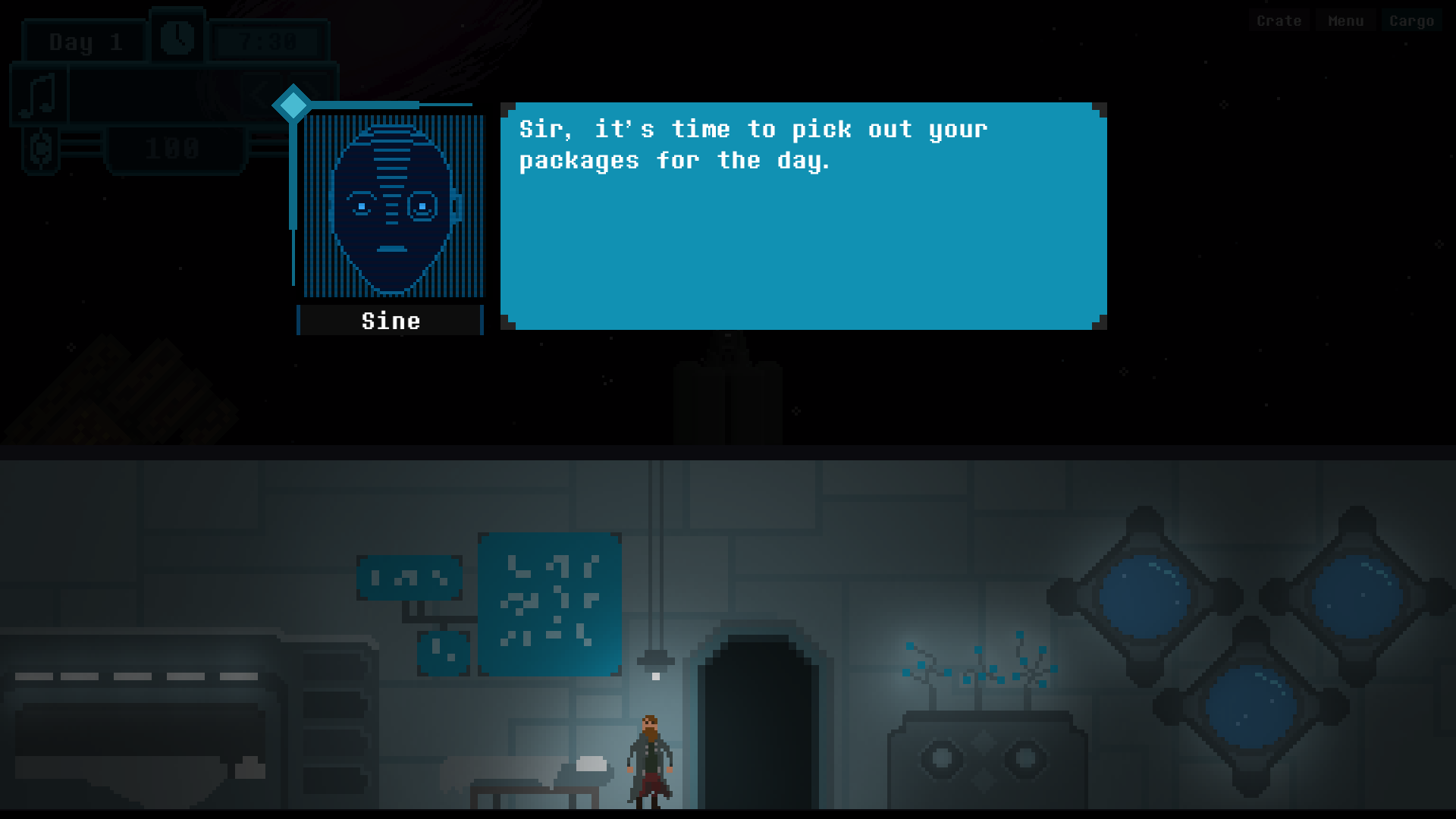
Read dialogue without the wait
Show each dialogue line in full as it appears.
Questions about presentation modifiers
- Does this automatically continue the conversation?
- No. It reveals the current line in full. You still choose when to continue.
Using these features
Choose the feature in the Windows app after connecting your game. Check its requirements before making a change.
Setup for Galactic Delivery →