
Stat Modifiers
1 optionChoose a movement pace for your current living character in offline bot battles.
View stat modifiers →Pick up the pace in FRAG Pro Shooter Lite's offline bot battles. Adjust your current character's movement speed to cover the arena more quickly as you move between cover and objectives.
Requires the Windows app and the Bytonian Mods browser extension for Chrome or Edge. Browser setup guide
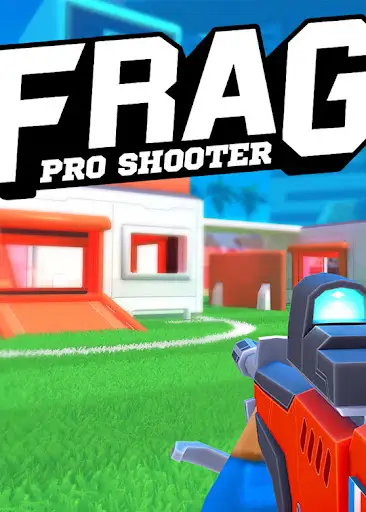
FRAG puts a team of distinct characters into an arena with cover and targets to defend or attack. Movement speed gives you more control over how quickly your current character gets around.
Open FRAG Pro Shooter Lite through Bytonian Mods and enter an offline bot battle. With a living character selected, choose your speed percentage and turn on Movement speed. Switch it off to return to your normal pace.
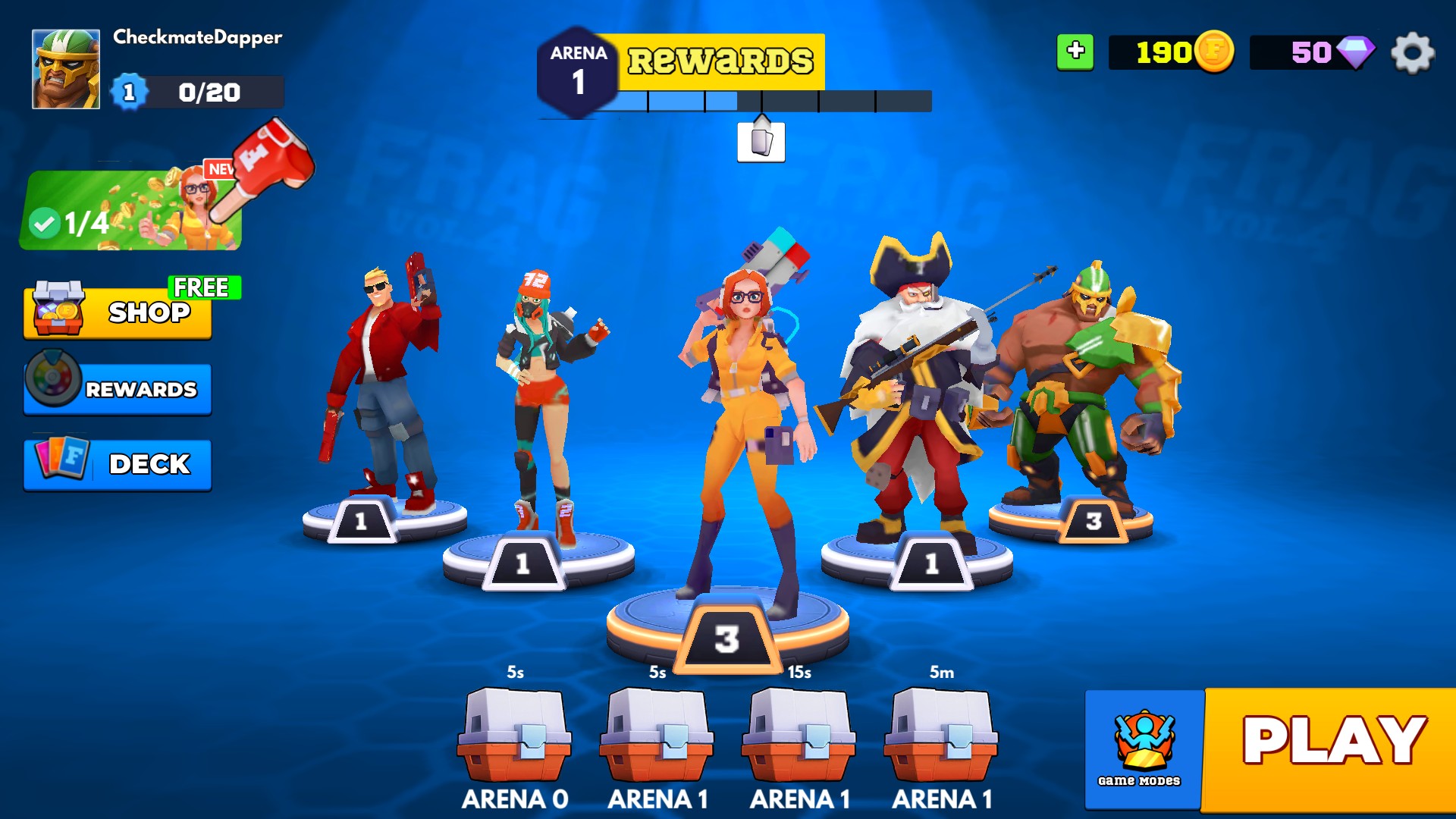
Meet your FRAG team
Meet the characters before heading into the arena in FRAG Pro Shooter Lite.
Choose a movement pace for your current living character in offline bot battles.
View stat modifiers →Download the Windows app and follow the setup prompts.
Set up the browser extension in Chrome or Edge, then open the supported YouTube Playable. Follow the connection guide if the game is already running.
Review the available options in the app and choose the ones that suit how you play.