

Customise
4 optionsChoose coins, a four-player formation, a ball style and a trail.
View all customisation options →Pick a starting formation and choose your ball and trail before kickoff. Set coins for match entries or shop purchases, then take your four-player lineup onto the pitch.
Requires the Windows app and the Bytonian Mods browser extension for Chrome or Edge. Browser setup guide

Start with free mods
Download Bytonian Mods for Windows and try these free features. Choose one to see how it works and any requirements.
Choose White, Fire, Ice, Rainbow or Gold for the ball trail.
Select a trail, apply it and start a match with your chosen style.
Choose from 11 formations, from Classic and Defense to Phantom's zigzag arrangement. Try a new starting shape as you line up shots and protect your goal.
Set coins for match entries and customization purchases. Choose from 11 ball styles and five trails to change how the action looks on the pitch.
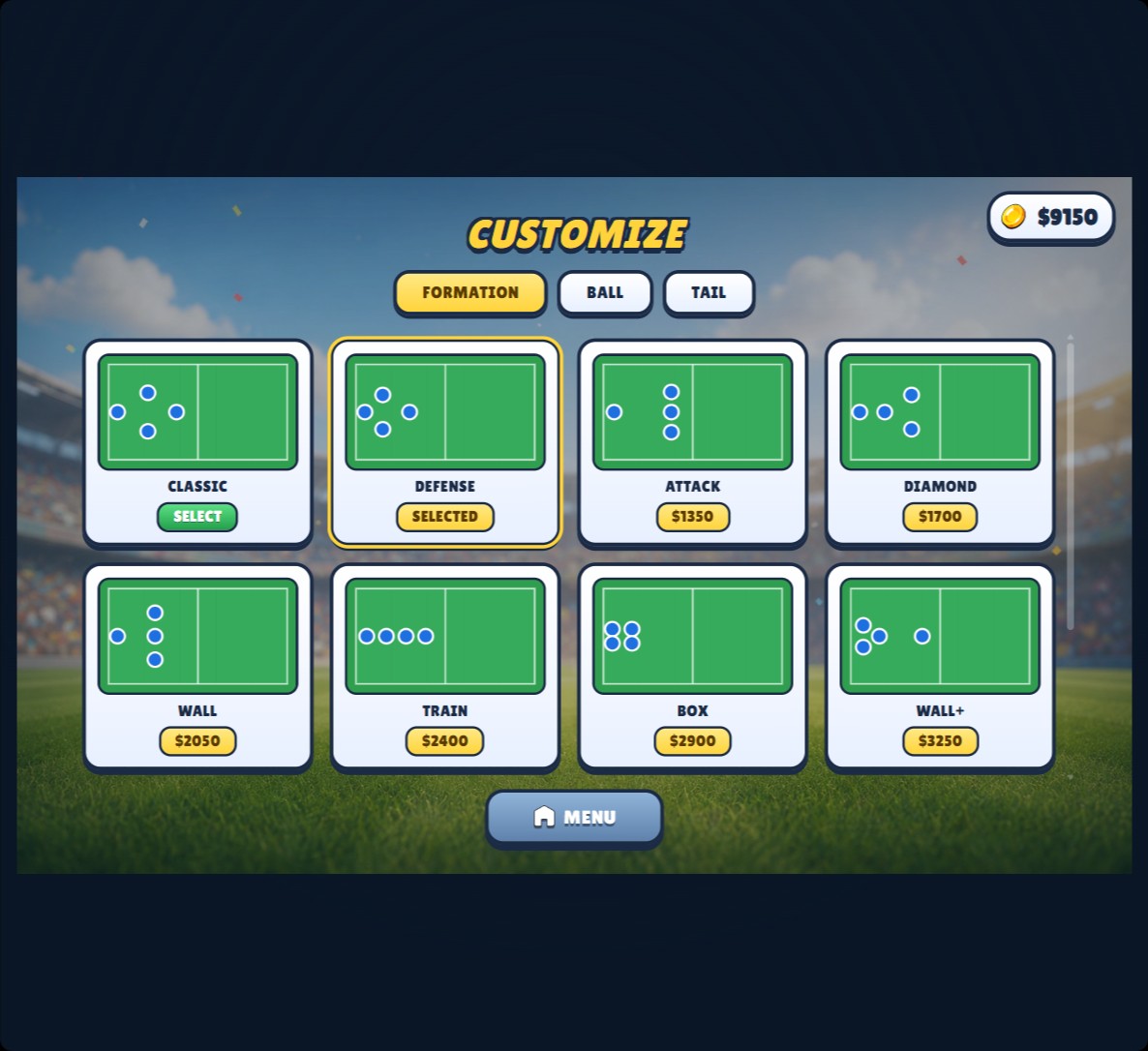
Build your football lineup
Choose a formation and spend your coins on team customizations.
Choose coins, a four-player formation, a ball style and a trail.
View all customisation options →Download the Windows app and follow the setup prompts.
Set up the browser extension in Chrome or Edge, then open the supported YouTube Playable. Follow the connection guide if the game is already running.
Open Customise in Bytonian Mods, choose an option and follow its instructions. Check the available values and any limits before making your change.