

Unlocks
1 optionOpen more choices in the level menu.
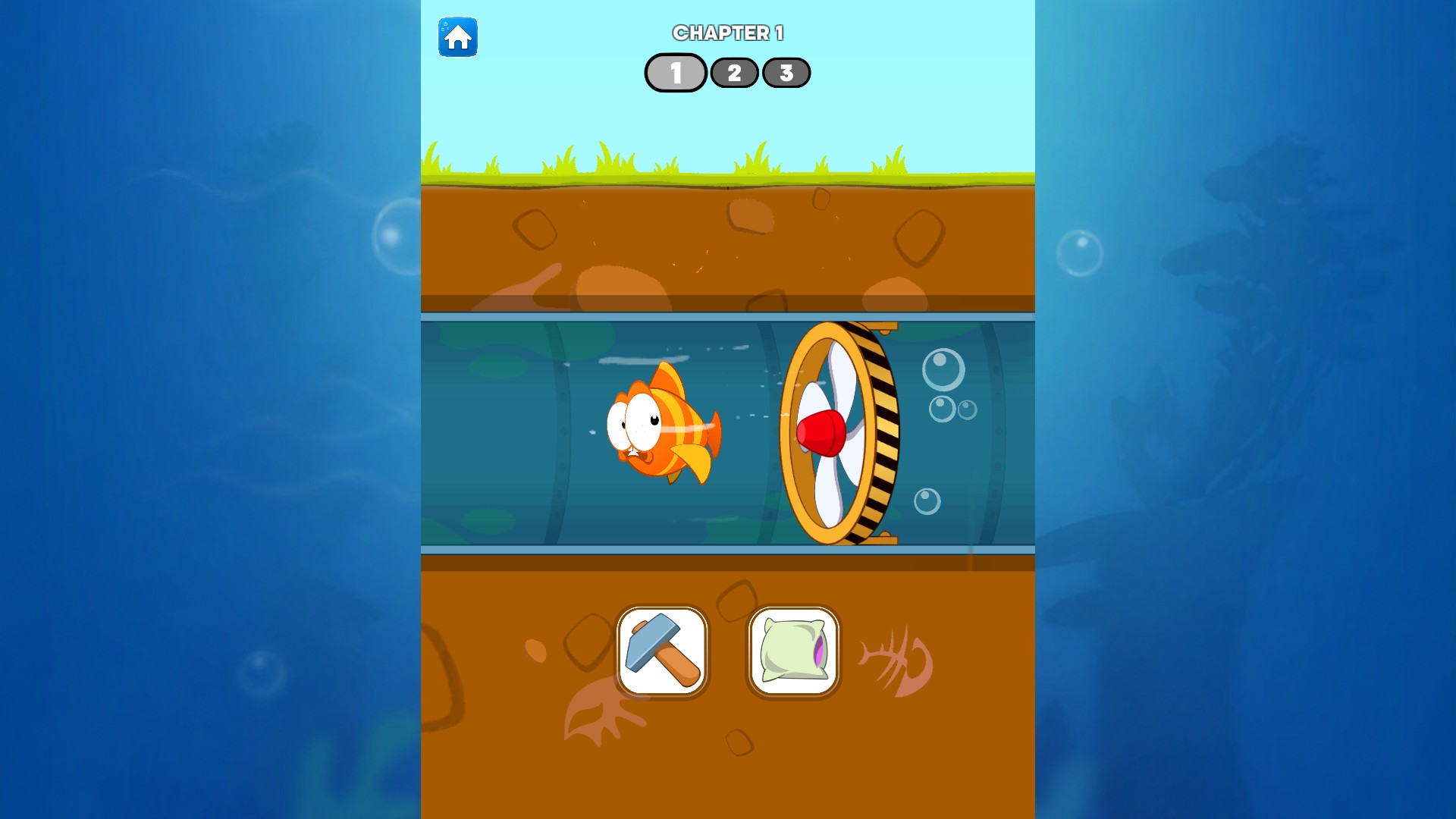
View unlocks →Help Nemo past underwater obstacles in Fish Story: Save the Nemo 🐠. Choose between tools, work out a route through the pipes and tackle each chapter's puzzles at your own pace. When you want a change, move past a puzzle, open more level choices or start the current chapter again.
Help Nemo through his next puzzle
Choose how to get past each obstacle as Nemo makes his way through the story.
Use puzzle completion when you want to see what happens next. Level choices give you more places to start, while chapter restart takes you back to the chapter's opening puzzle.
Open the game and your Bytonian Mods controls, then choose the action you want. Use completion or chapter restart while a puzzle is open. After opening more level choices, reopen the game's Levels menu to see them.
Open more choices in the level menu.
View unlocks →Return to the opening puzzle of your current chapter.
View game actions →Complete the puzzle you're playing and carry on.
View progression systems →Download the Windows app and follow the setup prompts.
Set up the browser extension in Chrome or Edge, then open the supported YouTube Playable. Follow the connection guide if the game is already running.
Review the available options in the app and choose the ones that suit how you play.