

Keep Lamp clues ready
Pick a Lamp stock that suits how you like to search. In the puzzle, tap the Lamp icon for a clue when an object is hard to spot.
Requires the Windows app and the Bytonian Mods browser extension for Chrome or Edge. Browser setup guide

Use a clue when you need one
The Lamp points out an object in the scene and reduces your available stock by one. You can still search for the rest of the objects yourself.
Available customisation options
Saved LampsFree
Choose your Lamp clue stock so help is ready when an object is hard to spot.
Set the number of Lamps, open a puzzle and tap the Lamp icon when you want a clue.
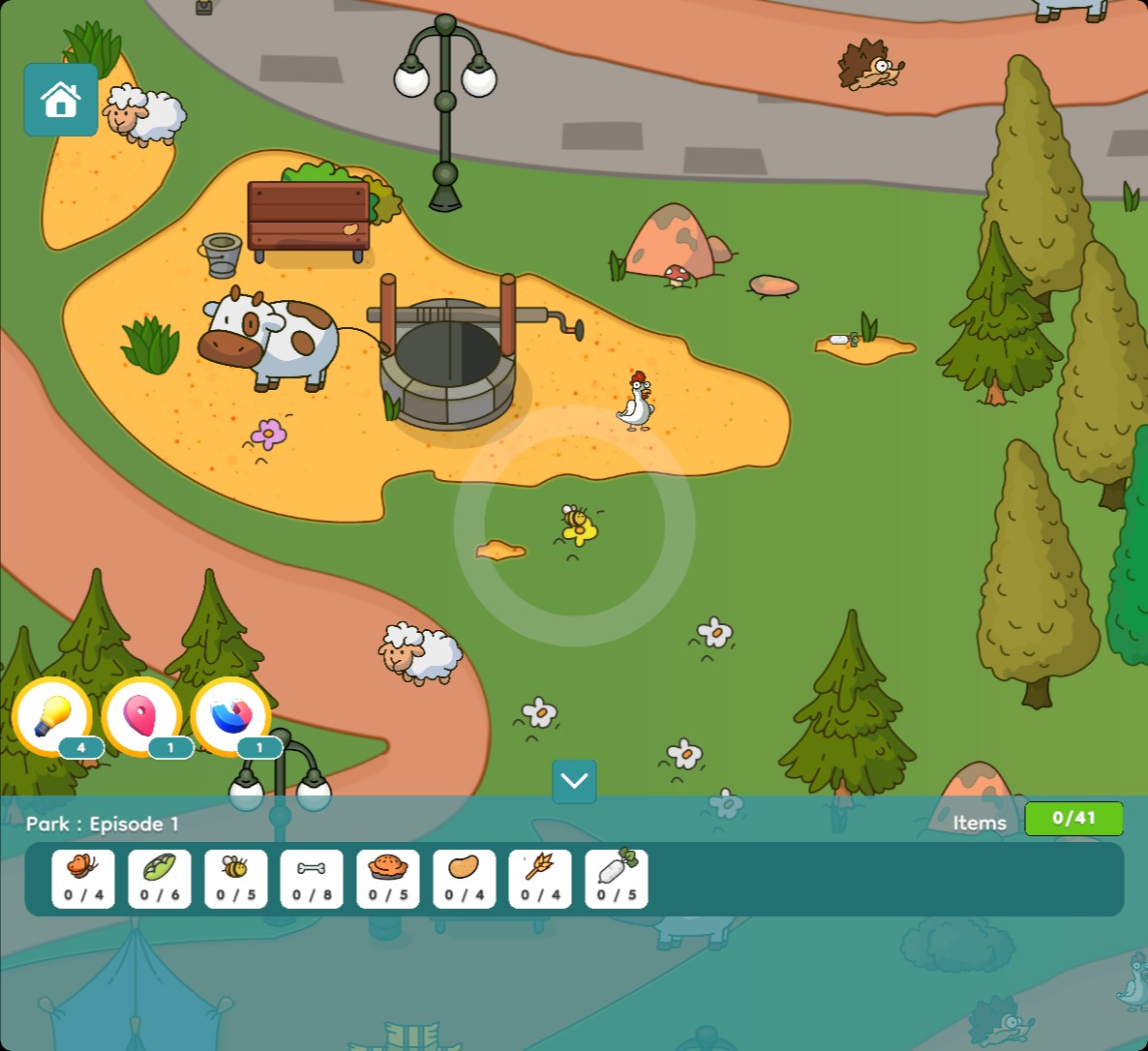
Keep Lamp clues ready
Choose your saved Lamp stock, then use a clue in the hidden-object puzzle whenever you need help.
Using these features
Connect your game, then open Customise in the Windows app. Choose an option, check its available values and follow its instructions. Each option lists its own requirements and limits.
Setup for Find It: Hidden Objects →