
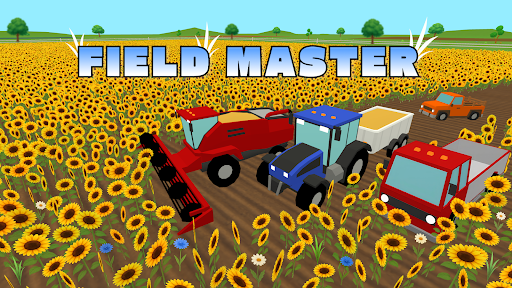
Customise
1 optionChoose a seeder width that suits your next planting pass.
View customisation options →Widen the seeder to cover a broader strip on each pass. Load its normal seed supply and steer your tractor across the field to plant your next crop.
Requires the Windows app and the Bytonian Mods browser extension for Chrome or Edge. Browser setup guide

Start with free mods
Download Bytonian Mods for Windows and try these free features. Choose one to see how it works and any requirements.
Widen the seeder to plant a broader strip on each pass through the field.
Choose the seeder width upgrade level and apply it. Load seeds, then drive the attached seeder over prepared soil.
The seeder still needs its normal seed supply and consumes seeds while sowing.
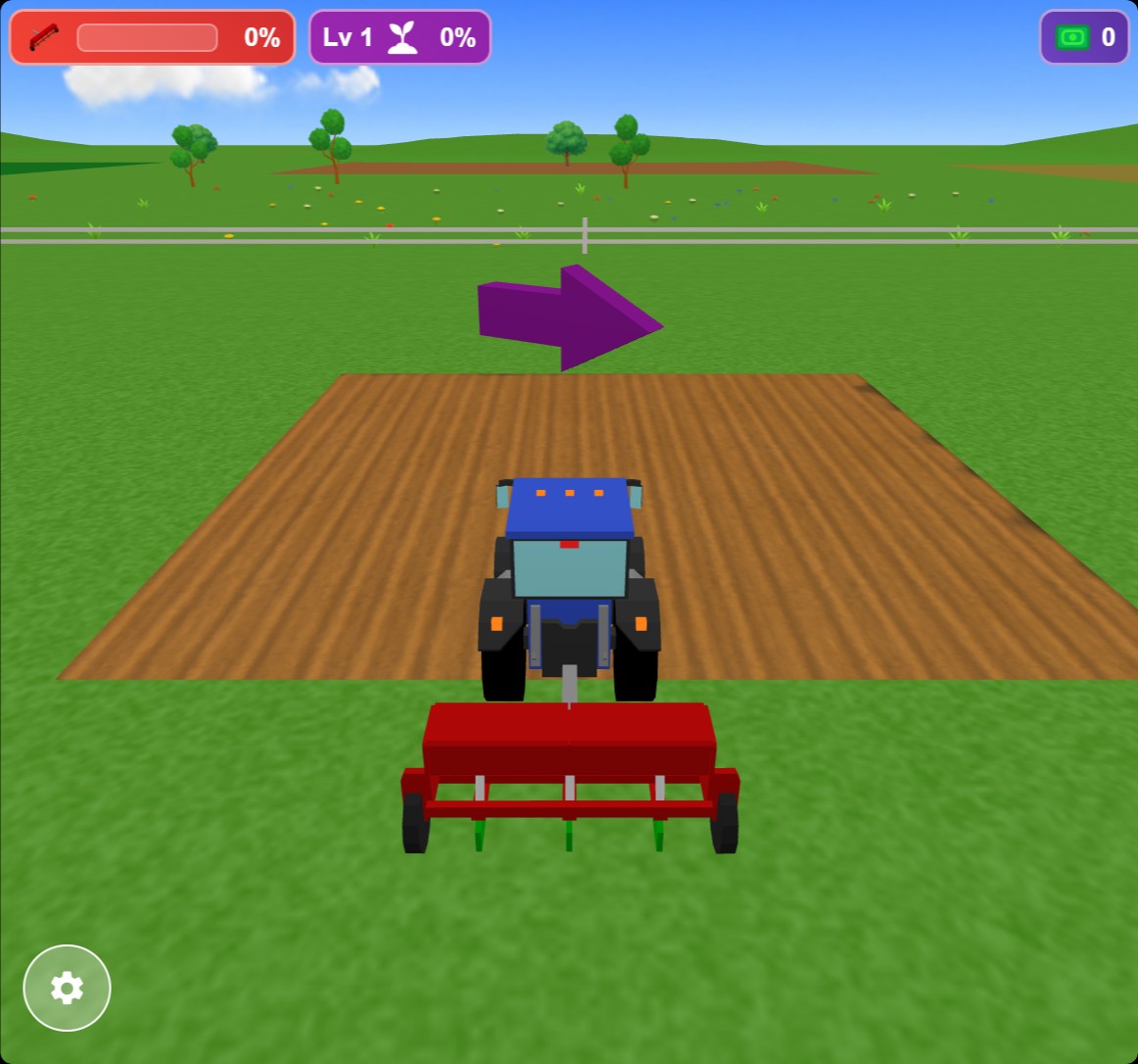
Start a farming pass
Drive your tractor and attached seeder toward the field, load seeds and grow your crops.
A wider seeder covers more soil beside your tractor's path. Keep seeds loaded, line up with the field and drive across it to sow your crop.
Choose a seeder width that suits your next planting pass.
View customisation options →Download the Windows app and follow the setup prompts.
Set up the browser extension in Chrome or Edge, then open the supported YouTube Playable. Follow the connection guide if the game is already running.
Open Customise in Bytonian Mods, choose an option and follow its instructions. Check the available values and any limits before making your change.