
Ammunition for Desktop Solo Missions
Keep your next reload in mind when choosing ammunition. Adjust loaded rounds to prepare the firearm in your hands, or change its reserve supply for the encounters ahead.
Loaded rounds and reserves
Loaded Ammunition changes the rounds available before your next reload, within the firearm's normal limit. Reserve Ammunition changes the supply used when you reload. Both controls let you enter a total or add and subtract rounds.
Changing weapons
Each control applies to your equipped firearm. After switching weapons, refresh the card to read that firearm's current ammunition before making a change.
Available resources
Loaded AmmunitionFree
Choose how many rounds are loaded in your equipped firearm before the next encounter.
Refresh the card, then set a total or add and subtract loaded rounds. Resume play and finish any weapon animation before editing.
The firearm's normal loaded-round limit applies, including a chambered round where supported.
Reserve AmmunitionFree
Choose a reserve supply for your equipped firearm so you can prepare for more reloads during a solo mission.
Refresh the card to read the current reserve, then enter a total or add and subtract rounds. Reloading continues to use reserve ammunition normally.
Ammunition for Solo Missions
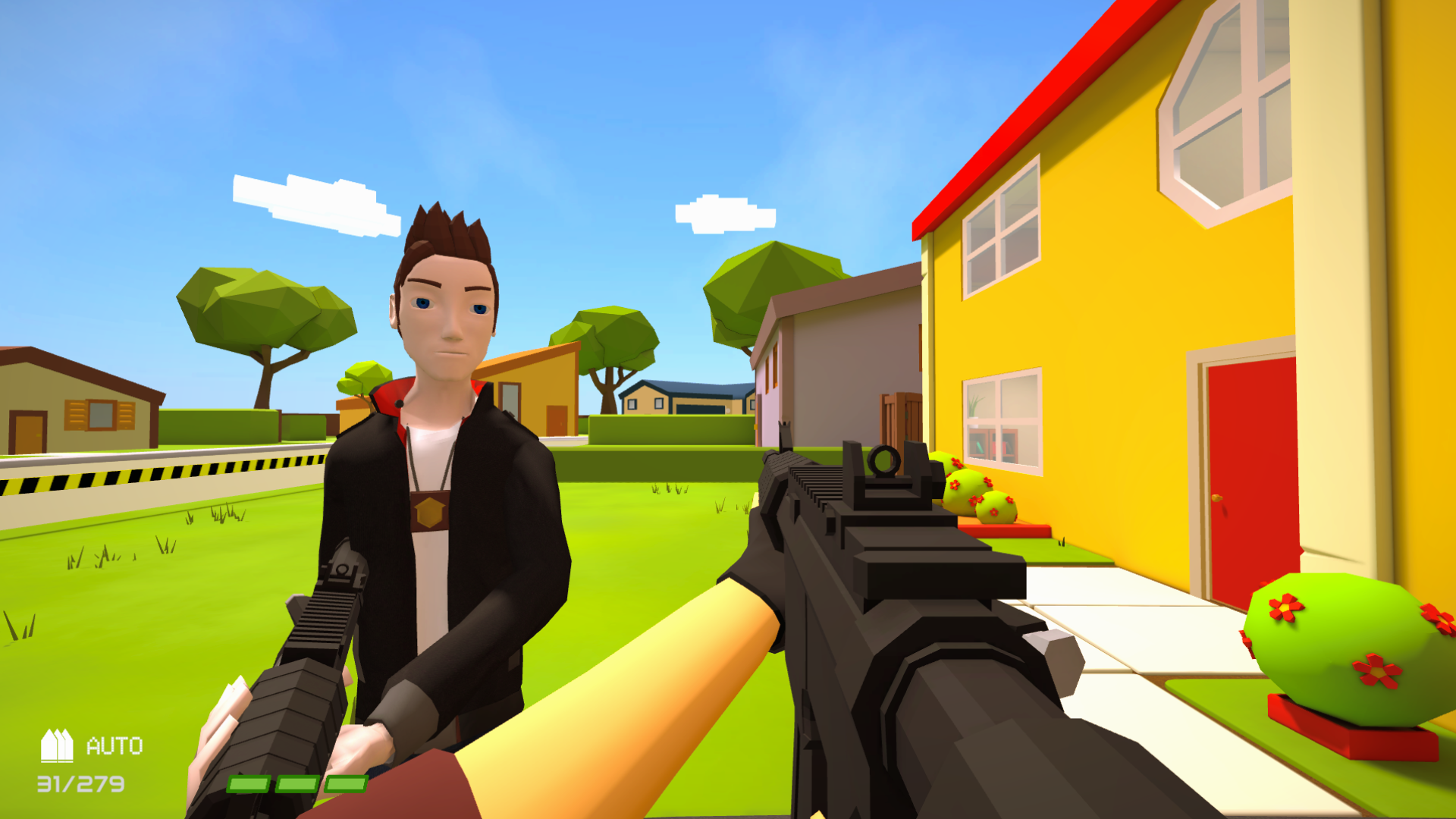
Adjust loaded and reserve rounds for your equipped firearm in a desktop solo mission. This rifle shows 31 loaded rounds and 279 in reserve after a normal reload.
Questions about resources
- Does this keep ammunition topped up automatically?
- No. You choose an amount when you use the control, and normal firing and reload costs continue.
- Which mode are these controls for?
- Use the ammunition controls in desktop solo missions.
Using these features
Choose the feature in the Windows app after connecting your game. Check its requirements before making a change.
Setup for Fast and Low →