

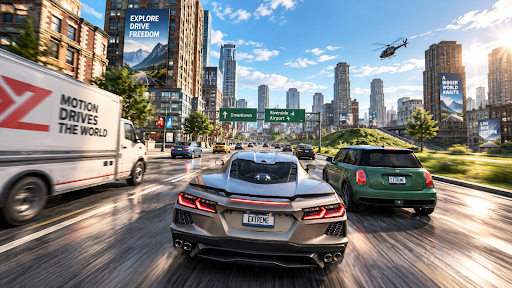
Recover your current vehicle
A collision or an awkward landing can interrupt a drive. Repair vehicle restores damaged bodywork, while Reset vehicle rights an overturned car so normal driving can resume.
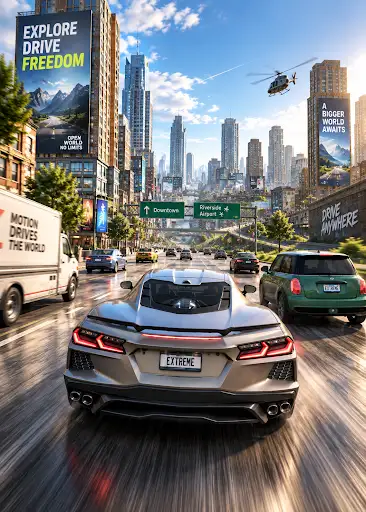
Repair vehicle
Use the premium repair action on the car you are currently driving. It performs one repair; it does not prevent the next collision or keep repairing automatically.
Use Repair Car to restore collision-damaged bodywork on the car you are driving.
Reset vehicle
The free reset action rights your current overturned vehicle. Accelerate normally after the reset to continue driving.
Reset is separate from repair. It does not let you choose a teleport destination, and it does not promise to remove damage.
Available game actions
Repair vehiclePremium
Repair collision-damaged bodywork on the car you are driving.
Enter a drive, then press Repair vehicle when bodywork is damaged.
Before you use it: Repairs the current car's bodywork.
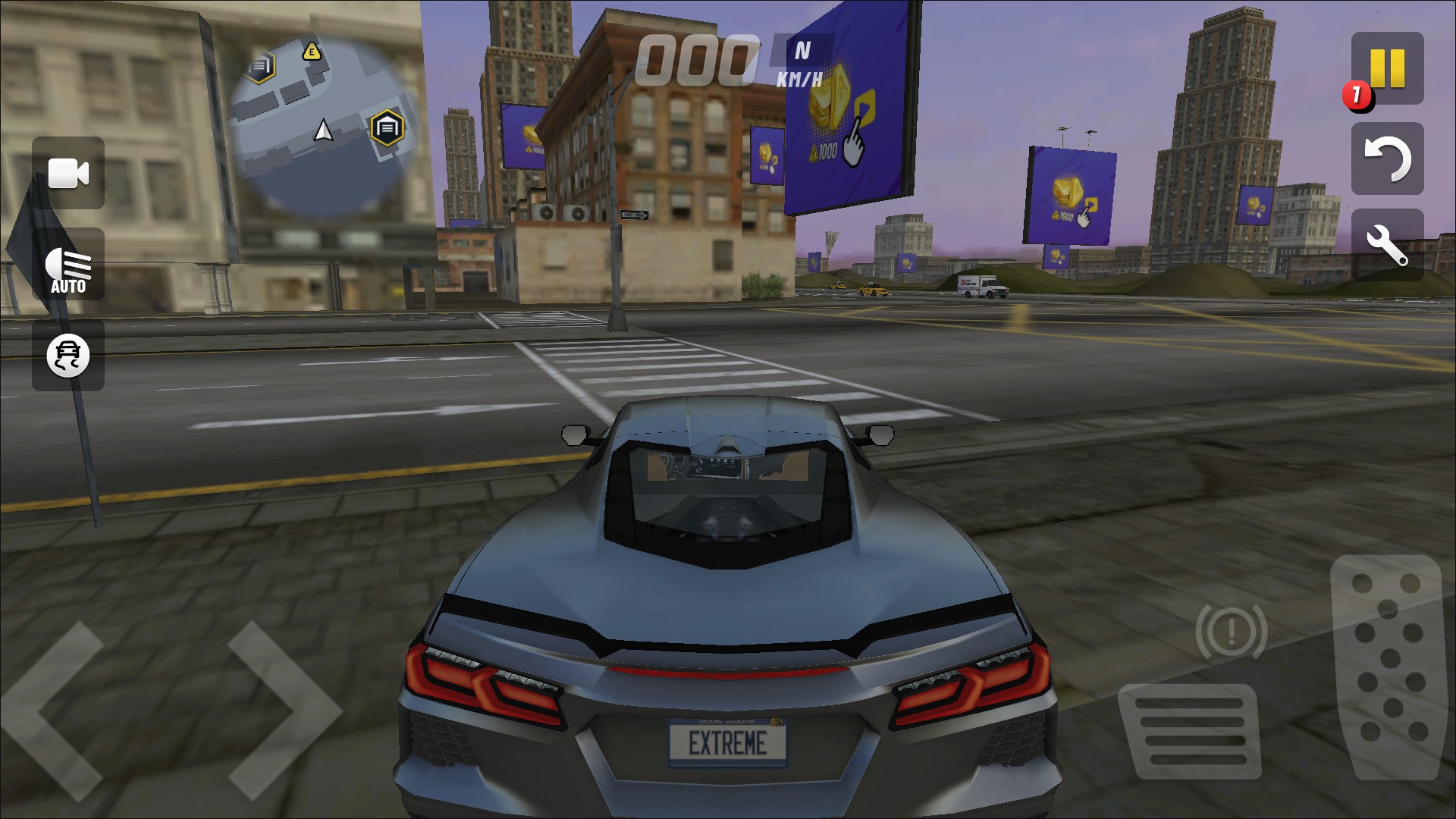
Repair your current car
Restore collision-damaged bodywork with a single repair action, then continue your drive.
Reset vehicleFree
Right your current overturned vehicle and resume driving.
Enter a drive, then press Reset vehicle if your car is upside down.
Before you use it: Rights the current car; does not repair damage or choose a destination.
More ways to customise Extreme Car Driving Simulator
- Extreme Car Driving Simulator resources
Separate controls for primary currency, upgrade balance, premium currency and experience.
Using these features
Choose the feature in the Windows app after connecting your game. Check its requirements before making a change.
Setup for Extreme Car Driving Simulator →