
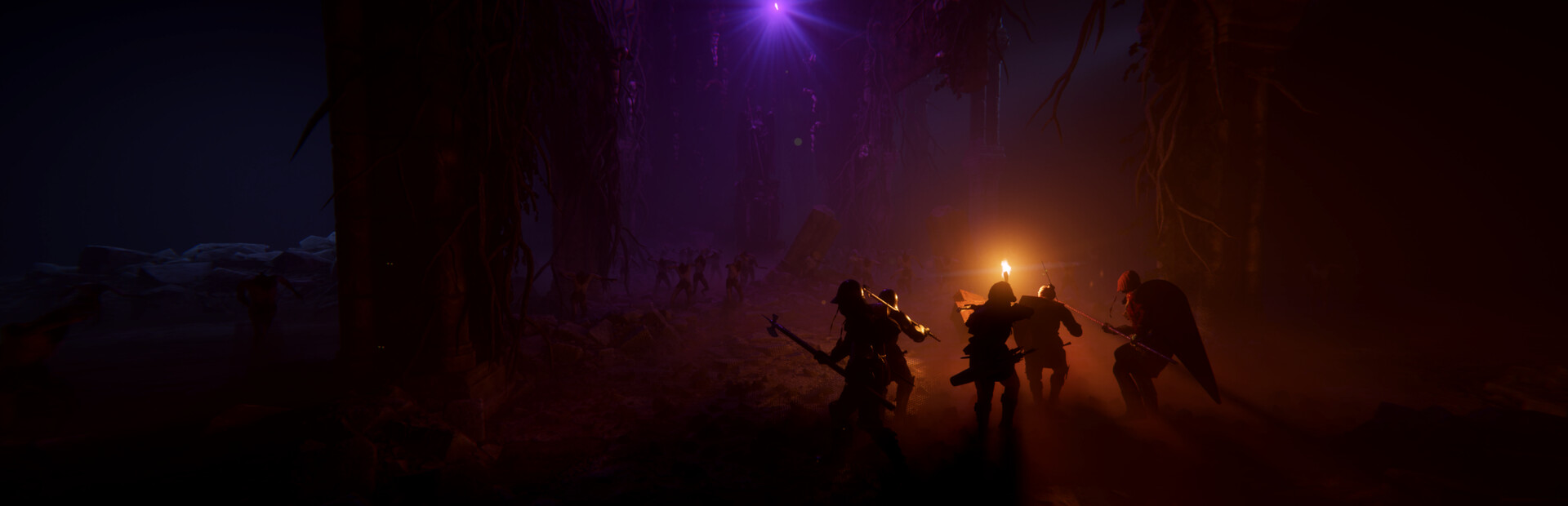
Presentation Modifiers
1 optionGive the Settings help text more contrast when you point at an option.
View presentation modifiers →Prepare a loadout at camp, search the ruins for treasure, and reach safety with what you find. A free presentation mod makes the demo’s Settings help easier to read while you set up.
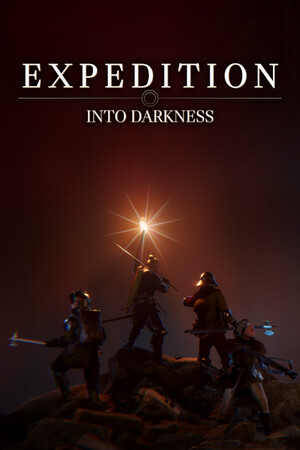
Start with free mods
Download Bytonian Mods for Windows and try these free features. Choose one to see how it works and any requirements.
Brighten the help text that appears when you point at a setting.
Enable Brighter Settings Help in Mods, then point at an option in the demo’s Settings menu.
Give the Settings help text more contrast when you point at an option.
View presentation modifiers →Download the Windows app and follow the setup prompts.
Open Expedition: Into Darkness Demo and select it in Bytonian Mods. Follow the app’s connection prompts.
Review the available options in the app and choose the ones that suit how you play.