

Stat Modifiers
1 optionWalk faster along familiar paths or slow down for a closer look.
View stat modifiers →Choose your walking pace as you explore the ruined world of Evergrow: Shards of Tomorrow. The free control can speed up familiar routes or slow your journey while you uncover the past.

Start with free mods
Download Bytonian Mods for Windows and try these free features. Choose one to see how it works and any requirements.
Choose your walking pace while exploring on foot, from a slower sightseeing stroll to quicker travel along familiar paths.
Enable the card and expand it to select 50% to 250%. The starting value is 150%.
Open Stats Modifiers for a walking-speed control with an adjustable percentage. It changes travel on foot while you explore.
Install Bytonian Mods, launch Evergrow: Shards of Tomorrow and enable Walking speed. Expand the card to choose your preferred percentage.
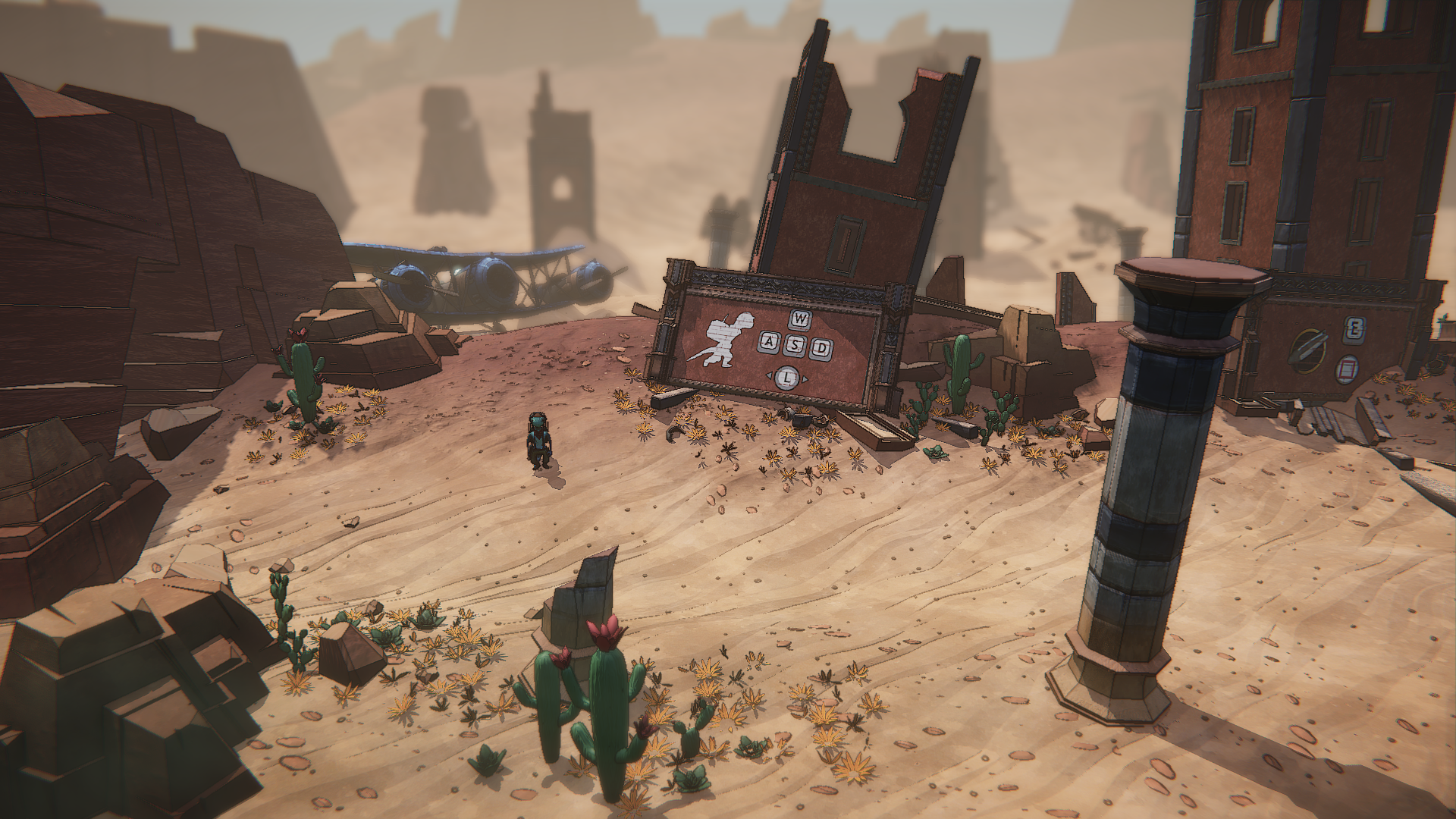
Explore the ruins of Evergrow
Follow the sandy paths through a ruined world, uncover its history and solve puzzles along the way.
Walk faster along familiar paths or slow down for a closer look.
View stat modifiers →Browse the Steam achievement names and descriptions for Evergrow: Shards of Tomorrow. Choose and unlock achievements for free with Bytonian Mods in the Windows app.
View all achievements →Download the Windows app and follow the setup prompts.
Open Evergrow: Shards of Tomorrow and select it in Bytonian Mods. Follow the app’s connection prompts.
Review the available options in the app and choose the ones that suit how you play.