

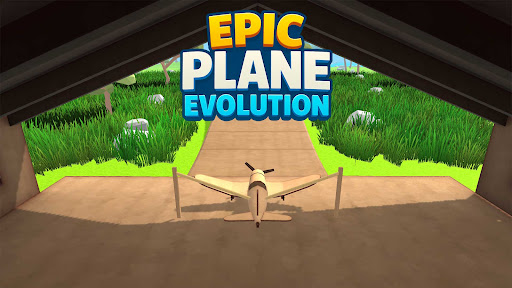
Resources
3 optionsRead and edit each upgrade track independently.
View resources →Epic Plane Evolution sends a small aircraft off a slingshot and into obstacle-filled terrain. Earn coins from flights and build toward a better launch. These Experimental controls let you adjust three upgrade values individually.
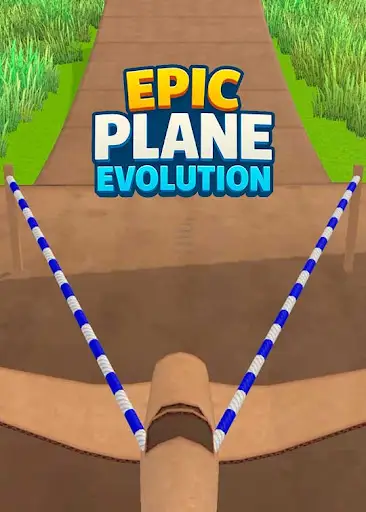
Start with the Free income control, or choose the Premium slingshot and plane controls. Each has its own value, so changing one does not require selecting all three.
Open Epic Plane Evolution through Bytonian Mods, choose an upgrade control and check its current setting before making a small change. The game may display an upgrade level one higher than the number you enter.
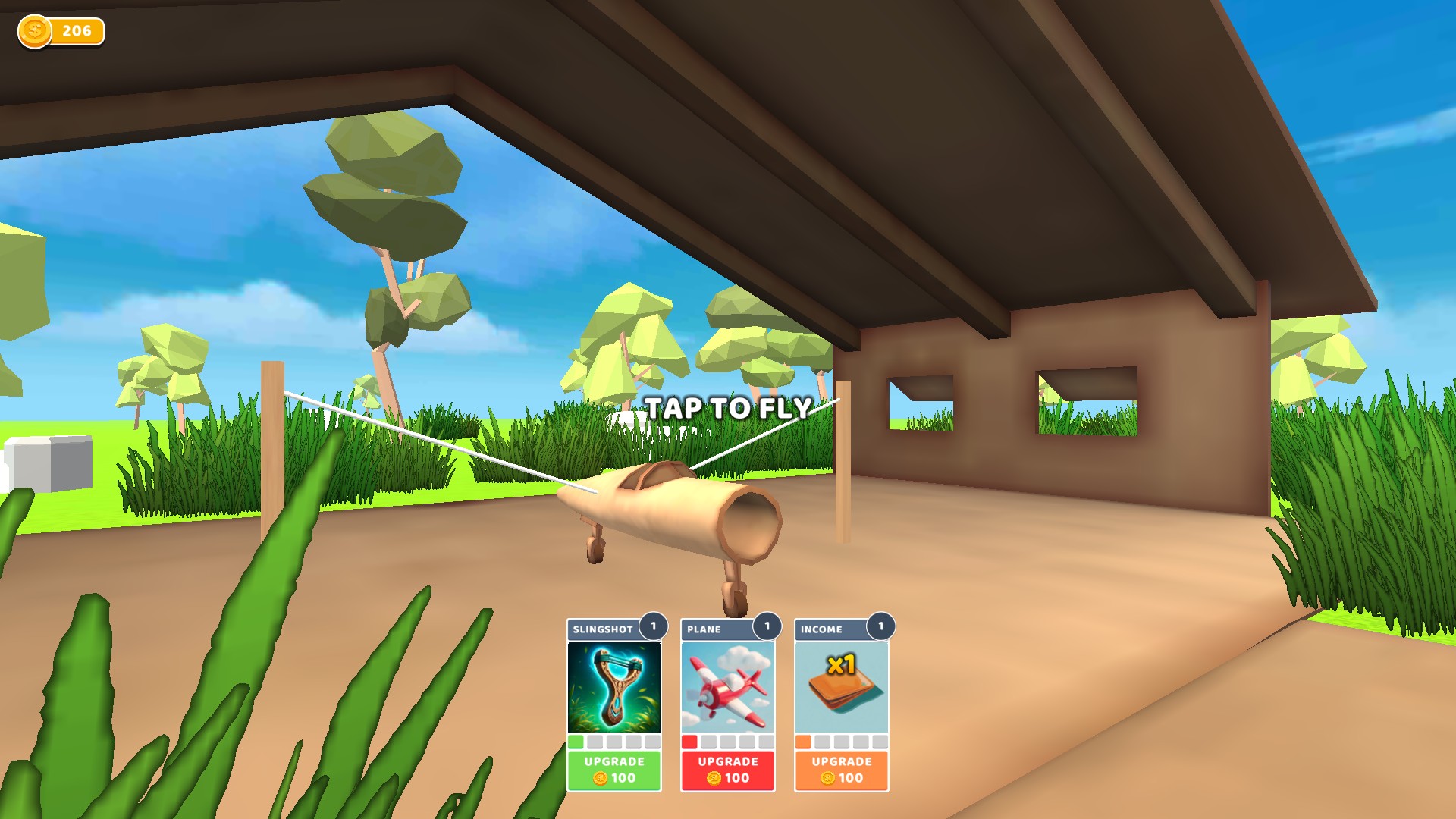
Adjust the slingshot, plane and income upgrade settings separately. Check the matching upgrade card after each change.
Ready for another launch
Line up the cardboard plane and choose your next upgrade before taking off.
Read and edit each upgrade track independently.
View resources →Download the Windows app and follow the setup prompts.
Set up the browser extension in Chrome or Edge, then open the supported YouTube Playable. Follow the connection guide if the game is already running.
Review the available options in the app and choose the ones that suit how you play.