

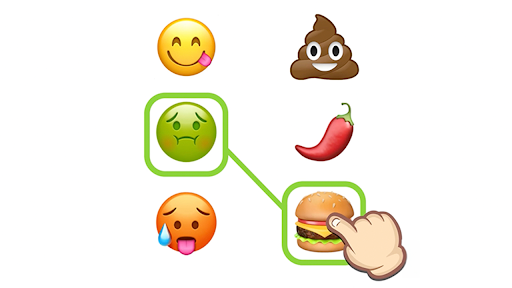
Game Actions
2 optionsTwo separate actions for starting again or moving past a puzzle.
View game actions →Emoji Puzzle asks you to connect emojis that share a meaning, such as a flower and a bee. These actions let you restart the current board or move on to the next puzzle.
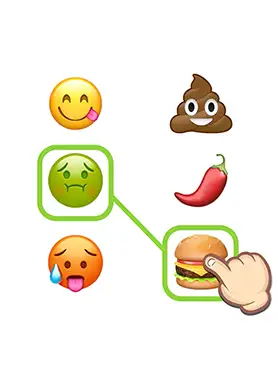
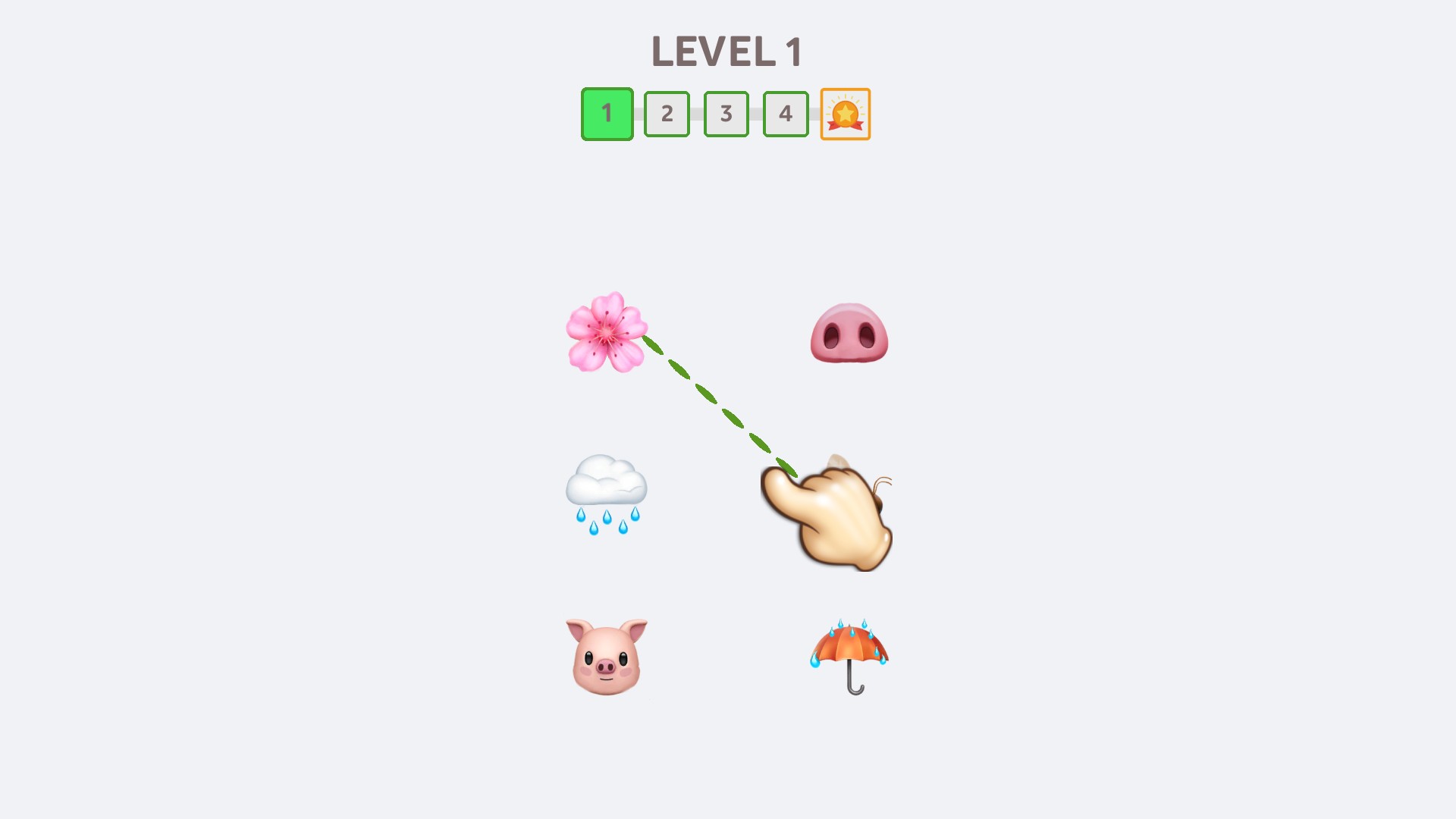
Connect related emojis
Find the emoji pairs that belong together, such as a flower and a bee, then connect them.
Begin the same puzzle again with the free Restart puzzle action, or move on with Premium Skip level. Both controls are Experimental.
Open Emoji Puzzle through Bytonian Mods and wait for a puzzle to appear. Enable the action you want, then use its action button. Skip level requires Premium access.
Two separate actions for starting again or moving past a puzzle.
View game actions →Download the Windows app and follow the setup prompts.
Set up the browser extension in Chrome or Edge, then open the supported YouTube Playable. Follow the connection guide if the game is already running.
Review the available options in the app and choose the ones that suit how you play.