


Resources
2 optionsChoose a cash balance or add reputation experience in 100-point steps.
View resources →Repair appliances at your workbench and take on electrical jobs around town with more control over your progress. These Electrician Simulator mods let you choose your cash balance and add experience toward your next reputation level.
Use free Cash to read or change your balance. Add 100 Experience gives your reputation progress a boost in clear, 100-point steps.
Open Electrician Simulator and load your game before using either control. Enable Cash to choose a balance, or press Add 100 Experience whenever you want another 100 points.
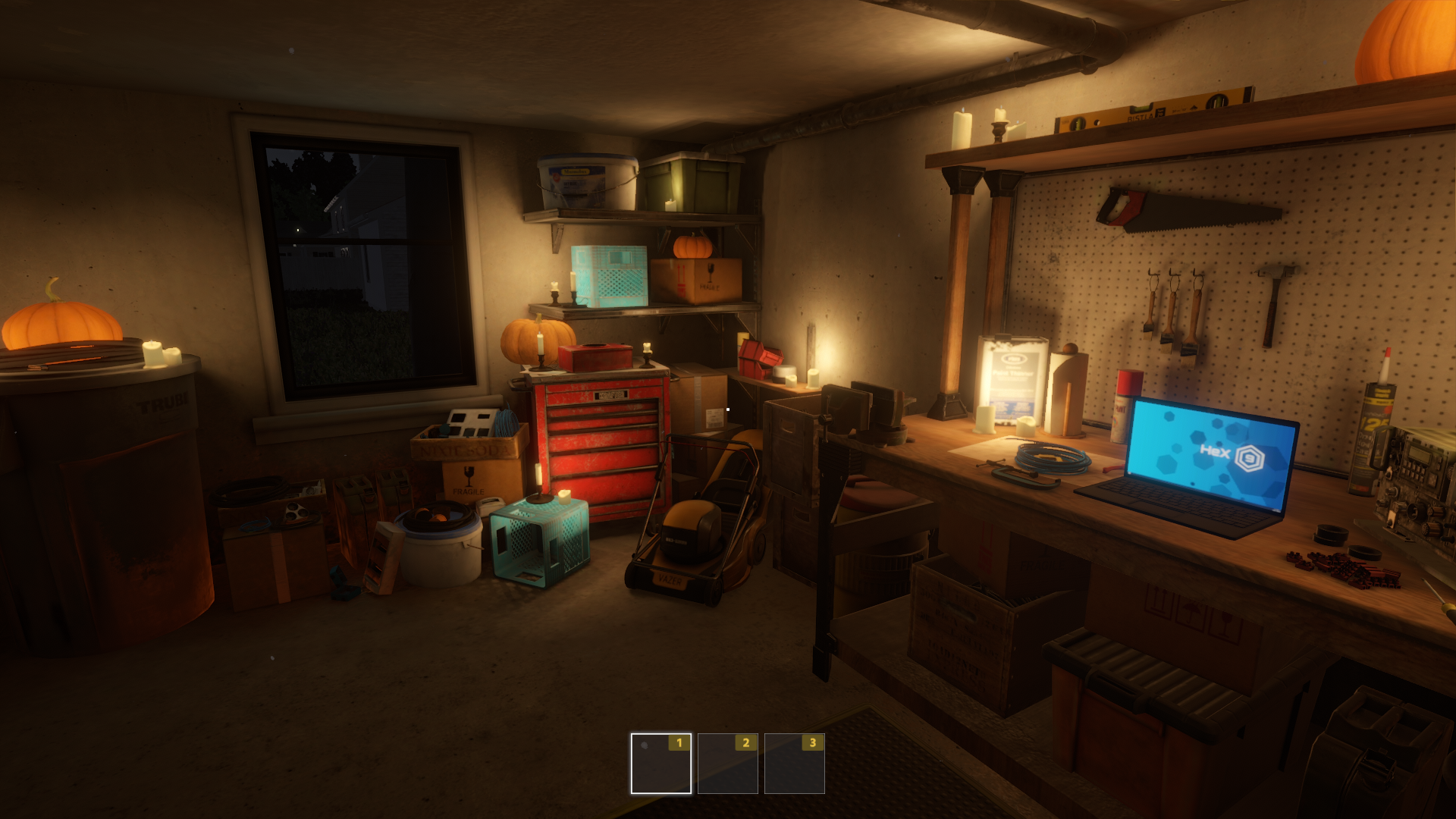
Your garage workshop
The garage workshop, with a laptop and tools laid out on the workbench.
Choose a cash balance or add reputation experience in 100-point steps.
View resources →Browse the Steam achievement names and descriptions for Electrician Simulator. Choose and unlock achievements for free with Bytonian Mods in the Windows app.
View all achievements →Download the Windows app and follow the setup prompts.
Open Electrician Simulator and select it in Bytonian Mods. Follow the app’s connection prompts.
Review the available options in the app and choose the ones that suit how you play.