

Stat Modifiers
1 optionUse a live percentage control to slow down or speed up Dustborn’s game time.
View stat modifiers →Slow down or speed up game time as Pax and her crew travel across Dustborn's illustrated road-trip adventure. Choose a pace that suits you with the free Game speed control.

Start with free mods
Download Bytonian Mods for Windows and try these free features. Choose one to see how it works and any requirements.
Choose a slower or faster pace with adjustable game speed from 50% to 300%.
Enable Game speed and expand the card to edit Speed. Changes apply while the control is on; switch it off for normal game time.
Turn on Game speed, expand the card, and choose a percentage. Use 50% for half-speed, 100% for normal game time, or 200% for double-speed. You can adjust the value without switching the control off.
Install Bytonian Mods for Windows, open Dustborn, and enable Game speed. Turn the control off whenever you want to return to normal game time.
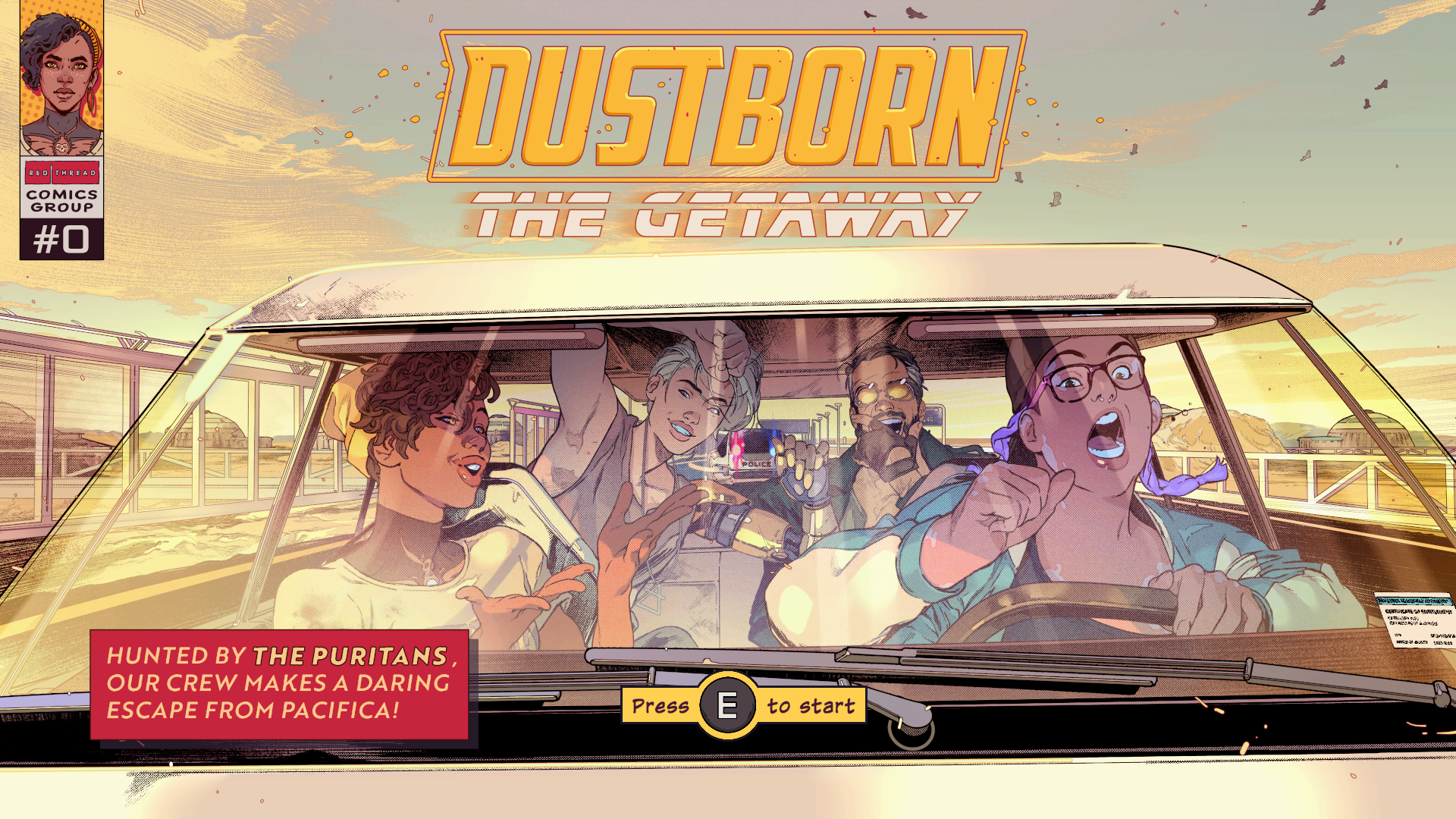
Dustborn chapter opening
An illustrated opening chapter introduces the crew’s escape from Pacifica.
Use a live percentage control to slow down or speed up Dustborn’s game time.
View stat modifiers →Browse the Steam achievement names and descriptions for Dustborn. Choose and unlock achievements for free with Bytonian Mods in the Windows app.
View all achievements →Download the Windows app and follow the setup prompts.
Open Dustborn and select it in Bytonian Mods. Follow the app’s connection prompts.
Review the available options in the app and choose the ones that suit how you play.