

Dungeon Tycoon Game Actions
Add 1,000 gold for building funds or 100 souls to your current dungeon. Choose the action that matches the resource you want.

Gold and souls
Choose Add 1,000 Gold for building funds, or Add 100 Souls to increase your soul balance. Load a dungeon first, then press the action you want.
Available game actions
Add 1,000 GoldFree
Add 1,000 gold to your current dungeon.
Load a dungeon and press Add 1,000 Gold.
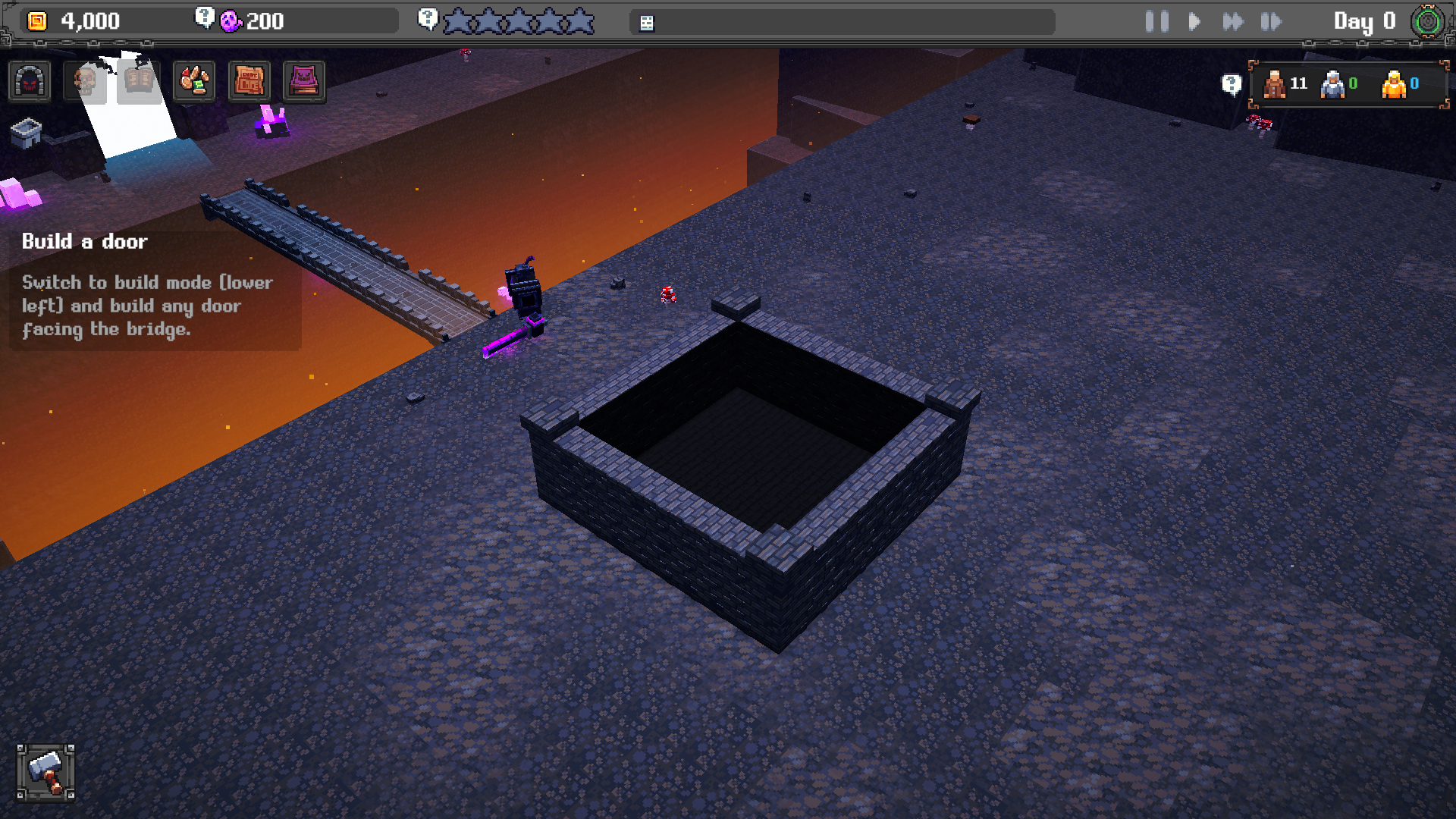
Add gold to your dungeon
Add gold to help build your dungeon.
Add 100 SoulsFree
Add 100 souls to your current dungeon.
Load a dungeon and press Add 100 Souls.
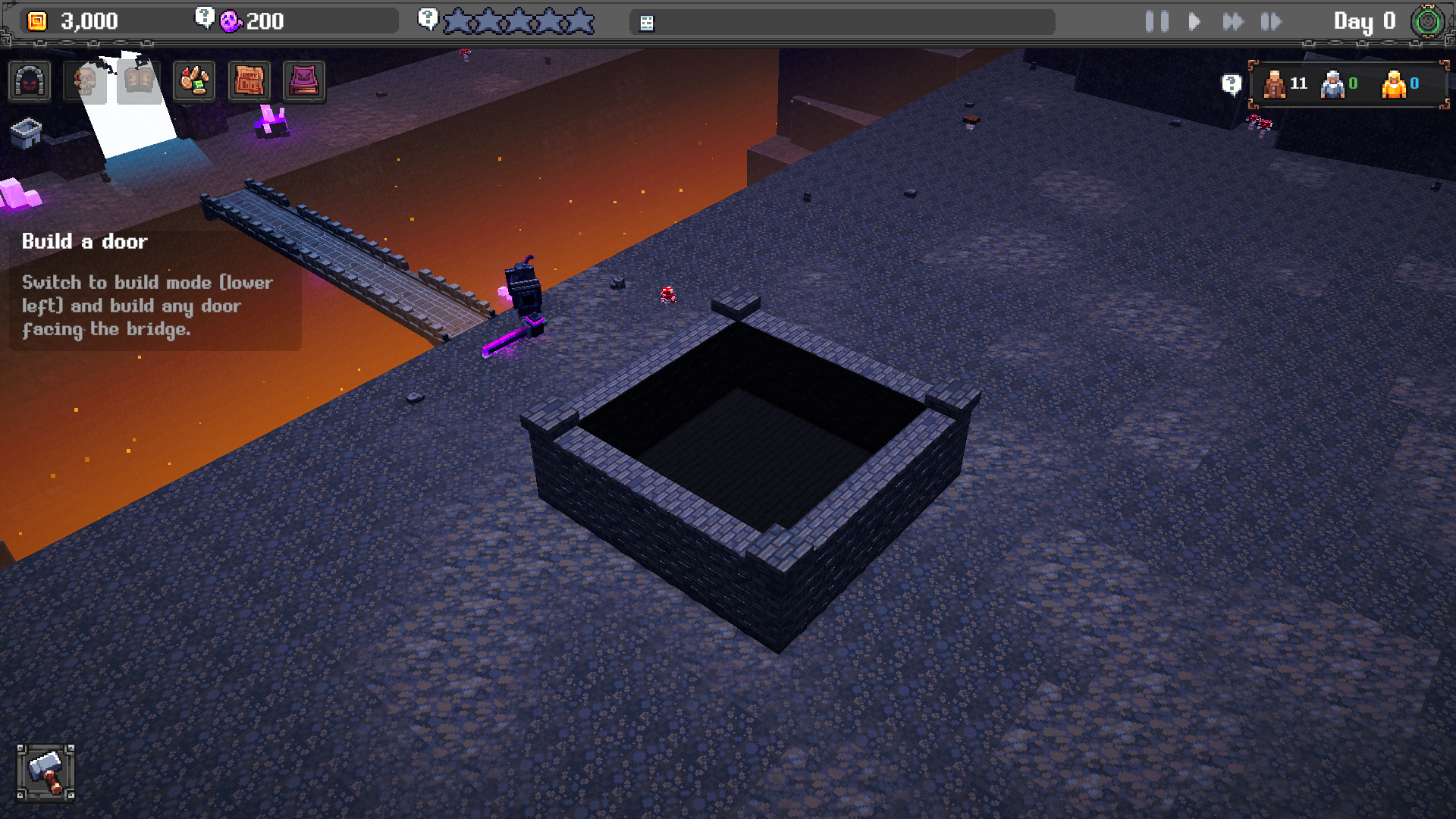
Add souls to your dungeon
Add souls when you need more for your dungeon.
Assign a Hired MonsterFree
Assign a monster you have already hired to an empty spawner in your dungeon.
On the Dungeon map, enter Play mode before starting the day. Select an empty compatible spawner, then choose an unassigned monster from Spawn.
What you can spawn
- Common (1)
- Including Crawler.
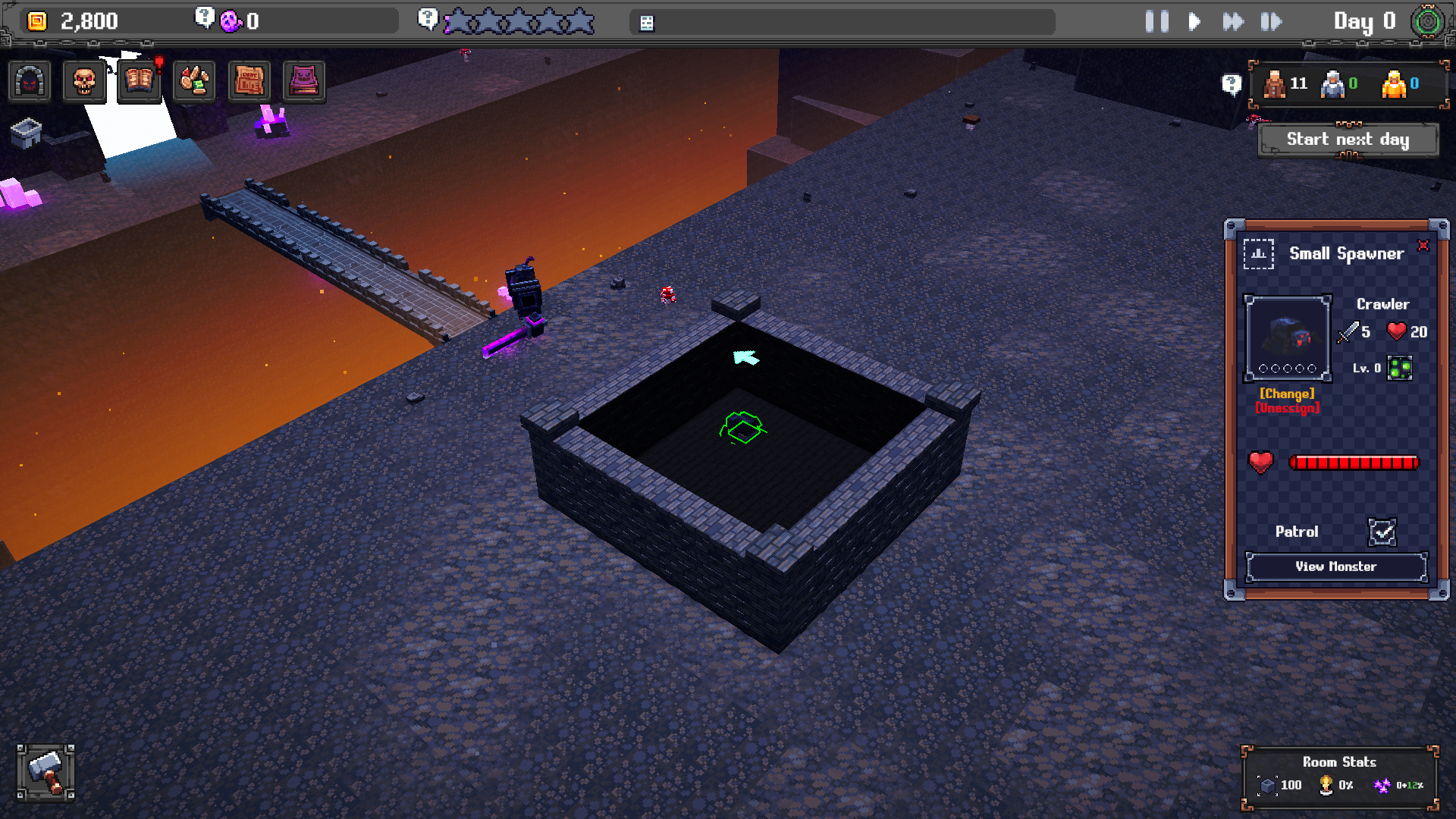
Assign a Crawler to a spawner
Assign an unassigned monster to an empty spawner before the day starts. Here, a Crawler fills the selected Small Spawner.
Using these features
Choose the feature in the Windows app after connecting your game. Check its requirements before making a change.
Setup for Dungeon Tycoon →