
Stat Modifiers
1 optionChoose 100% to 200% of normal walking speed.
View stat modifiers →Spend less time retracing familiar paths in Dropsy. The free Walking Speed control lets you move more quickly between puzzles and encounters while keeping the game's normal walking routes.

Start with free mods
Download Bytonian Mods for Windows and try these free features. Choose one to see how it works and any requirements.
Walk faster along normal paths during exploration.
Turn on Walking Speed, then choose a percentage from 100% to 200%. Turn it off to return to the normal pace.

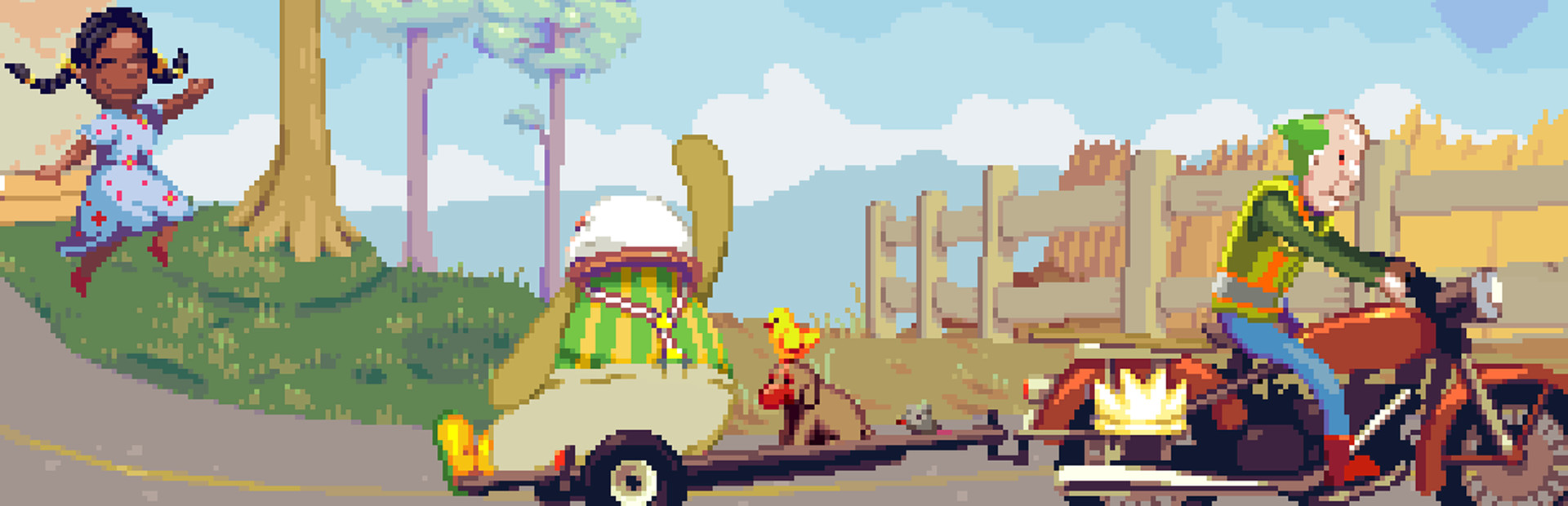
Dropsy title screen
The colorful title screen from Dropsy's point-and-click adventure.
Dropsy uses pictures and gestures to tell its story. Take your time solving puzzles, then speed up ordinary walks when you want to get moving.
Install Bytonian Mods for Windows, select Dropsy and turn on Walking Speed. Open the walking-speed controls to choose a pace that suits you.
Choose 100% to 200% of normal walking speed.
View stat modifiers →Browse the Steam achievement names and descriptions for Dropsy. Choose and unlock achievements for free with Bytonian Mods in the Windows app.
View all achievements →Download the Windows app and follow the setup prompts.
Open Dropsy and select it in Bytonian Mods. Follow the app’s connection prompts.
Review the available options in the app and choose the ones that suit how you play.