
Choose your Drift Idle coin balance
Set a coin amount from 0 to 10,000,000 and return to the garage with more room to choose your next purchase.
Requires the Windows app and the Bytonian Mods browser extension for Chrome or Edge. Browser setup guide
Buy your next drift car
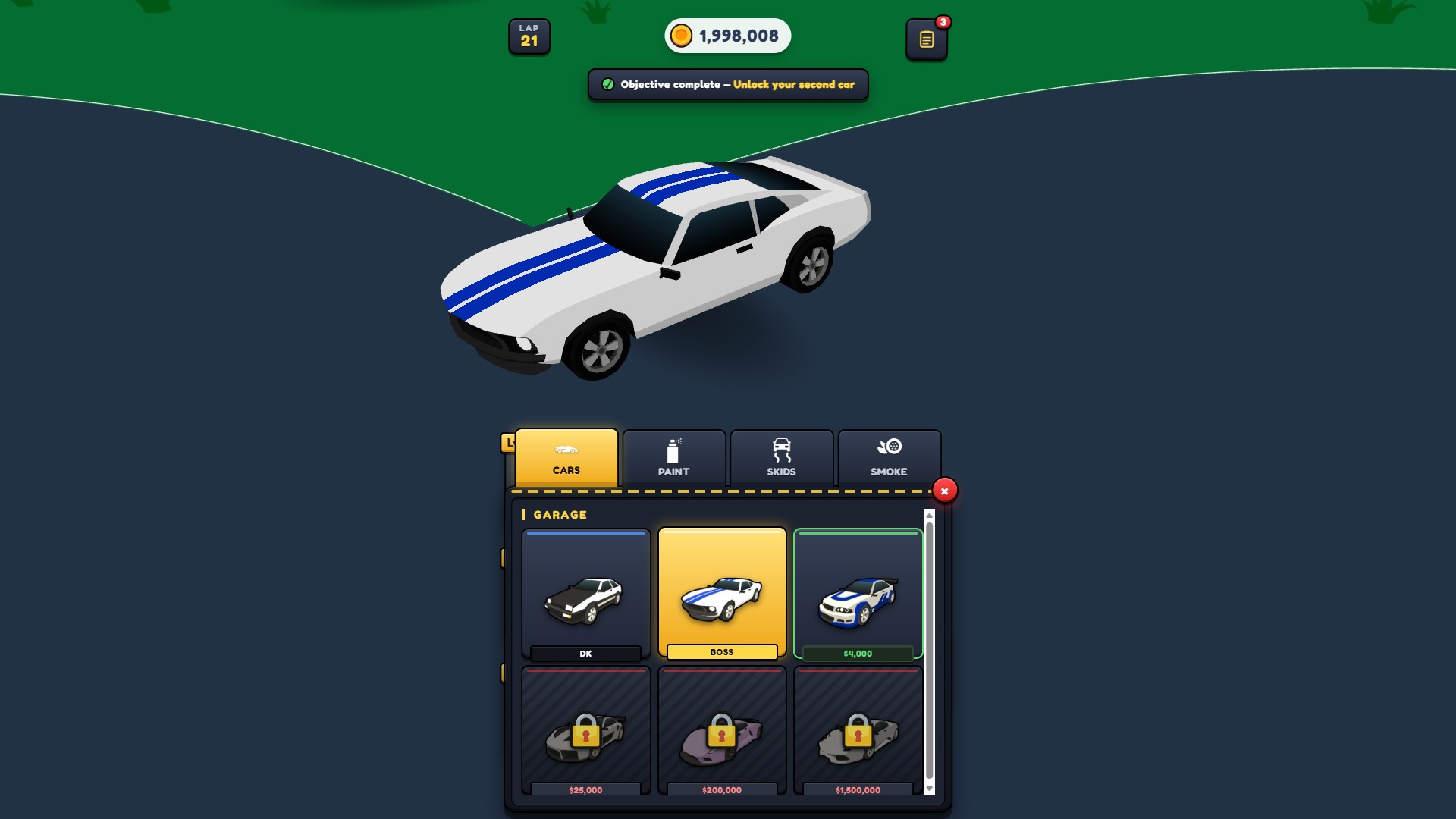
A larger coin balance pays for the Boss car in the garage, with coins left for upgrades and customization.
Put coins toward your next car
Open the garage and buy the next available car. Cars follow the normal unlock order, so a larger balance pays their prices without selecting or unlocking them for you.
Upgrade and customize through the game
Use the income, speed and drift controls to improve the current car, or browse paint, skids and smoke in the garage. Ordinary lap earnings continue to add to your balance as you play.
Using Coins
Choose your amount and apply the change, then reopen the game's garage. Buy and equip the items you want through their normal controls.
Available customisation options
CoinsFree
Choose your coin balance for cars, upgrades, paint, skid colors and smoke.
Set an amount from 0 to 10,000,000, apply it, then spend the coins through the normal garage and upgrade controls.
Cars follow the normal unlock order. Lap earnings continue to change the balance.
Using these features
Connect your game, then open Customise in the Windows app. Choose an option, check its available values and follow its instructions. Each option lists its own requirements and limits.
Setup for Drift Idle Drift Earn Upgrade →