

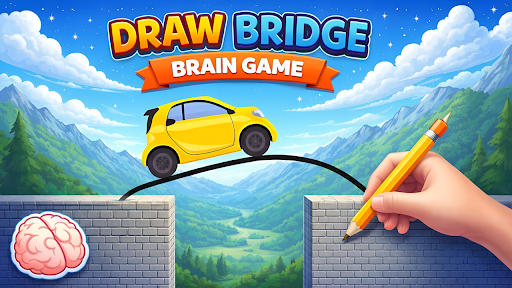
Resources
1 optionChange the current shop balance within the supported range.
View resources →Draw a path over gaps and obstacles so the automatic car can reach the flag. These mods let you change the shop balance, unlock a vehicle or trail slot, and move past a puzzle you want to skip.
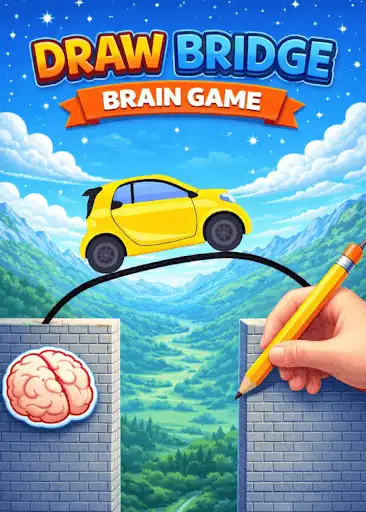
Coins changes the balance shown in the shop. Unlock Vehicle and Unlock Trail each let you choose a collection slot. Skip Level loads the next puzzle without requiring a successful bridge on the current one.
Start the game with Bytonian Mods connected. Use Coins for the balance, or choose a slot and press the matching unlock button. Open the vehicle or trail shop tab to see that collection. Use Skip Level from a puzzle screen.
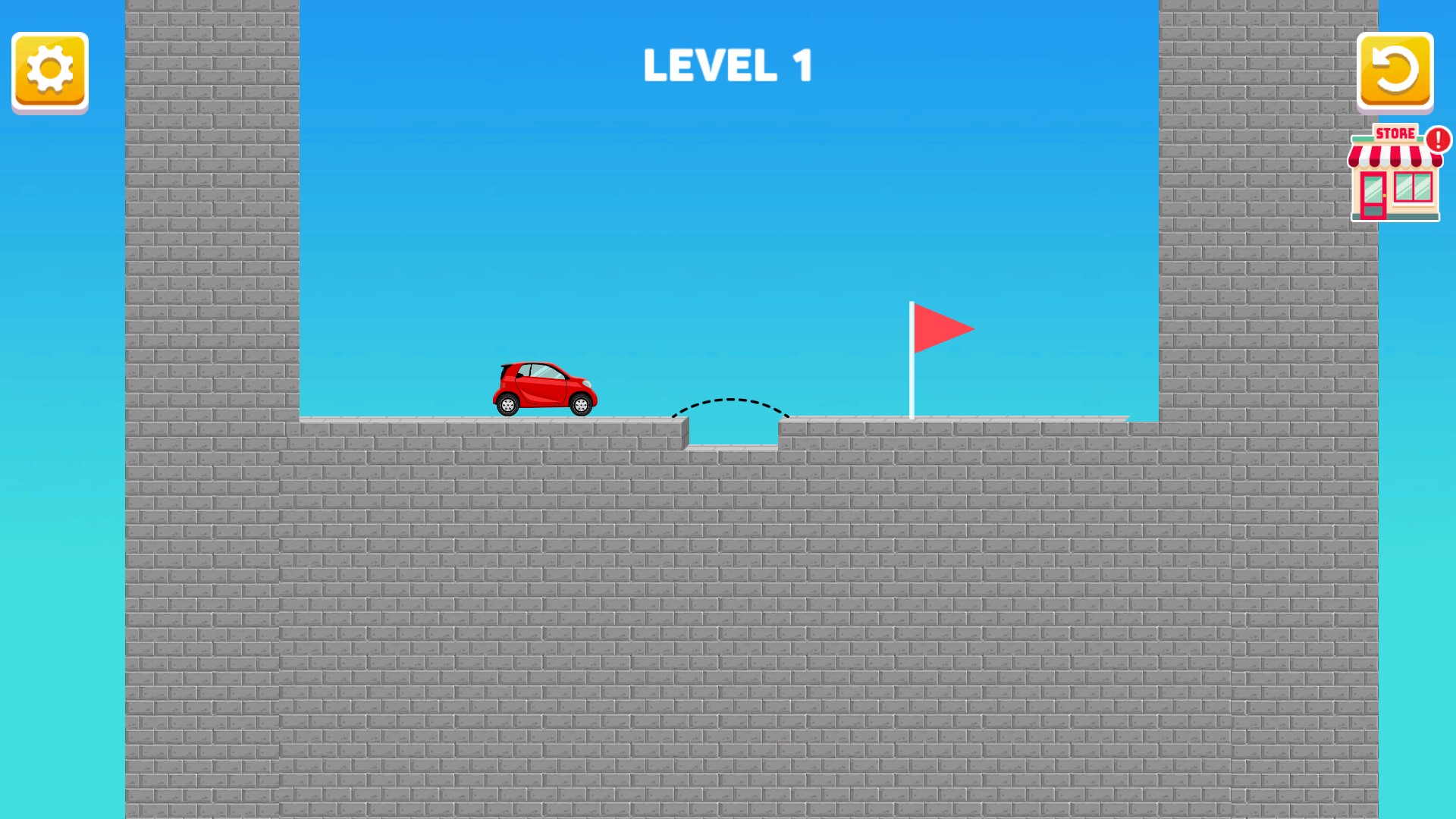
Build a bridge for the red car
Draw a path across the gap and help the car reach the flag in Draw Bridge - Brain Game.
Change the current shop balance within the supported range.
View resources →Choose a shop slot to unlock, or leave a difficult bridge puzzle behind.
View game actions →Download the Windows app and follow the setup prompts.
Set up the browser extension in Chrome or Edge, then open the supported YouTube Playable. Follow the connection guide if the game is already running.
Review the available options in the app and choose the ones that suit how you play.