

Game Actions
2 optionsUse a hint to keep solving, or finish the active puzzle and continue.
View game actions →DOP 2 turns each cartoon scene into a visual riddle: erase the right detail to reveal the answer. These puzzle tools help when a clue is hard to spot or when you want to move on without repeating the same level.
Show Hint points you toward the part of the picture to erase while leaving the puzzle for you to finish. Complete Current Puzzle solves the active level and reveals the game's normal next-level control.
Open DOP 2 and wait for the current puzzle to finish loading before using an action. The available actions affect the puzzle that is on screen, so move to the level you want first.
Use these Experimental actions on the puzzle you have open, then continue with the normal level controls.
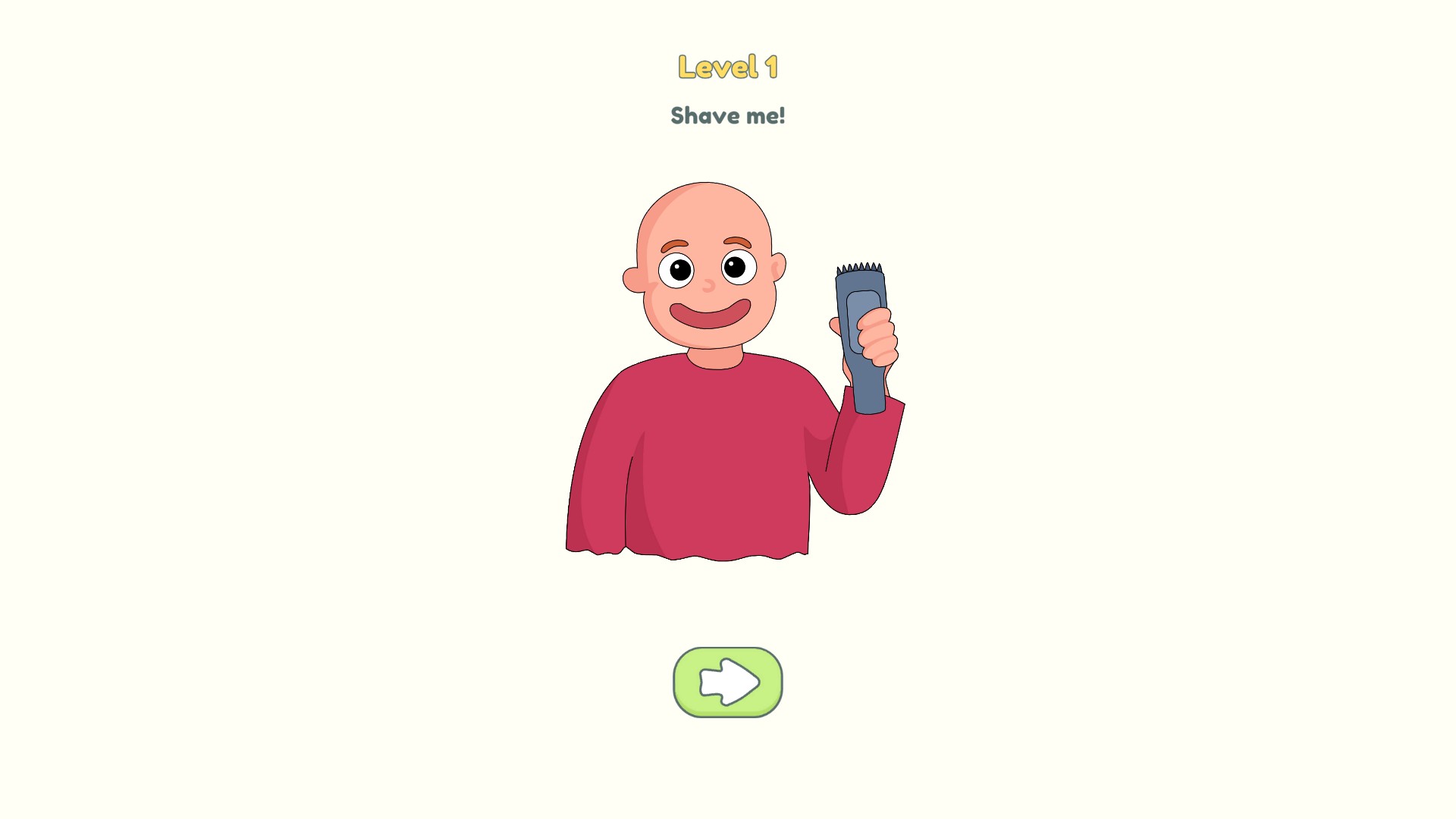
Complete a puzzle in DOP 2
A completed DOP 2 puzzle with the normal next-level arrow ready, demonstrating the Complete Current Puzzle action.
Use a hint to keep solving, or finish the active puzzle and continue.
View game actions →Download the Windows app and follow the setup prompts.
Set up the browser extension in Chrome or Edge, then open the supported YouTube Playable. Follow the connection guide if the game is already running.
Review the available options in the app and choose the ones that suit how you play.