


Ability Modifiers
2 optionsActivate the growth power-up or your dog's hiding disguise.
View ability modifiers →Guide your dog through escape rooms, then choose a little help when you want it. Complete level takes you to the current room's completion screen, while Food power-up grows your dog and Hiding disguise activates its green disguise.

Use the free Complete level action when you want to finish the current escape. Open the power-up controls to make your dog larger or activate its hiding disguise.
Load a level and move your dog normally before pressing an action. Each card activates its own effect, so you can choose the help you want for that escape.
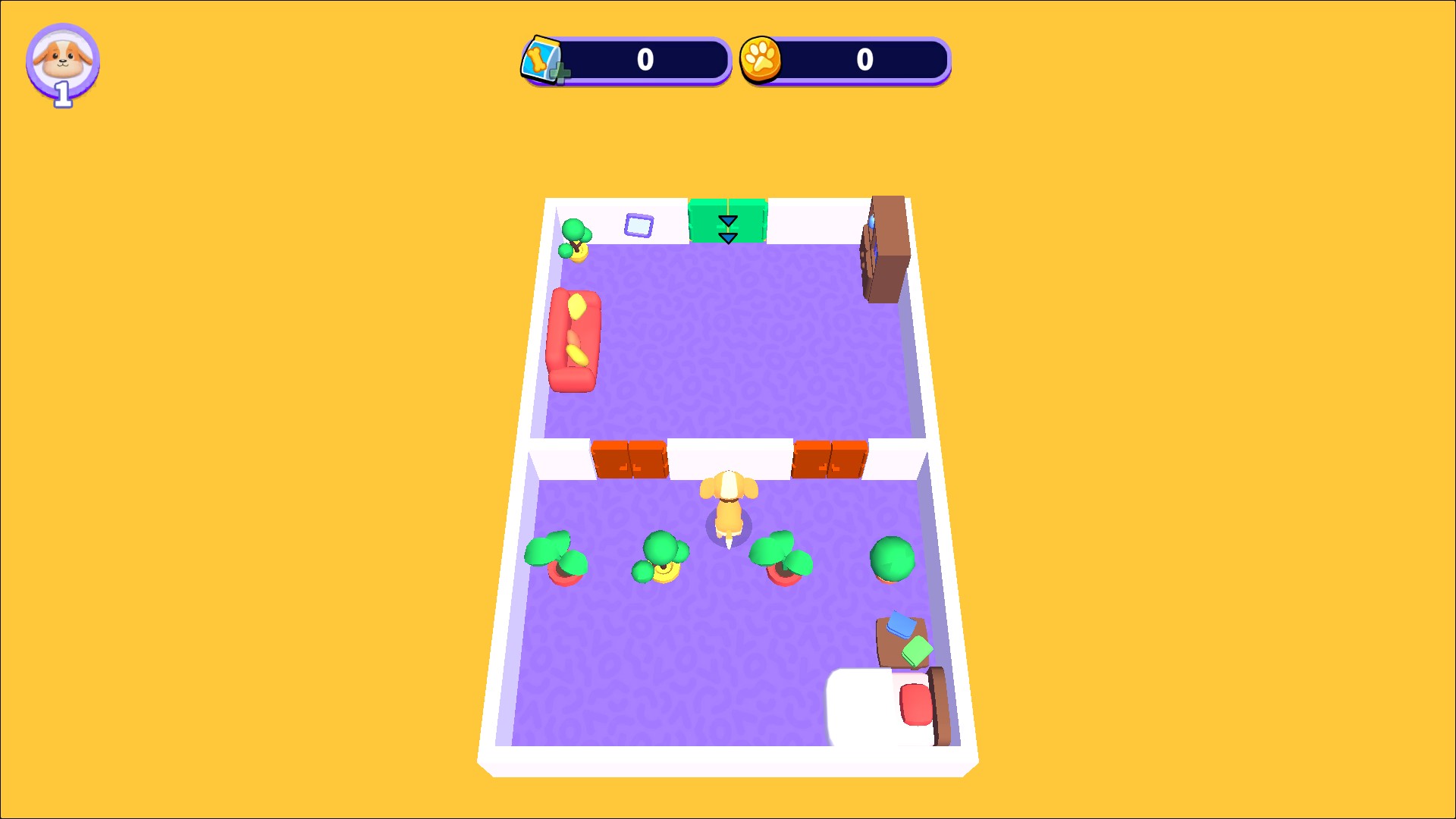
Dog Escape power-ups
An enlarged dog explores an escape room after activating the food power-up.
Activate the growth power-up or your dog's hiding disguise.
View ability modifiers →A free action to complete the current escape level.
View game actions →Download the Windows app and follow the setup prompts.
Set up the browser extension in Chrome or Edge, then open the supported YouTube Playable. Follow the connection guide if the game is already running.
Review the available options in the app and choose the ones that suit how you play.