

Check item values from your inventory
Show Item Values adds a clear base-value label to an item's existing tooltip, so you can check its value while looking through your belongings.

Keep useful information together
Switch on Show Item Values, open your inventory and hover over an item. Its original description stays visible, with the base value underneath.
Read the value in context
The label shows the item's base value in Dinks. A shop's final offer can differ. Switch the feature off to remove the extra label.
Available presentation modifiers
Show Item ValuesFree
See an item's base value in Dinks alongside its original inventory tooltip description.
Switch on Show Item Values, open your inventory and hover over an item.
Final shop offers can differ from the base value.
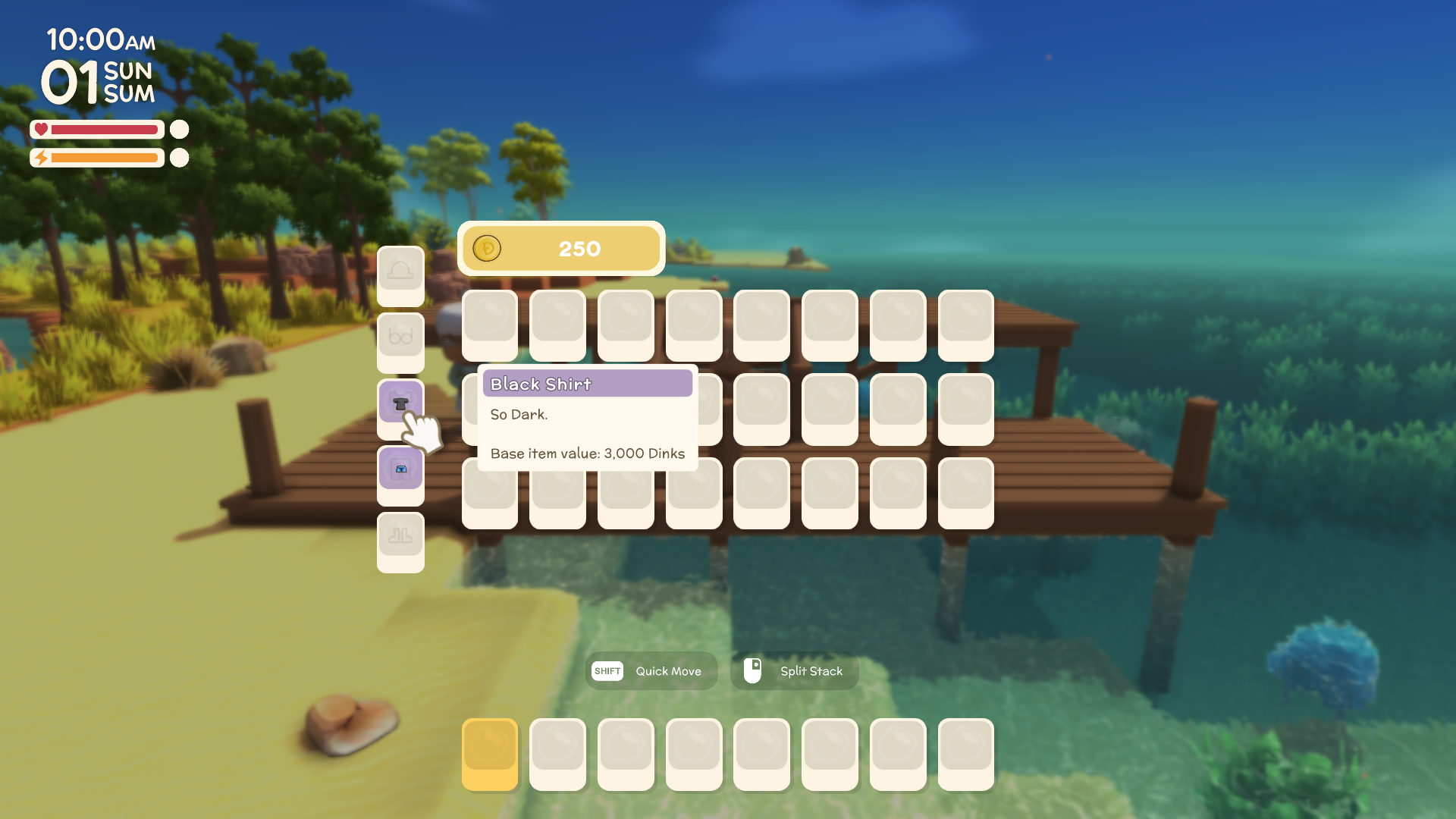
See item values in your inventory
Keep the original item description and see its base value in the same tooltip. Shop offers can differ.
More ways to customise Dinkum Demo
- Dinkum Demo utilities
Collect loose drops automatically within normal reach.
Questions about presentation modifiers
- Does the display change item prices?
- It adds information to the tooltip. Item prices stay unchanged.
- Is this the exact amount every shop will pay?
- It is the base item value. Final shop offers can differ.
Using these features
Choose the feature in the Windows app after connecting your game. Check its requirements before making a change.
Setup for Dinkum Demo →