
Control your company cash
Use Cash to read your company balance and choose a new amount. The control works after you load a career and supports whole-number cash amounts.

Read and adjust the balance
Refresh Cash to see the current company balance. Enter a new amount to replace it, or use the adjustment controls to add or subtract cash.
Use Cash in a loaded career
Start or continue your career before using the control. If the balance changes while you are choosing an amount, refresh it and try again.
Available resources
CashFree
View or change your company cash balance after loading a career.
Refresh to read the current balance, then enter a whole-number amount or use the adjustment controls.
A career must be loaded before you can read or change Cash.
Cash for your company
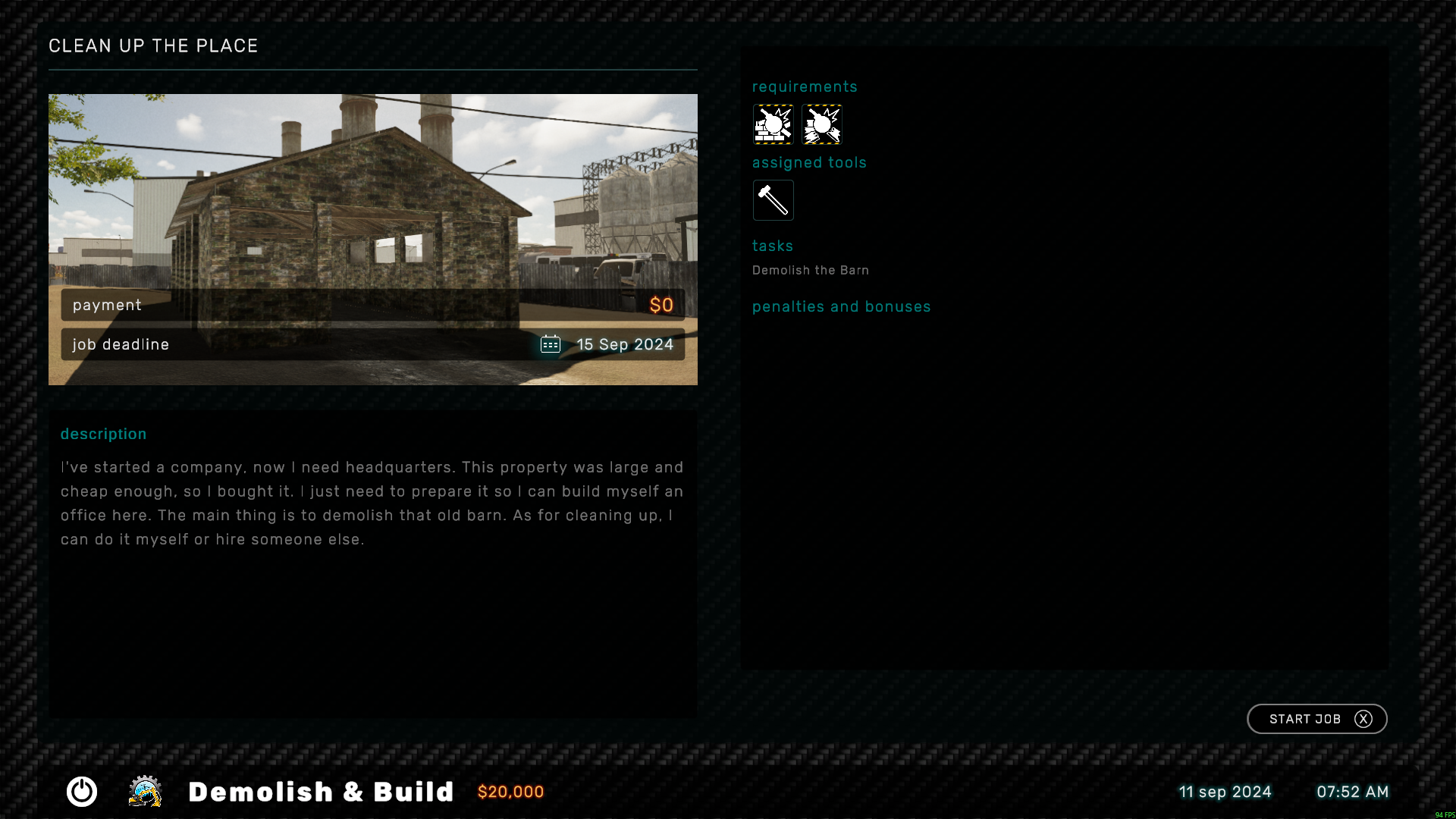
View or change your cash balance after loading a career. The job overview shows the company balance at $20,000.
Using these features
Choose the feature in the Windows app after connecting your game. Check its requirements before making a change.
Setup for Demolish & Build 3 →