

Cash and time tools
Prepare for construction work with your chosen cash amount and a convenient hour of the day.

Choose the amount you need
Enter a whole-number cash amount from 1 to 1,000,000, then use Add Cash. The action adds that amount to your balance.
Set the hour
Choose an hour from 0 to 23 and use Set Time of Day. The current minutes are kept and time continues normally. Return to active play on foot before using either action.
Available game actions
Add CashFree
Add your chosen cash amount to your balance.
Choose a whole-number amount from 1 to 1,000,000 and use Add Cash during active play on foot.
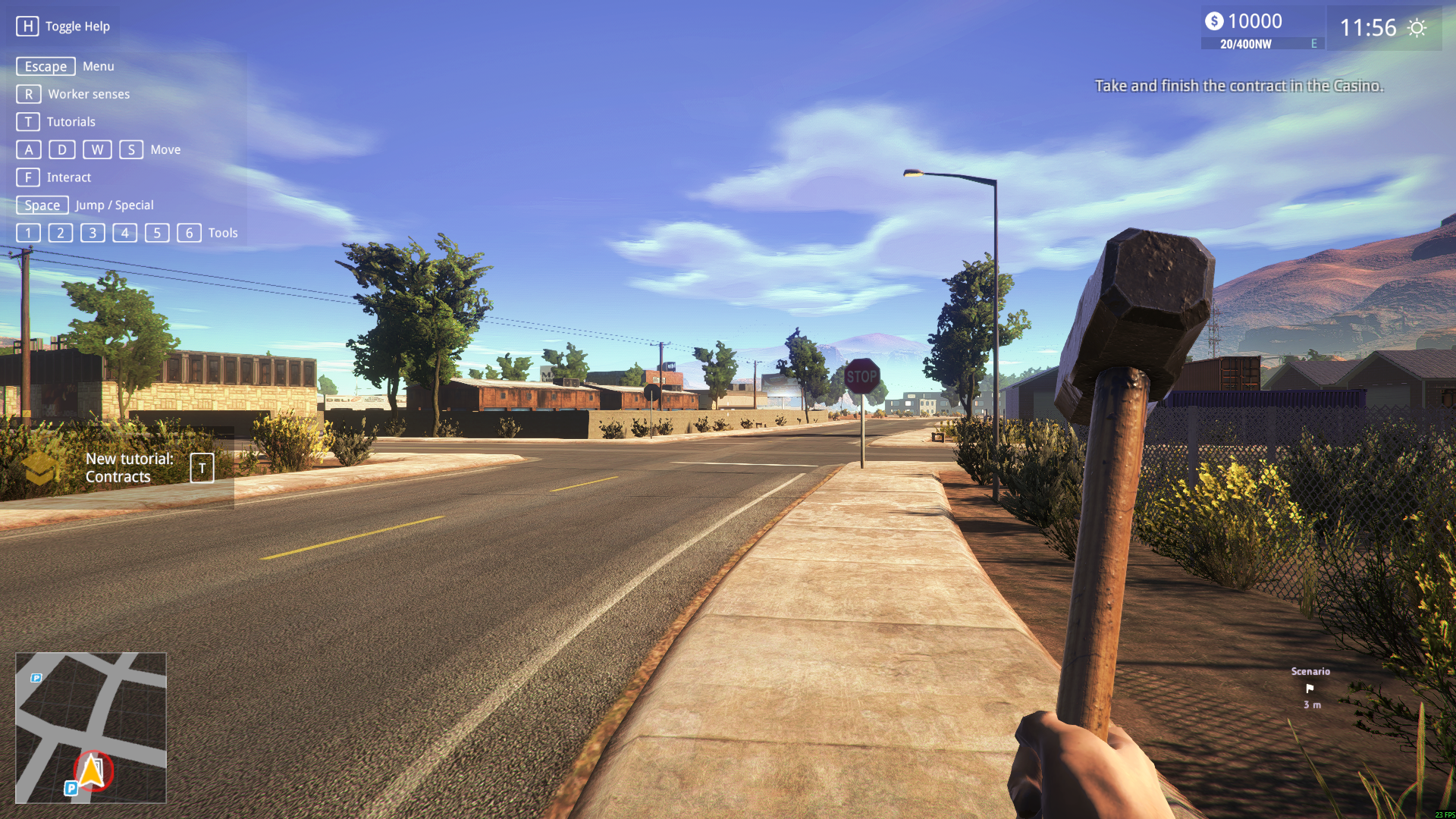
A cash boost for your next job
Choose the cash you want to add, then continue exploring Nevada.
Set Time of DayFree
Set the hour while keeping the current minutes. Time continues normally.
Choose a whole-number hour from 0 to 23 and use Set Time of Day.
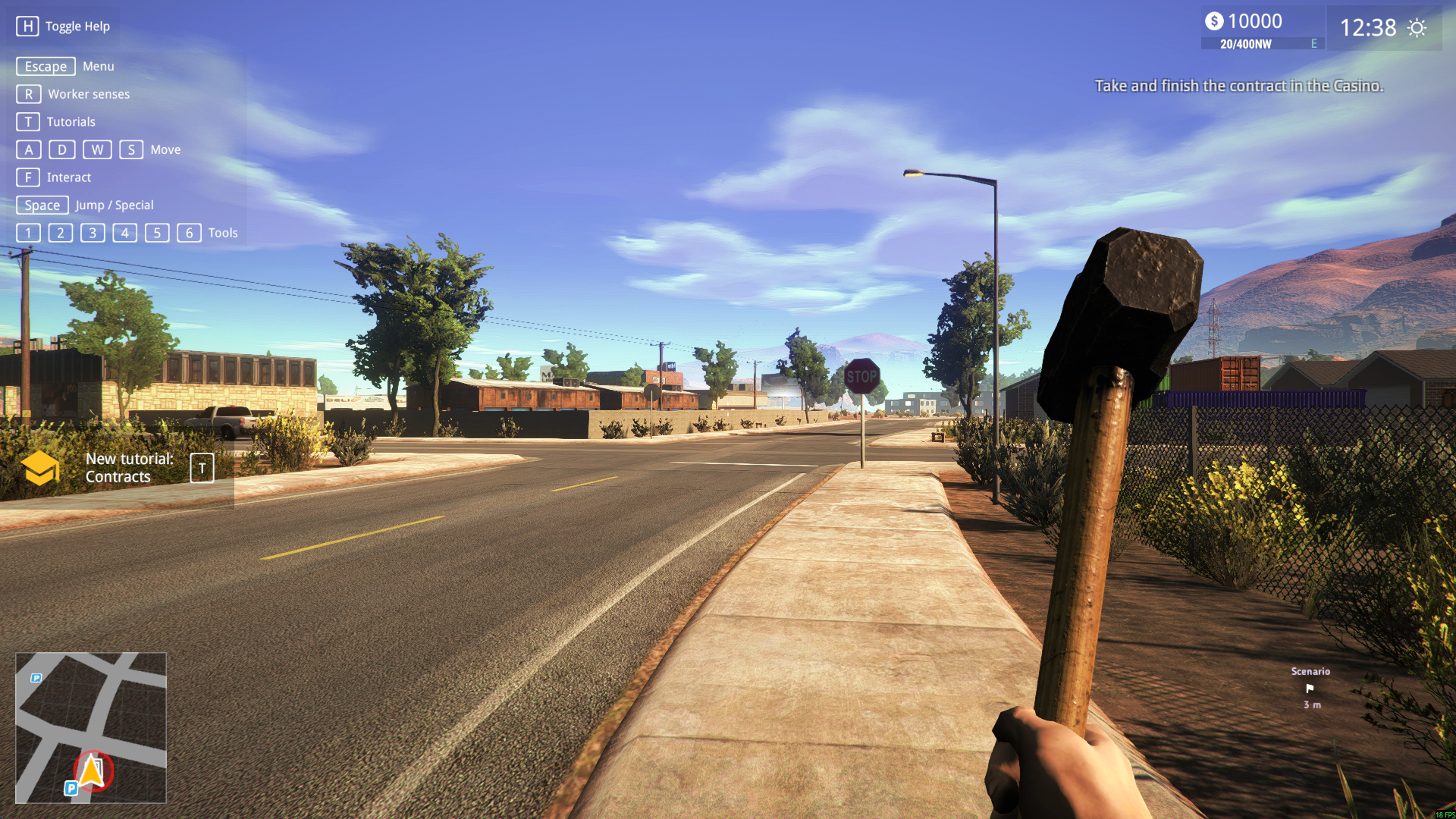
Choose the hour for your next job
Set the hour, then keep working as time moves on.
More ways to customise Demolish & Build 2018
- Demolish & Build 2018 stat modifiers
Fly above the worksite with adjustable speeds, or set walking movement from 50% to 300%.
Using these features
Choose the feature in the Windows app after connecting your game. Check its requirements before making a change.
Setup for Demolish & Build 2018 →