

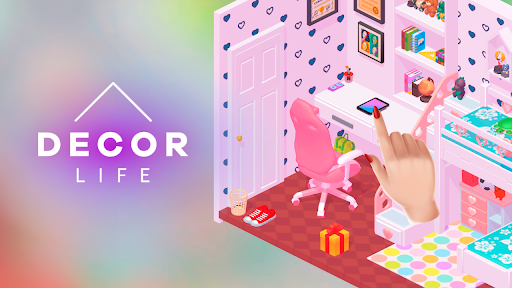
Game Actions
2 optionsOne action adds a gift-progress step; the other advances level progress with an Experimental limitation.
View game actions →Pack up old belongings, arrange objects and bring rooms to life in Decor Life. These mods give you two focused ways to advance progress while you work on your home.
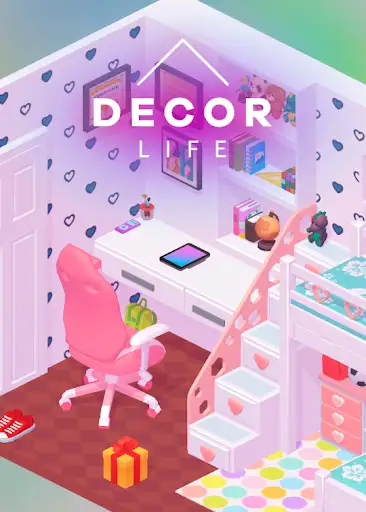
Game Actions contains the free Add gift progress control and the Premium Advance level progress control. The level action is Experimental and may add progress without opening another room immediately.
Open Decor Life on YouTube Playables and connect it to Bytonian Mods. Select the game, open Game Actions and use the action you want. These actions change progression, so choose when to use them.
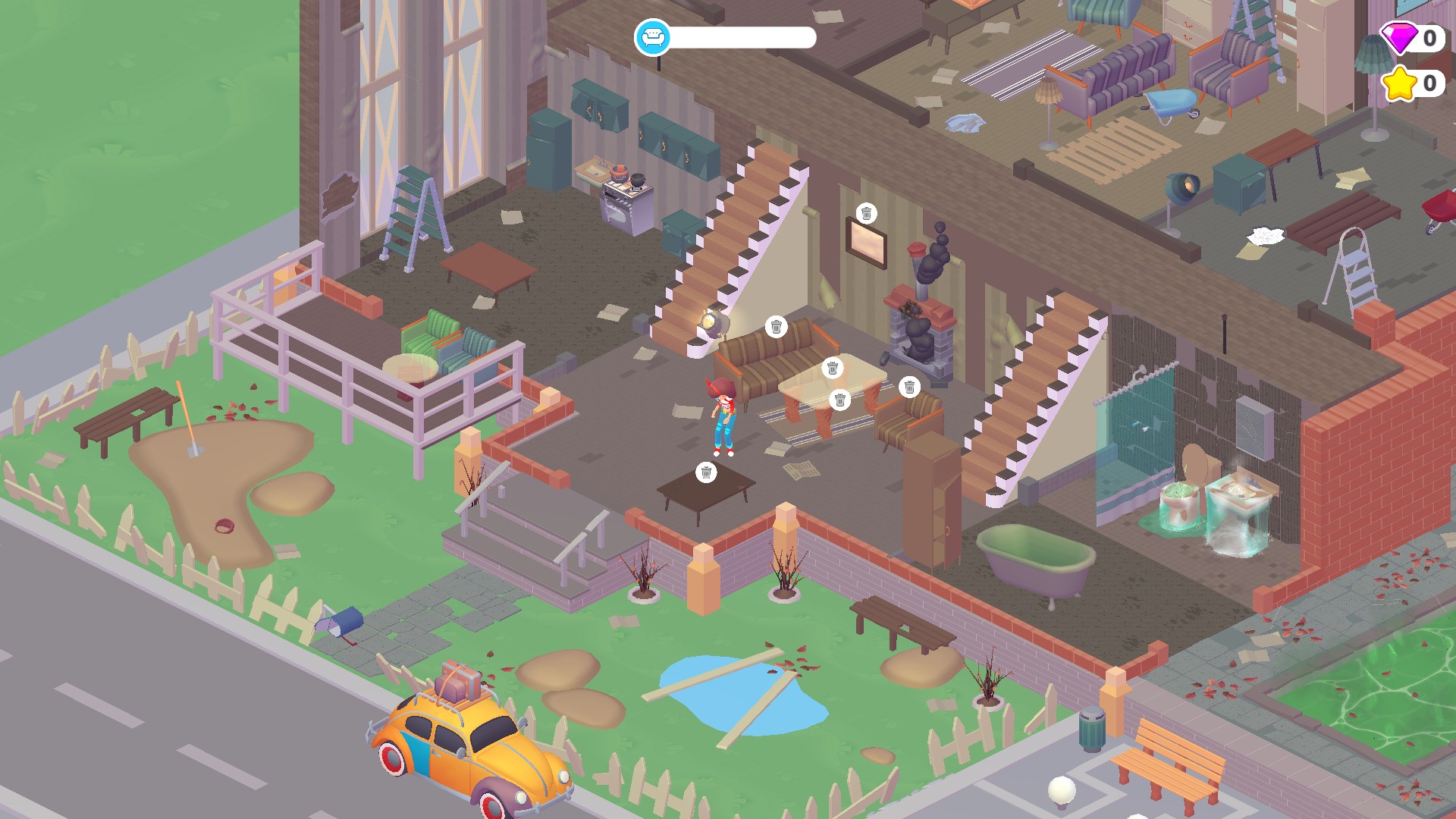
A home to renovate in Decor Life
Explore the rooms and start turning this cluttered house into a home.
One action adds a gift-progress step; the other advances level progress with an Experimental limitation.
View game actions →Download the Windows app and follow the setup prompts.
Set up the browser extension in Chrome or Edge, then open the supported YouTube Playable. Follow the connection guide if the game is already running.
Review the available options in the app and choose the ones that suit how you play.