

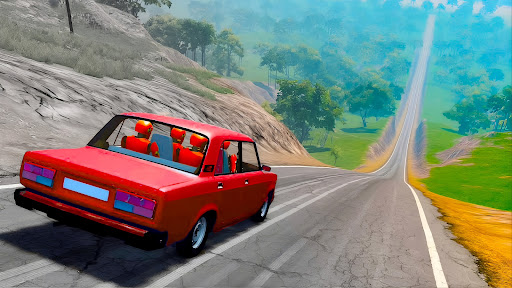
Game Actions
1 optionUse a one-time repair after a crash, then return to driving.
View game actions →Deadly Descent puts a destructible car on a steep road where a bad landing or collision can leave it badly damaged. Repair car gives you a way to recover and keep working through the course.
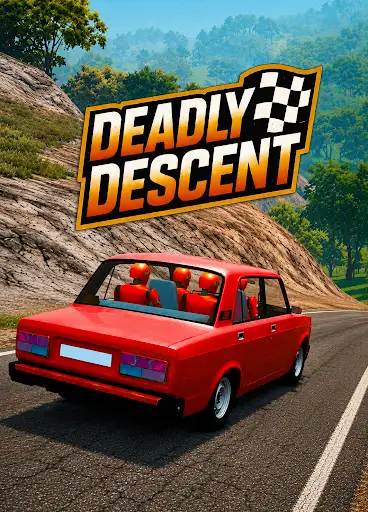
The free Repair car action repairs your current vehicle during play. Use it after a crash when you want to continue tackling the road from your current position.
Open Deadly Descent through Bytonian Mods and enable the Repair car package. During play, press Repair car after your vehicle takes damage, then continue with the game's normal driving controls. If you have paused the game, resume it to let the repair finish.
Use a one-time repair after a crash, then return to driving.
View game actions →
Back on the road
Use Repair car to recover from crash damage and continue down Deadly Descent's steep roads.
Download the Windows app and follow the setup prompts.
Set up the browser extension in Chrome or Edge, then open the supported YouTube Playable. Follow the connection guide if the game is already running.
Review the available options in the app and choose the ones that suit how you play.