
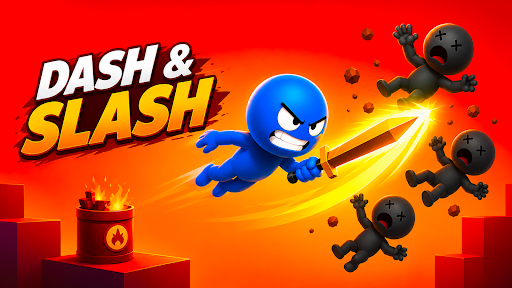
Keep your rooftop run moving
Take another attempt from the start of your current level, revisit the previous stage or head to the next one. You can also open the completion screen or top up your character's health before the next encounter.
Requires the Windows app and the Bytonian Mods browser extension for Chrome or Edge. Browser setup guide
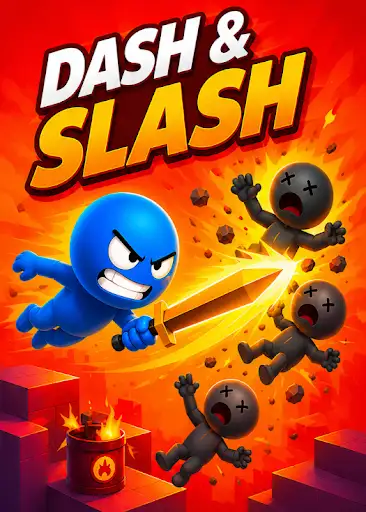
Pick a level action
Use Restart Level to return to the beginning of the current stage. For level navigation, choose Next Level or Previous Level, then apply your choice. Complete Level opens the current stage's completion screen.
Top up before the next encounter
Refill Health restores your living character's health to full. Use it while your character is still alive; it is a refill rather than ongoing protection.
Available game actions
Choose a levelPremium
Move forward to the next level or go back to the previous one.
Choose a direction, then apply it.
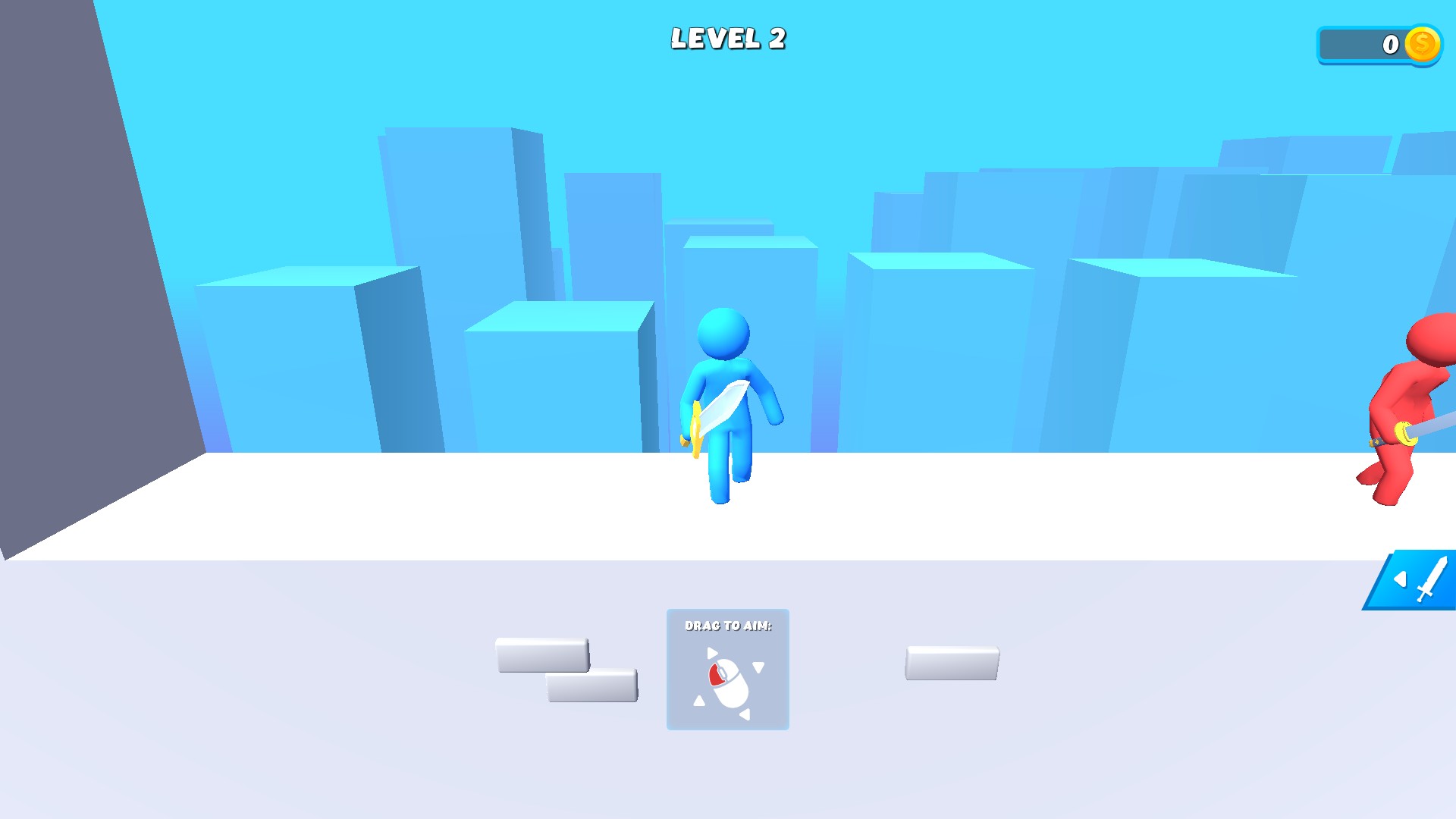
Head to the next level
Choose Next level and jump into a new rooftop challenge.
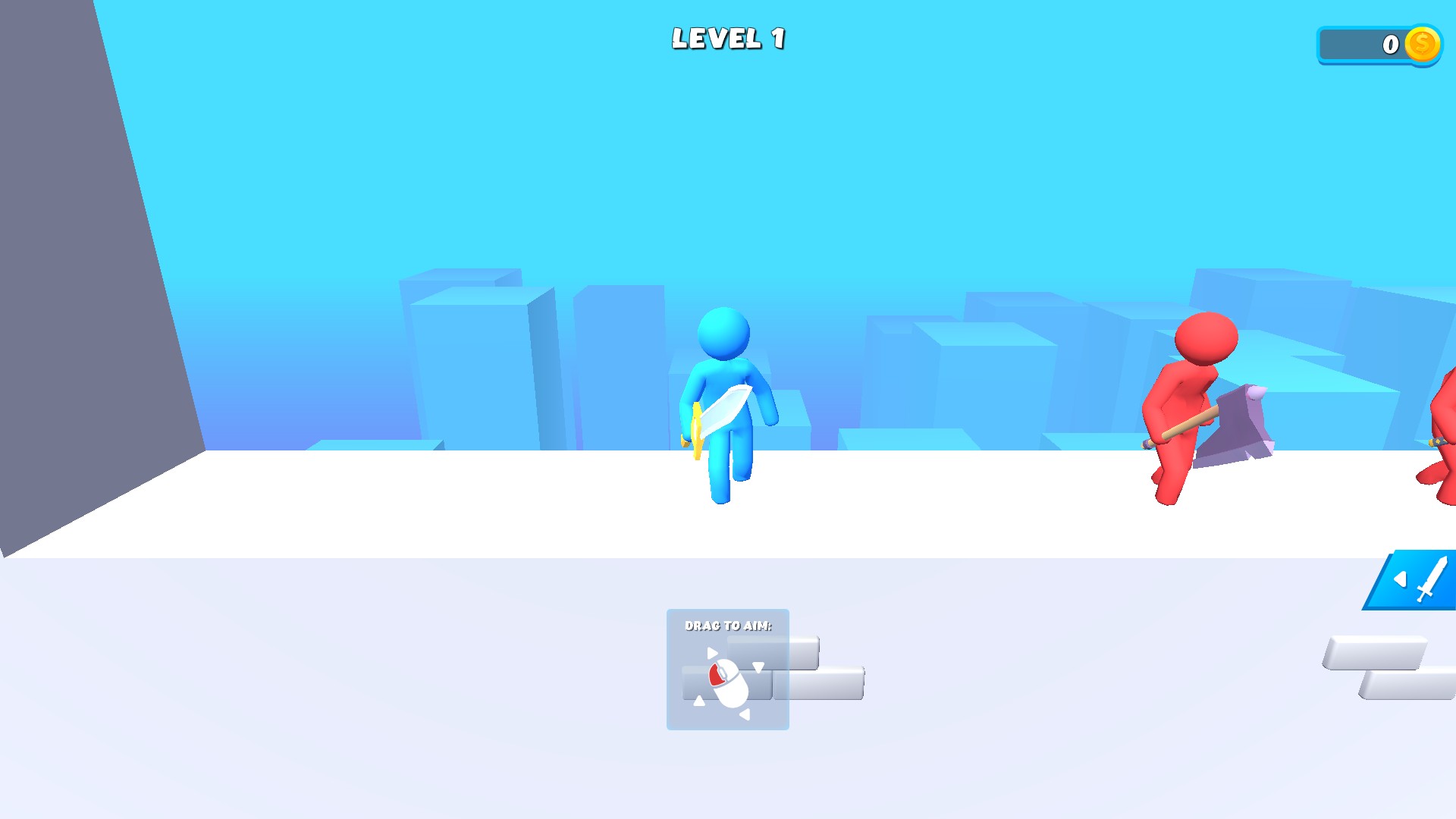
Go back a level
Choose Previous level to return to an earlier rooftop challenge.
1 / 2Complete levelPremium
Finish the current level and open its completion screen.
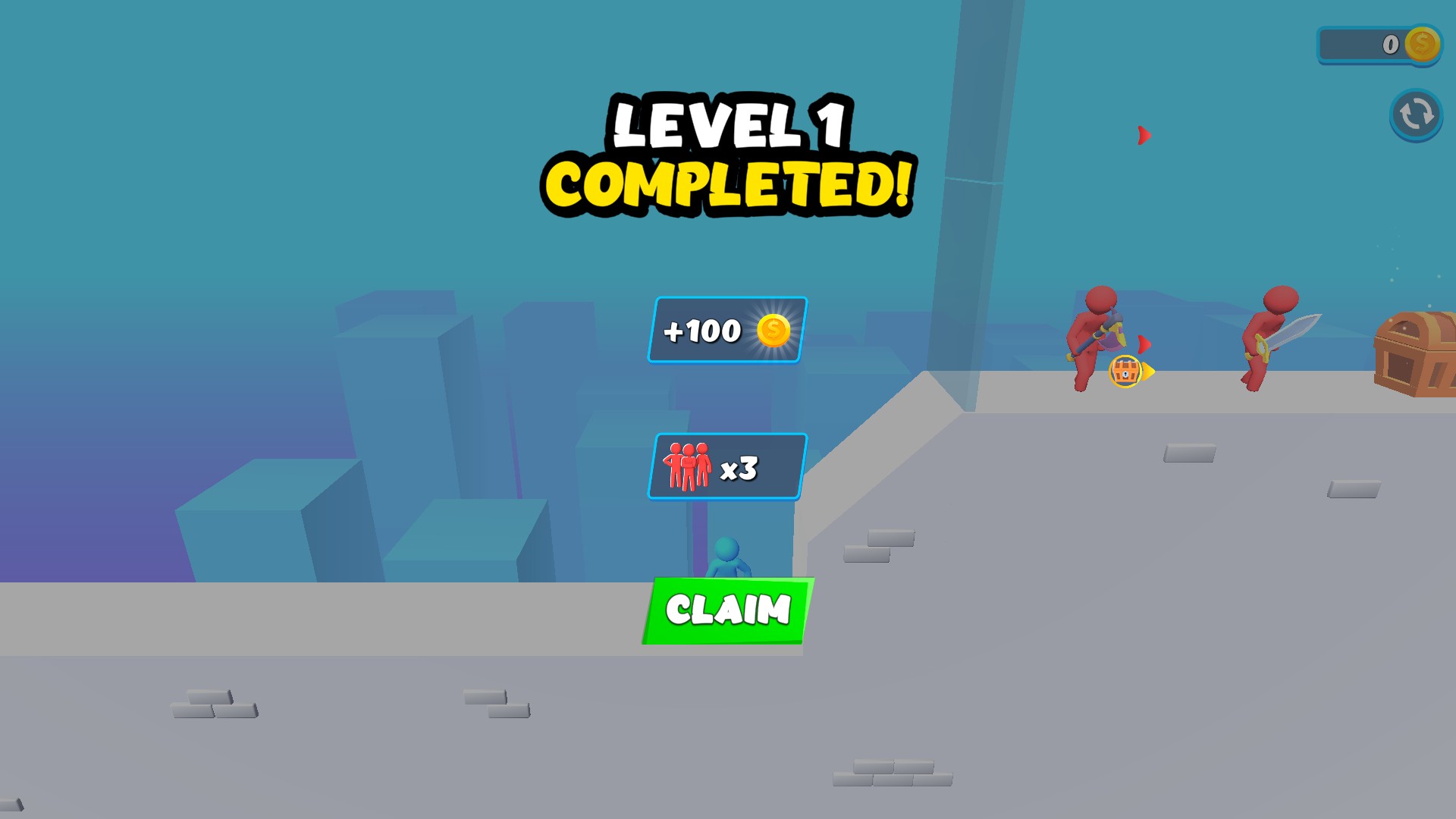
Finish your current level
Open the level-complete screen when you're ready to move on.
Refill healthPremium
Restore your character's health to full while they are still alive.
Apply when you want a health top-up.
Restart levelFree
Start your current level again and line up another attempt.
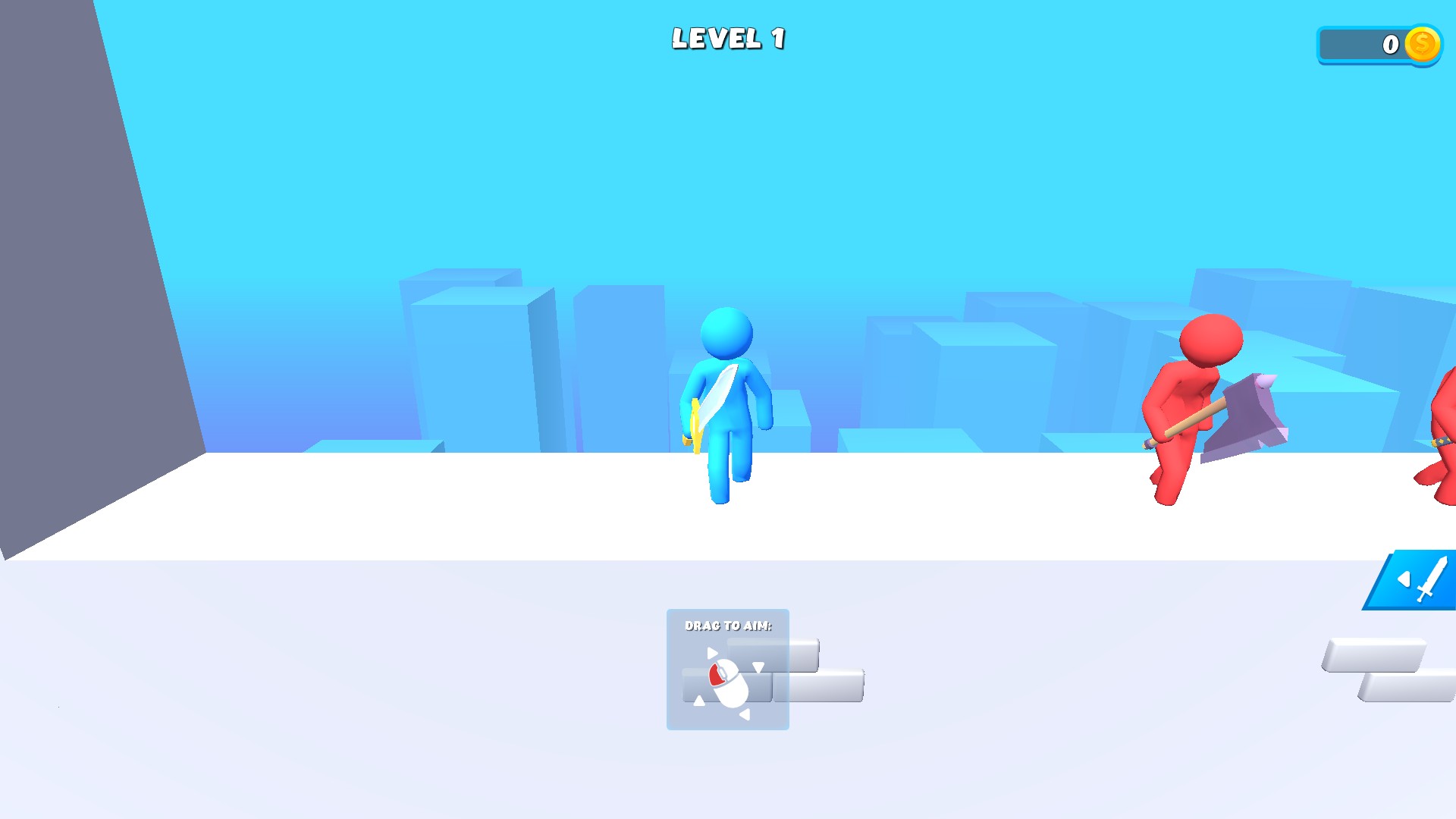
Take another run at the level
Return to the start of your current level and line up your next move.
More ways to customise Dash and Slash
- Dash and Slash customisation options
Choose the coin balance for your next run.
Using these features
Choose the feature in the Windows app after connecting your game. Check its requirements before making a change.
Setup for Dash and Slash →