

Cuphead equipment and Expert mode
Choose base-game weapons, Super Arts and charms in the equipment menu, or make Expert difficulty available in boss menus. These controls preserve paid DLC ownership requirements.
Available unlocks
Unlock all charmsPremium
Make released charms available in the equipment menu while enabled.
Paid DLC requires ownership. Your earned unlocks are preserved.
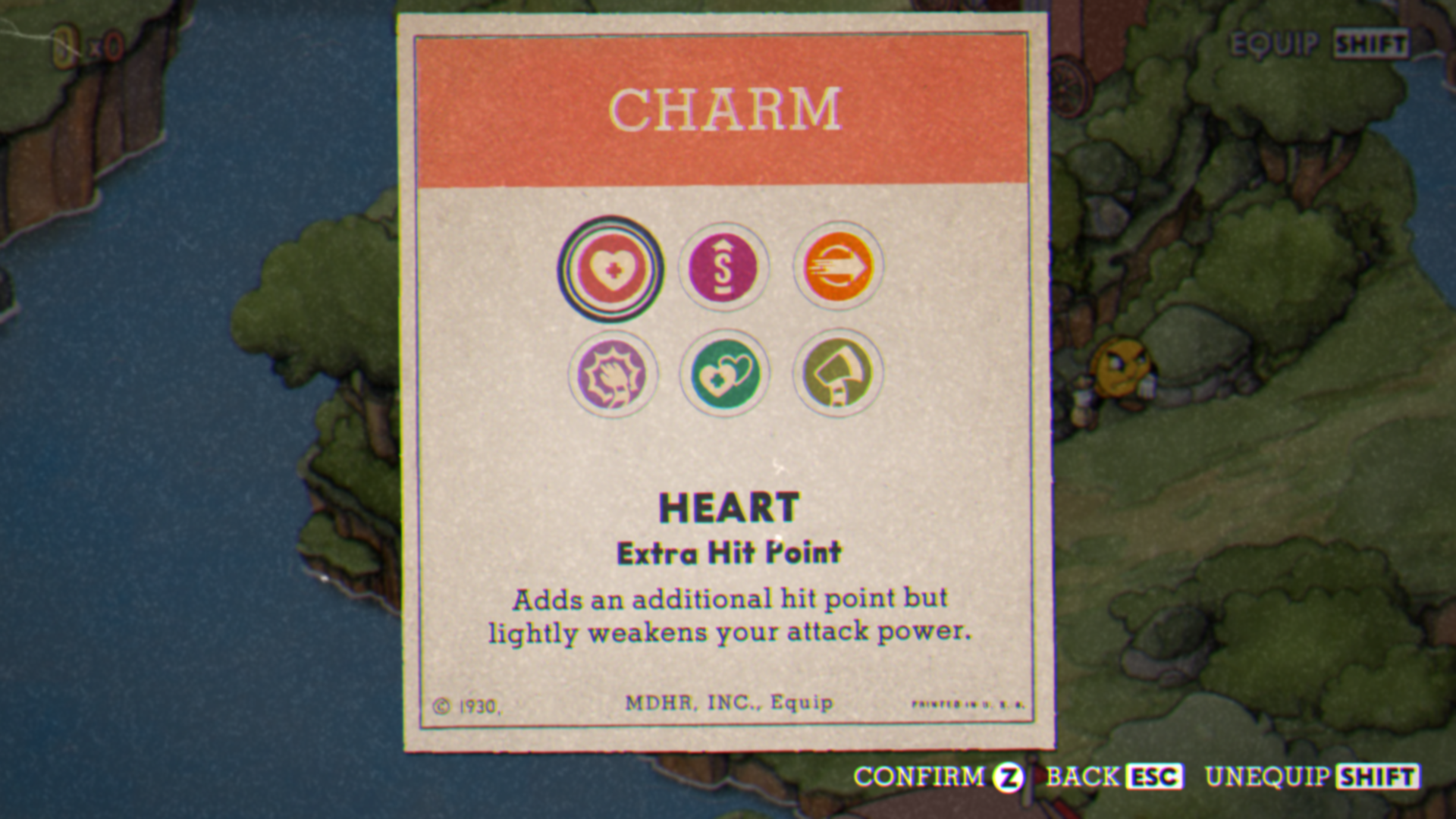
Choose your base-game charms
Make the six base-game charms available in the equipment menu.
Unlock all supersPremium
Make released Super Arts available in the equipment menu while enabled.
Paid DLC requires ownership. Your earned unlocks are preserved.
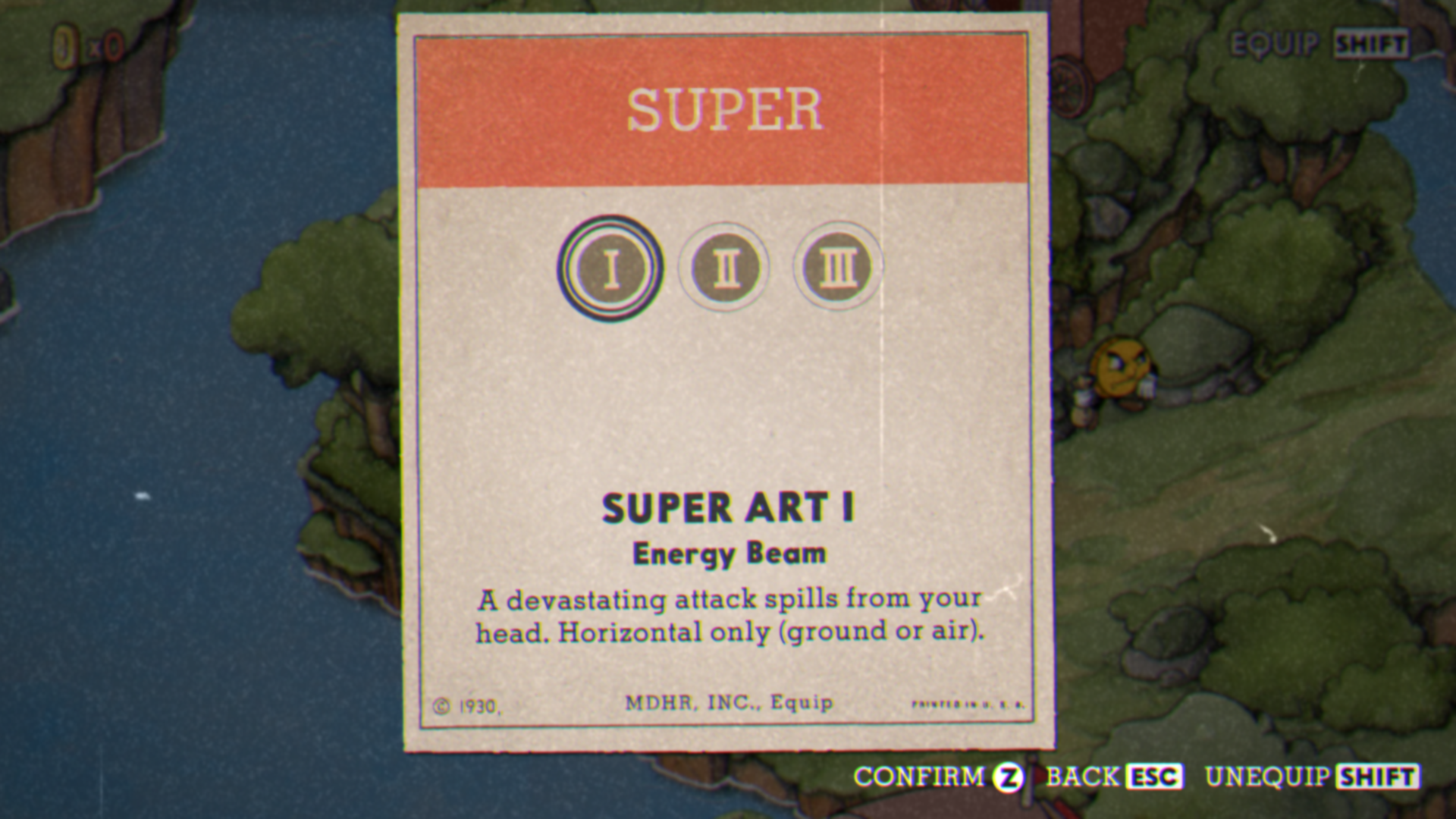
Choose a Super Art
Make the three base-game Super Arts available in the equipment menu.
Unlock all weaponsPremium
Make released weapons available in the equipment menu while enabled.
Paid DLC requires ownership. Your earned unlocks are preserved.
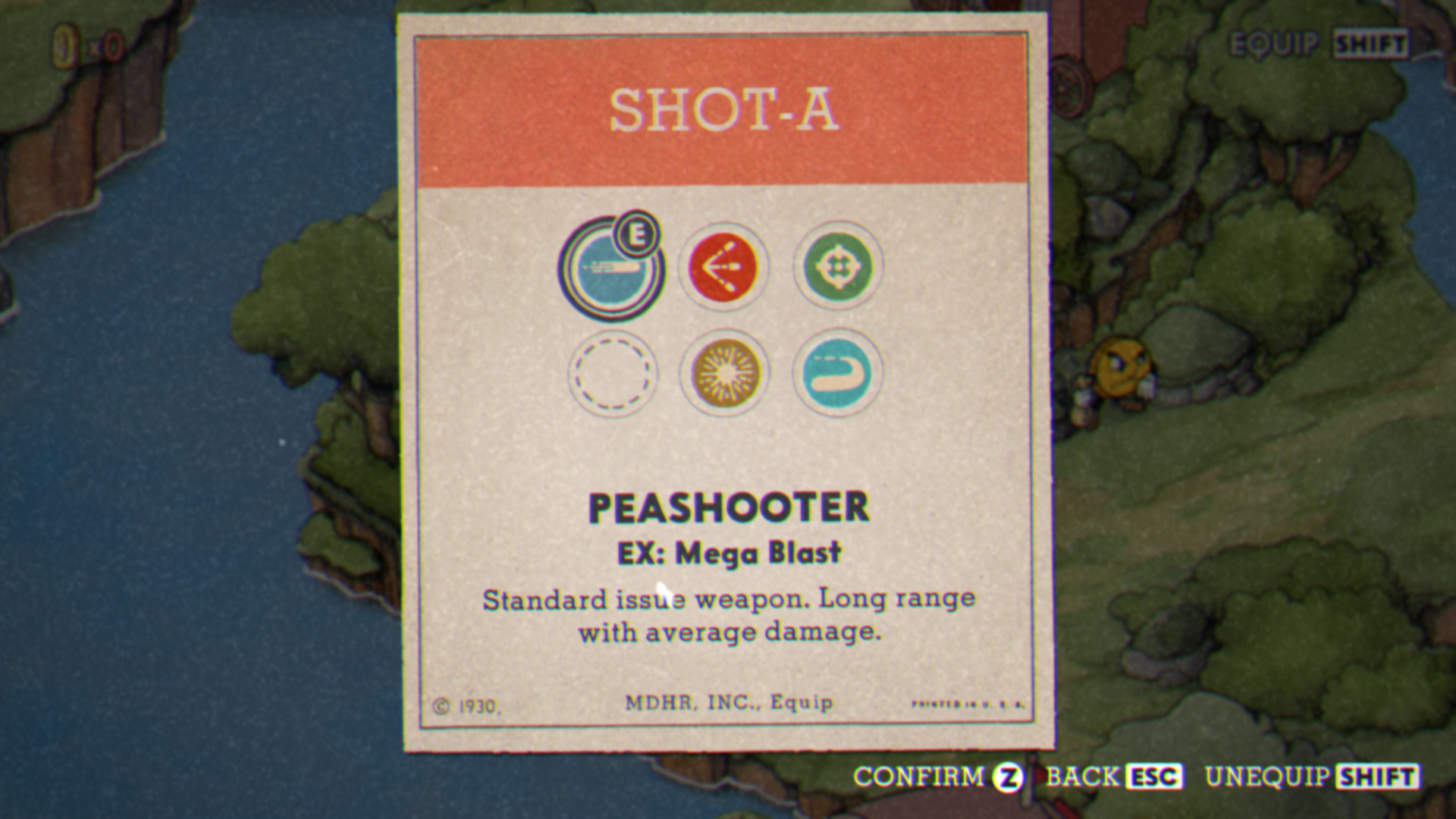
Choose your base-game weapons
Make the released base-game weapons available in the equipment menu.
Unlock expert modeFree
Show Expert difficulty in boss menus without completing the game first.
Turn it off to restore normal difficulty availability.

Expert difficulty in The Root Pack menu
Expert appears alongside Simple and Regular in the boss difficulty menu when Unlock expert mode is enabled.
More ways to customise Cuphead
- Cuphead resources
Adjust Cuphead player health and coins, with controls for setting values and maintaining a minimum.
- Cuphead stat modifiers
Adjust attacks and projectiles or choose extra protection during fights.
- Cuphead rule modifiers
Refill Cuphead's Super Meter and change completed-level grades.
- Cuphead ability modifiers
Tune normal movement, repeat air dashes or choose Fly and Classic Board abilities.
- Cuphead game actions
Restart the current level or complete it through the game's normal results.
Using these features
Choose the feature in the Windows app after connecting your game. Check its requirements before making a change.
Setup for Cuphead →