


Resources
1 optionSet the balls available for chapter skill purchases.
View resources →Drop balls through multipliers, spend the haul on skills, and send your hero into the next fight. Give yourself more room to build a chapter your way with skill balls, fresh choices and a pace that suits you.

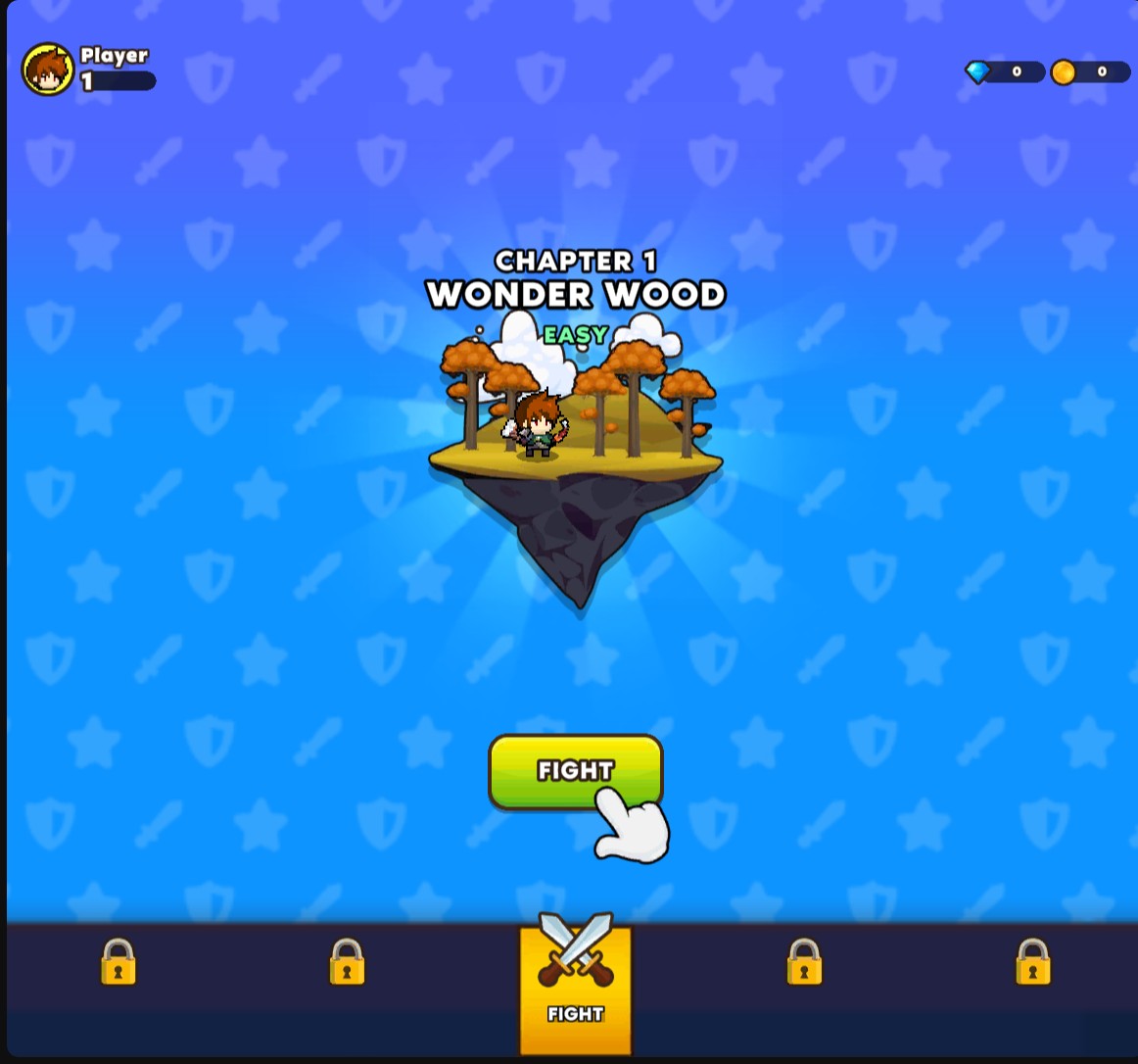
Start in Wonder Wood
Get ready for your first chapter in Wonder Wood.
Resources let you choose your skill-ball balance. Game Actions give you fresh skill offers or clear the enemies in your way. Progression Systems help you finish the current chapter, while Stat Modifiers let you adjust battle and ball pace separately.
Open Cup Heroes with Bytonian Mods and start a normal chapter before using these controls. Use Reroll skills while the skill selection screen is open. Enable Chapter pace while the game is running at normal speed.
Set the balls available for chapter skill purchases.
View resources →Adjust battle and falling-ball pace with separate percentage controls.
View stat modifiers →Reroll the skills on offer or clear the current enemies.
View game actions →Complete the active chapter and continue through the normal reward screen.
View progression systems →Download the Windows app and follow the setup prompts.
Set up the browser extension in Chrome or Edge, then open the supported YouTube Playable. Follow the connection guide if the game is already running.
Review the available options in the app and choose the ones that suit how you play.